
DALL·E 3 and Stable Diffusion XL make up two leading options in image generation technology. Their core functions serve different needs and work styles.
DALL·E 3 stands out through its natural understanding of text prompts and precise text rendering, supported by its ChatGPT connection. This integration helps users create more accurate, detailed image requests.
Stable Diffusion XL offers hands-on control features, quick processing, and specialized editing tools such as inpainting and outpainting. These traits make it particularly useful for professional image editing tasks.
The basic structure of each model reflects their intended uses: DALL·E 3 prioritizes simple quality controls and style options, while Stable Diffusion XL enables deep image adjustments and fine-tuning. These characteristics shape how each tool fits specific project needs.
Table of Contents Toggle
- Key Takeaways
- Understanding Core Features
- Technical Performance Analysis
- Design Capabilities Compared
Key Takeaways
DALL·E 3 renders text clearly within images with minimal errors.
Stable Diffusion XL runs offline, making image creation much faster.
Both systems deliver unique strengths in image manipulation tools.
Understanding Core Features
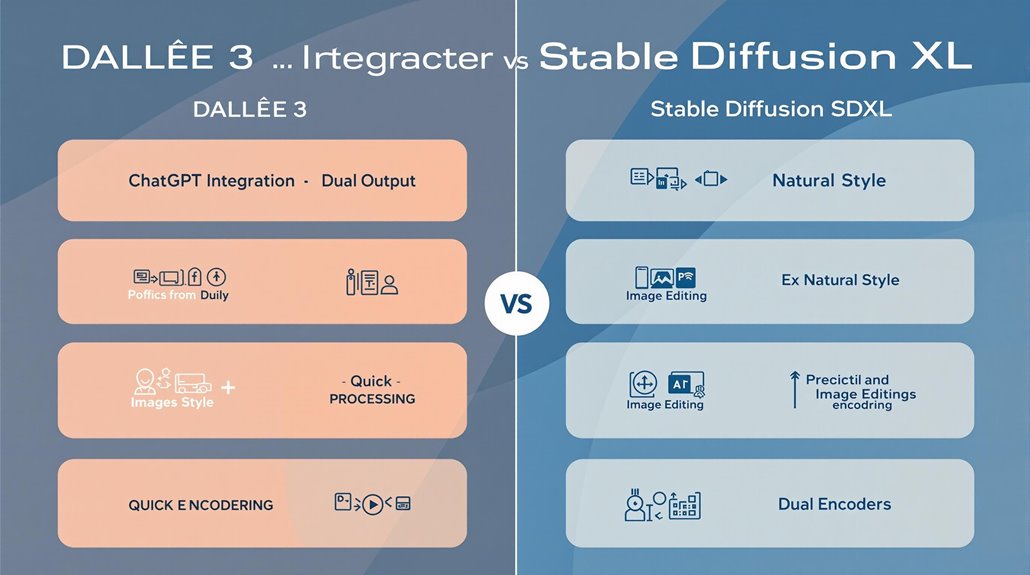
Core Differences in Image Generation Models
DALL·E 3 and Stable Diffusion XL showcase distinct capabilities in AI-powered image creation. These models demonstrate unique approaches to converting text descriptions into visual content, with each offering specific advantages in image quality and processing methods. DALL·E 3 offers both natural and vivid style options for generating images.
The technical foundation of DALL·E 3 centers on precise interpretation of user instructions, paired with its ChatGPT integration for better understanding of complex prompts. Stable Diffusion XL utilizes two fixed pretrained text encoders to process input prompts effectively.
Stable Diffusion XL stands out through its adaptable architecture, supporting extensive image editing and refinement options.
Both systems produce detailed visuals, but their methods differ significantly. DALL·E 3 maintains strict quality standards through dual output settings, while Stable Diffusion XL provides faster processing times and broader modification options for existing images.
The output preferences vary based on user needs and project requirements. DALL·E 3's style controls suit users seeking exact matches to their descriptions, while SDXL appeals to those requiring quick iterations and extensive post-generation adjustments.
Technical Performance Analysis
Technical Performance Comparison
DALL·E 3 and Stable Diffusion XL show measurable differences in their core capabilities and output quality. Testing shows DALL·E 3 produces more accurate text rendering and prompt matching, while Stable Diffusion XL needs specific keyword adjustments for complex technical images. DALL·E 3's integration with ChatGPT for prompting helps users generate better results without expert prompt engineering knowledge. The model's ability to understand nuanced details sets a new benchmark in AI image generation.
Each platform handles image creation differently. Stable Diffusion XL creates detailed images across various art styles, maintaining consistent quality and speed.
DALL·E 3 focuses on offering standard image sizes (1024×1024, 1024×1792, 1792×1024) with adjustable quality settings.
The platforms serve different technical needs based on their architecture design. Stable Diffusion XL offers both inpainting and outpainting features, making image editing seamless. DALL·E 3 lacks these features but offers strong parallel processing and style controls within its rate limitations.
Design Capabilities Compared
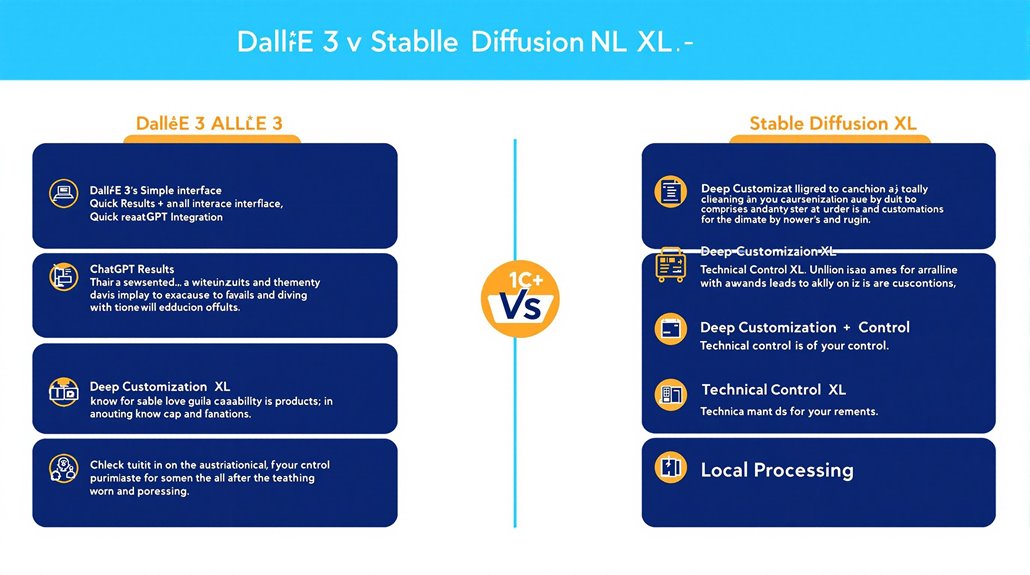
Design Features at a Glance
Stable Diffusion XL and DALL·E 3 show clear differences in their core design approaches. Stable Diffusion XL features deep customization options, detailed editing tools, and varied model options, while DALL·E 3 offers straightforward style choices and quality settings. Running Stable Diffusion locally gives users complete control over image generation.
Each platform serves distinct professional needs based on their built-in capabilities. Stable Diffusion XL's precise controls and training flexibility work well for technical projects that need exact output and consistent results, making it suitable for specialized industry use. The model's iterative refinement process generates remarkably detailed images from random noise.
DALL·E 3's natural interface works effectively for quick design creation and artistic projects. The platform connects with ChatGPT to help users write better prompts, showing its focus on making image creation simple and direct.
The best choice depends on the task: Stable Diffusion XL suits detailed technical work, while DALL·E 3 fits creative projects needing fast results. Both tools fill specific roles in professional image generation, with strengths matching different user requirements.