Create a high-resolution graphic featuring four circular buttons: a gray button with a white hand icon and the text "CLICK HERE," a red button with the same design, a silver button featuring the same theme, and a blue button, all with a clean, modern style, captured with a DSLR camera at f/2.8 aperture, ISO 100, 1/60s shutter speed, and a 50mm lens focusing on vibrant colors and sharp details.
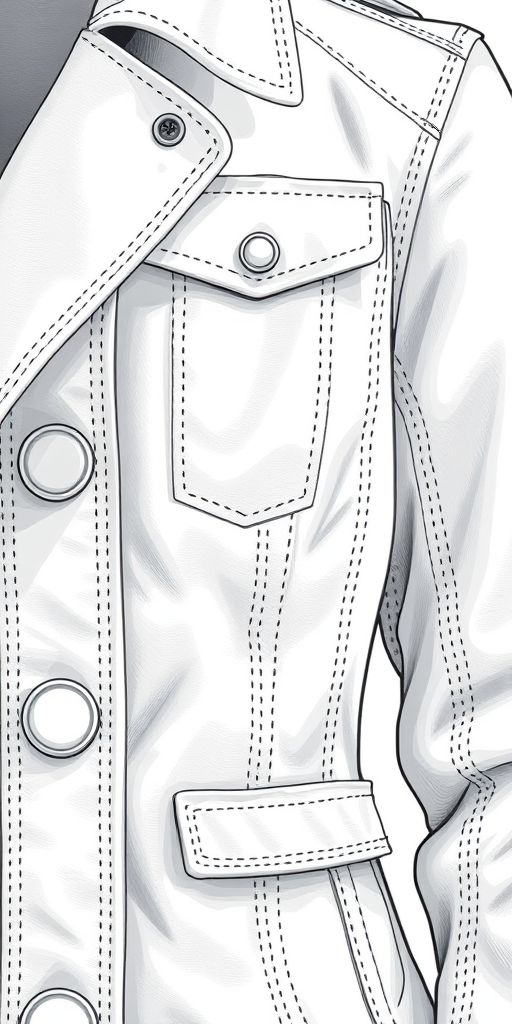
Create a highly detailed illustration of a white jacket with a structured design, showcasing intricate stitching and button details, captured in a close-up view using a DSLR camera with a 50mm lens, f/1.8 aperture, ISO 100, and natural lighting to enhance texture and contrast.
Create an image of a bright pink button with the text "CLICK HERE" in bold white letters, taken from a close-up angle using a DSLR camera, aperture set to f/2.8 for a shallow depth of field, ISO 100 for clarity, and natural lighting to enhance the color vibrancy.
Create a high-resolution image of two circular buttons with the words "YES" in white text on a green button and "NO" in white text on an orange button, with a soft-focus background, taken with a DSLR camera at f/2.8 aperture, 50mm lens, ISO 100, and natural lighting.
Create an image of a glossy, turquoise button with a raised "Buy" text in the center, shot with a Canon EOS R5 at f/2.8, ISO 100, 50mm lens, in a soft light setup, using a close-up view.
Generate a smooth, rounded orange button with a green downward arrow above it, using a Canon EOS 5D Mark IV, f/4 aperture, ISO 100, 50mm lens, in a well-lit studio environment with a clean background for enhanced clarity and detail.
Create a high-resolution image of a red help button with the word "HELP" in bold white letters, use a DSLR camera, f-stop of f/2.8, ISO 100, 50mm lens, shot from a top-down angle with soft lighting to enhance details and reduce shadows.
Create a high-resolution illustration of a glossy red button with a metallic silver border, using a DSLR camera, aperture f/2.8, ISO 100, 50mm lens, top-down view, soft lighting to enhance reflections and details.
Create an image of a red subscribe button with a bell icon, using a DSLR camera, 50mm lens, aperture f/2.8, ISO 100, in a soft focus style with a clean background to enhance clarity and vibrancy.
Create a high-resolution image of a sleek, modern search bar design with a hand pressing the button, using a DSLR camera, 50mm lens, f/2.8 aperture, ISO 100, and a soft-focus background to enhance clarity and depth.
Create an image of a sleek black tablet with a glowing power button, using a 50mm lens, f/1.8 aperture, ISO 100, and a focus on the tablet against a minimalistic background, shot from a slight angle to emphasize the screen and design.
Create a digital illustration of a hand pressing a blue "Follow" button with a heart above it, using a high-resolution camera setting of 300 DPI, a close-up view, in a vector art style with a digital camera type to enhance image quality.
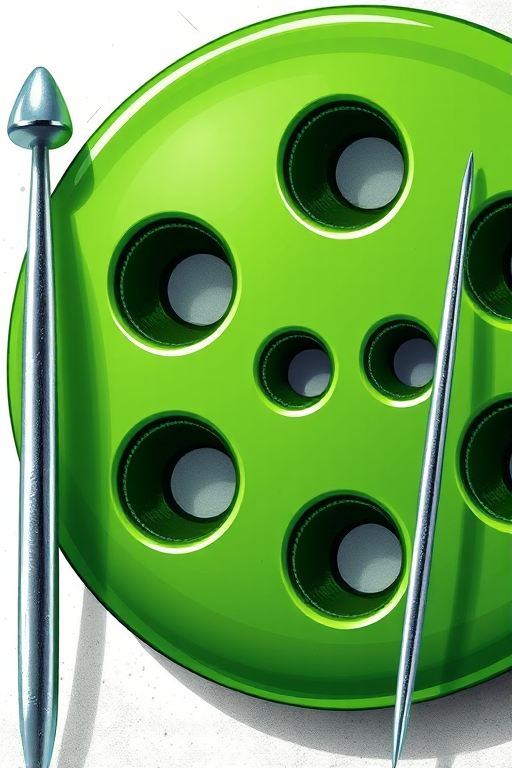
Create a high-resolution image of a large green sewing button with four holes next to a slender silver sewing needle, shot with a 50mm lens, f/2.8 aperture, ISO 100, natural light, and a shallow depth of field.
Generate a vibrant green YouTube play button with a textured, furry surface, using a Canon EOS R5 camera at f/2.8, ISO 100, and a 50mm lens, shot in natural lighting from a slightly elevated angle to enhance depth and detail.
Create a vibrant orange button with the text "TRY NOW" in bold white letters, using a DSLR camera at f/2.8 aperture, ISO 100, and a 50mm lens for a shallow depth of field, shot from a top-down angle to emphasize the button's rounded edges and smooth gradient.
Create a vibrant, high-resolution pink circular button with a white left arrow in the center, using a DSLR camera with a 50mm lens, f/1.8 aperture, ISO 100, shot at a 45-degree angle for depth, with soft studio lighting to enhance colors and reduce shadows.