Create a digital illustration of a human silhouette with a hand touching a button on the head, using a gradient blue background, in high resolution, shot with a Canon EOS R5 at f/8, 1/60 sec, ISO 100, in portrait orientation, with soft lighting for a clean, modern look.
Create a vibrant pink glossy button with a smooth gradient finish, captured using a DSLR camera with a 50mm f/1.8 lens, at ISO 100, aperture set to f/2.8, in a soft diffused lighting setup, with a slight bokeh effect in the background for added depth.
Create a vibrant digital illustration of a confident woman in a fitted pencil skirt and button-up shirt, stylishly walking, with a soft-focused background, using a DSLR camera with a 50mm lens, aperture set to f/1.8, ISO 100, and natural lighting for a warm glow.
Create a glossy golden button with the word "Donate" in bold, soft-focus background, shot with a DSLR camera at f/2.8 aperture, ISO 100, 50mm lens, and soft lighting.
Create an image with a minimalist design featuring icons: a checklist, floppy disk, camera, smartphone, clouds, rain, play button, award ribbon, and group of people, use a Canon EOS R camera, aperture f/2.8, ISO 100, 50mm lens, top-down view, vibrant blue color scheme for enhanced clarity and quality.
Create a high-resolution image of a glossy green circular button with a smooth surface, soft gradients, and a subtle 3D effect, captured with a Canon EOS R5 at f/2.8, ISO 100, 50mm lens, natural lighting, centered composition.
Regenerate an illustration of a woman with orange hair playing an orange guitar, wearing a white button-up shirt, in a minimalist style, with soft lighting; use a DSLR camera, focal length of 50mm, aperture f/1.8, shutter speed 1/125s, ISO 100, with a shallow depth of field for enhanced image quality.
Create a detailed vector illustration of a hand with an extended finger, designed to symbolize pressing a button, with a clean, minimalist style, high contrast colors, and smooth edges, shot with a Canon EOS 5D Mark IV, 50mm lens, at f/2.8, 1/200s shutter speed, in a well-lit studio environment.
Create a highly detailed digital illustration of a steampunk-themed power button encased in ornate brass and copper machinery, using 4K resolution, a 50mm lens, f/2.8 aperture, and soft studio lighting to enhance depth and texture.
Create a vibrant red button with the text "SHOP NOW" in bold yellow font, using a Canon EOS R5 camera, 50mm lens, f/2.8 aperture, ISO 100, 1/60 shutter speed, top-down view, high-definition style.
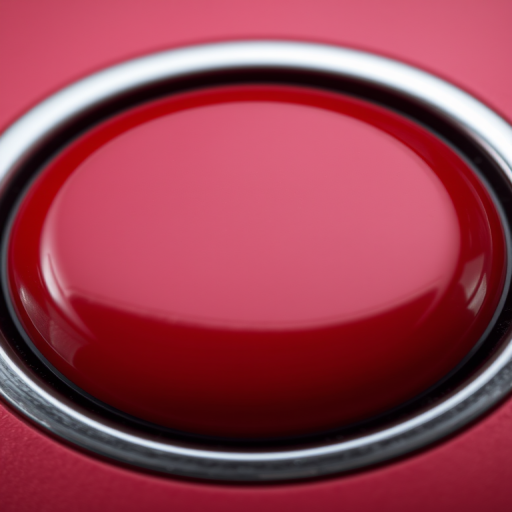
Create an image of a glossy red button with a circular gray border, using a DSLR camera with a 50mm lens at f/2.8 aperture, ISO 100, shot from a front view, in soft natural lighting to enhance depth and reflection.
Create a high-resolution image of a circular button with a thumbs up symbol in a modern design, using a Canon EOS R5 camera, 50mm lens, f/2.8 aperture, ISO 100, with a soft-focus background to enhance the button's vibrant colors.
Create a highly detailed, high-resolution image of a glossy metallic button with the text "CLICK HERE" embossed on it, using a Canon EOS R5 camera, 50mm lens, f/2.8 aperture, 1/125s shutter speed, ISO 100, with a clean black background and soft studio lighting for an engaging effect.
Create an illustration of a colorful remote control with a green body, blue button on top, and multiple colored buttons in a playful design, captured with a Canon EOS 5D Mark IV, 50mm lens, aperture f/2.8, ISO 100, in natural light to enhance vivid colors and details.
Create an image of a large, glowing YouTube play button surrounded by vibrant flames with a dark gradient background, shot with a Canon EOS R5 at f/1.8, ISO 100, 1/250s, using a low-angle view and a cinematic style to enhance the visual impact.
Create a vibrant 3D illustration of a large green "Go" button, centered with soft shadows, high dynamic range, using a Canon EOS R5 with a 50mm lens at f/2.8, ISO 100, and soft diffused lighting to enhance details and depth.