

Advanced AI models have revolutionized the creative process by swiftly turning sketches into photorealistic images.
Tools like Stable Diffusion and ControlNet ensure precise input and output alignment, aligning with the desired aesthetic.
Imagen and DALL-E 2 have demonstrated unparalleled photorealism and language understanding, resulting in highly detailed and realistic output images.
This transformation has significantly streamlined the creative workflow for professionals under tight deadlines and fostered innovative collaboration between humans and AI in art, design, and storytelling.
Key Takeaways
- AI Tools convert sketches to realistic images, making manual illustration processes more efficient.
- These tools allow precise input of sketches and details to ensure the output meets the intended aesthetic.
- AI-generated images are versatile and can be used in various applications, including art, design, and storytelling.
Turn Sketch to Image
With advanced AI technology, sketches can be transformed into photorealistic images utilizing robust text-to-image diffusion models, enabling designers and artists to generate detailed visuals efficiently.
This capability allows for a creative workflow that was previously unimaginable.
Leveraging tools like Stable Diffusion and control nets, precise input information can be provided to ensure images align with the intended aesthetic, producing visually striking outcomes.
Models such as Imagen and DALL-E 2 have demonstrated unprecedented levels of photorealism and language understanding, expanding artistic possibilities.
AI Sketch to Image holds immense potential, not just for replacing manual illustration processes but also for fostering creative collaboration between humans and AI.
Capture the Concept
The ability to precisely capture the desired concept is essential in harnessing the potential of AI-generated photorealistic images, as it directly impacts the success of the final visual output.
This stage is where the creative process unfolds, and the AI system converts the sketch into a photo, encapsulating the intended scene, mood, and nuances.
Effective communication between the creative mind and the AI system is key to ensuring the translation from 2D to 3D is natural and true to the vision.
Accurate capture substantially influences the quality and realism of the resulting image, leading to remarkable results that transcend human capabilities and liberate new possibilities in art, design, and storytelling.
Produce Impactful Photos
Produce Impactful Photos using advanced AI technology to create dynamic and photorealistic images quickly and efficiently.
Sketch to Life seamlessly transforms sketches into detailed, lifelike photos in mere seconds.
Making it an invaluable tool for professionals under tight deadlines.
Fast-Track Creative Process
Fast-track Creative Process
Streamlining the Creative Workflow
Transforming sketches into elaborate, photorealistic images has become a crucial step in accelerating creative output. By utilizing cutting-edge AI technology, the sketch-to-image converter condenses the creative process into three essential steps: sketch, describe, and generate.
Empowering User Creativity
The AI Sketch feature allows users to experiment with different styles and effects, further refining output with the Canva AI photo editor. This fast editing capability guarantees swift rendering of images, making it ideal for projects with tight deadlines.
Efficient Image Generation
The converter's advanced technology generates highly detailed and accurate images from 2D sketches, freeing users from manual labor and allowing them to focus on creativity. This streamlined approach empowers users to efficiently produce impactful photorealistic images.
Styles for Indie Designers
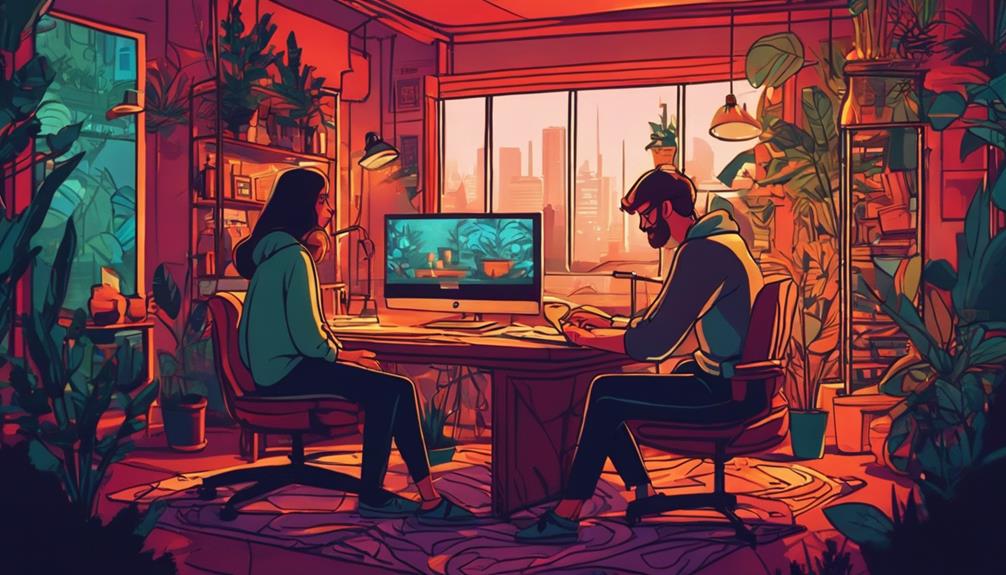
Indie designers can tap boundless creativity with AI sketch to image converters like Fotor, which convert rough sketches into Disney-style, anime-style, and game art-style images.
This technology empowers designers to inject their ideas into the digital world with minimal effort.
Fotor's online AI sketch generator leads the way in providing various styles, including strong characteristic options, ensuring that even novices can achieve professional results.
AI technology can convert simple sketch drawings into unlimited ideas and images, making it a go-to tool for indie designers looking to harvest ideas and bring design thoughts into reality.
Experimenting with different AI-generated styles, indie designers can find the perfect fit for their artwork, whether suited for fashion design, footwear design, or industrial design.
Various Image Output Options
Versatile AI Image Generation
AI technology takes image generation to the next level by providing a wide array of formats and styles for users to choose from, ensuring that generated images can seamlessly integrate with various projects and presentations.
The versatility of these tools allows users to experiment with different aesthetics, from photorealistic to stylized, and even upload their sketches to generate 3D images.
Formats and Editing
The output formats provided include common file types like JPG and PNG, making it easy for designers to include the generated images in their projects.
In addition to the format flexibility, these AI tools offer extensive editing capabilities.
Users can modify the generated images using built-in editing tools to further refine their designs.
Empowering Creative Vision
These AI tools empower users to transform simple sketches into visually striking images that can be used in diverse applications.
The range of output options makes these AI tools invaluable for designers, enabling them to bring their creative visions to life in a variety of formats.
Define Composition From Sketch
Defining Composition from Sketch
Transforming sketches into photorealistic images begins with the crucial step of defining composition. This process ensures that advanced AI tools accurately interpret the designer's artistic vision.
Composition in AI-generated images involves the arrangement of elements from the sketch to create a coherent and visually appealing output.
AI Tools for Sketch-to-Image Conversion
AI models like Stable Diffusion can swiftly convert sketches into realistic images.
These models allow designers to upload their sketches and provide additional context to influence the final output, ensuring that the generated image accurately reflects the intended composition.
With advanced algorithms, AI tools provide significant control over the outcome, making them an essential tool for creative professionals.
Enhanced Editable Image Options
Enhanced Editable Image Options
Unlock State-of-the-Art Editing Capabilities
The ability to edit generated images has profoundly revolutionized the creative process, offering artists a comprehensive suite of tools to refine their designs with precision.
Advanced software like Canvas AI Photo Editor allows for seamless modification of generated images, making it an indispensable tool in the creative workflow.
Platforms such as Draw3D provide users with extensive control over styles and effects, leading to output images with unmatched clarity and realism.
With such powerful tools at hand, creatives can effortlessly experiment and iterate on their designs, ensuring superior quality in their final artwork.
This ease of editing and enhancement has enabled artists to focus on the creative aspects of their work, producing digital art that is both stunning and sophisticated.
Accelerate Design Workflow Efficiently
Efficient
Workflow
Design
Frequently Asked Questions
Can AI Create Photo Realistic Images?
AI image generators can create photorealistic images by leveraging advanced algorithms to process inputs and generate high-resolution outputs.
Key Takeaways:
- Advanced algorithms generate high-resolution images.
- Inputs are crucial for photorerelistic outputs.
- Image generators rely on these algorithms.
What Is the AI That Turns Drawings Into Photos?
NewArc.ai and other AI tools turn drawings into photorealistic images.
What Is the Most Realistic AI Image Generator?
- Draw3D accurately transforms sketches into lifelike photorealistic images with detailed attributes.
- Microsoft Designer's Image Creator combines accuracy, speed, and cost-effectiveness for overall best AI image generation.
- Google ImageFX offers high-quality, realistic outputs with features like expressive chips and style suggestions for beginners.
How Do I Turn a Picture Into a Realistic Sketch?
To turn a picture into a realistic sketch, use Fotor's AI sketch generator for stunning digital art.
Key Takeaways:
- Fotor's AI converts photos into realistic digital sketches.
- Utilize sketch optimization for accurate results.
- Artistic interpretation ensures high-quality outcomes.
