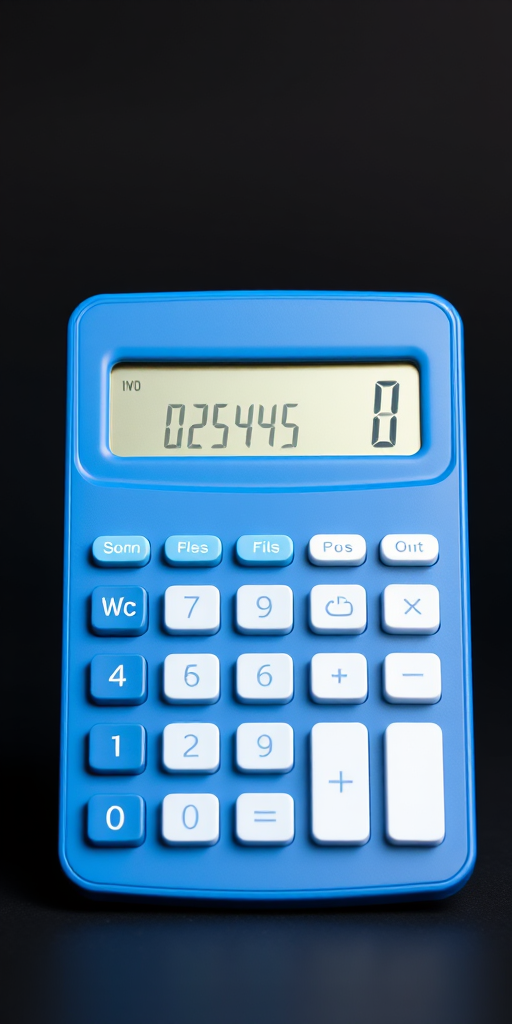
Create a high-resolution image of a simple calculator with a blue body and white buttons, front view, 50mm lens, f/5.6 aperture, ISO 100, studio lighting.
Create an image of various gold buttons and shapes including rectangles, circles, and stars, with smooth gradients and glossy surfaces, using a DSLR camera with a 50mm lens, f/1.8 aperture, 1/200 shutter speed, ISO 100, and a shallow depth of field to emphasize reflections and details.
Create a high-resolution image of a red help button with the word "HELP" in bold white letters, use a DSLR camera, f-stop of f/2.8, ISO 100, 50mm lens, shot from a top-down angle with soft lighting to enhance details and reduce shadows.
Create a high-resolution illustration of a glossy red button with a metallic silver border, using a DSLR camera, aperture f/2.8, ISO 100, 50mm lens, top-down view, soft lighting to enhance reflections and details.
Create a high-resolution digital illustration of four arrow buttons (two left and two right arrows) in a sleek and modern design, with a glossy finish and subtle shadows, using a Canon EOS R5 camera with a 50mm f/1.2 lens, aperture set at f/2.8, ISO 100, and soft diffused lighting to enhance the image quality.
Create an image of a red subscribe button with a bell icon, using a DSLR camera, 50mm lens, aperture f/2.8, ISO 100, in a soft focus style with a clean background to enhance clarity and vibrancy.
Create a high-resolution image of a sleek, modern search bar design with a hand pressing the button, using a DSLR camera, 50mm lens, f/2.8 aperture, ISO 100, and a soft-focus background to enhance clarity and depth.
Create an image of a sleek black tablet with a glowing power button, using a 50mm lens, f/1.8 aperture, ISO 100, and a focus on the tablet against a minimalistic background, shot from a slight angle to emphasize the screen and design.
Create a digital illustration of a hand pressing a blue "Follow" button with a heart above it, using a high-resolution camera setting of 300 DPI, a close-up view, in a vector art style with a digital camera type to enhance image quality.
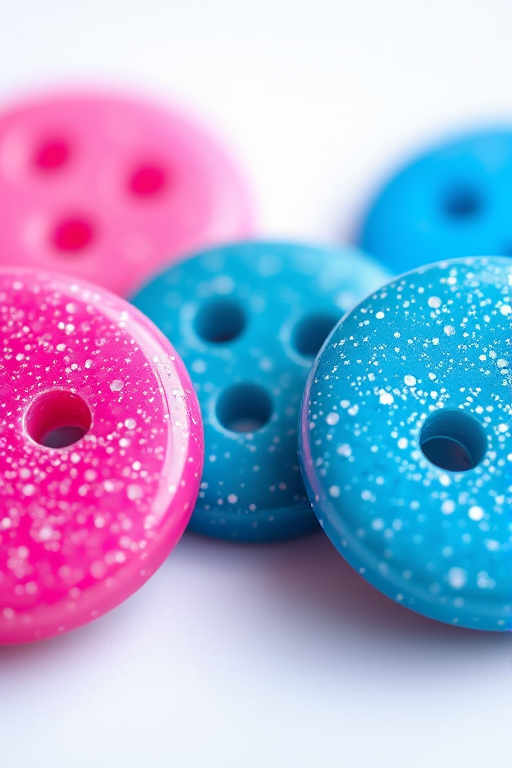
Create an image of four glittery buttons in a row, two pink and two blue, with a high-resolution focus, shallow depth of field, shot using a macro lens at f/2.8, capturing vivid colors and sparkling effects under soft lighting.
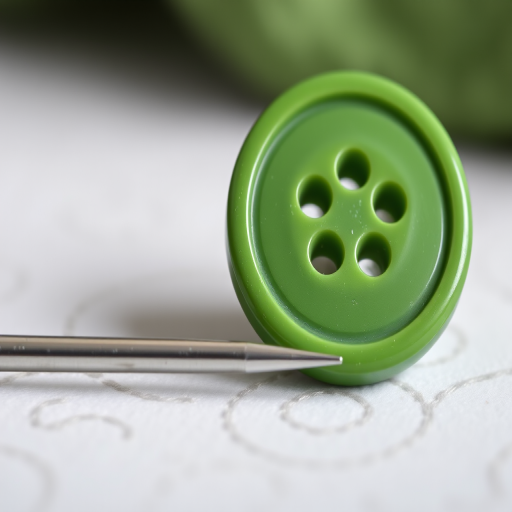
Create a high-resolution image of a large green sewing button with four holes next to a slender silver sewing needle, shot with a 50mm lens, f/2.8 aperture, ISO 100, natural light, and a shallow depth of field.
Generate a vibrant green YouTube play button with a textured, furry surface, using a Canon EOS R5 camera at f/2.8, ISO 100, and a 50mm lens, shot in natural lighting from a slightly elevated angle to enhance depth and detail.
Create a high-resolution image of colorful icons featuring arrows in blue, red, green, and yellow circular buttons with glossy finishes, shot with a DSLR camera at f/2.8, 1/125s shutter speed, and ISO 100, with a top-down view and soft lighting to enhance clarity and vibrancy.
Create a vibrant orange button with the text "TRY NOW" in bold white letters, using a DSLR camera at f/2.8 aperture, ISO 100, and a 50mm lens for a shallow depth of field, shot from a top-down angle to emphasize the button's rounded edges and smooth gradient.
Create a vibrant, high-resolution pink circular button with a white left arrow in the center, using a DSLR camera with a 50mm lens, f/1.8 aperture, ISO 100, shot at a 45-degree angle for depth, with soft studio lighting to enhance colors and reduce shadows.
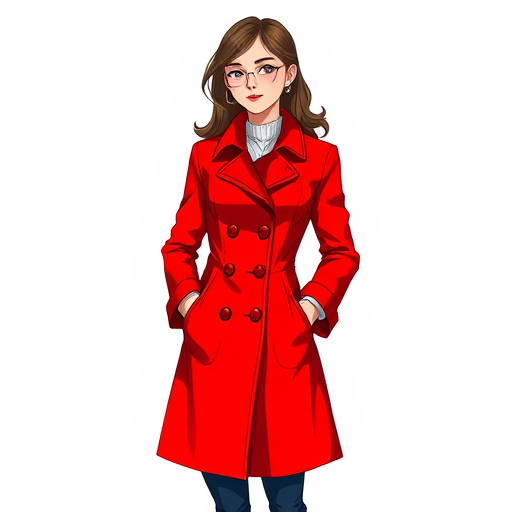
Generate an illustration of a woman wearing a bright red coat with buttons, standing confidently with her hands in her pockets, using a digital art style with a resolution of 300 DPI, 16:9 aspect ratio, angled slightly from the left, and emphasizing sharp lines and vibrant colors.