Create a high-resolution image of a circular pink button featuring a white plus symbol in the center, captured with a DSLR camera at f/4, ISO 100, 50mm lens, using a top-down view and soft diffused lighting for enhanced clarity and color vibrancy.
Create a sleek blue button with rounded edges featuring the text "Register" in white, captured with a Canon EOS R5, 50mm lens, f/2.8 aperture, ISO 100, in a top-down view with soft natural lighting to enhance image quality.
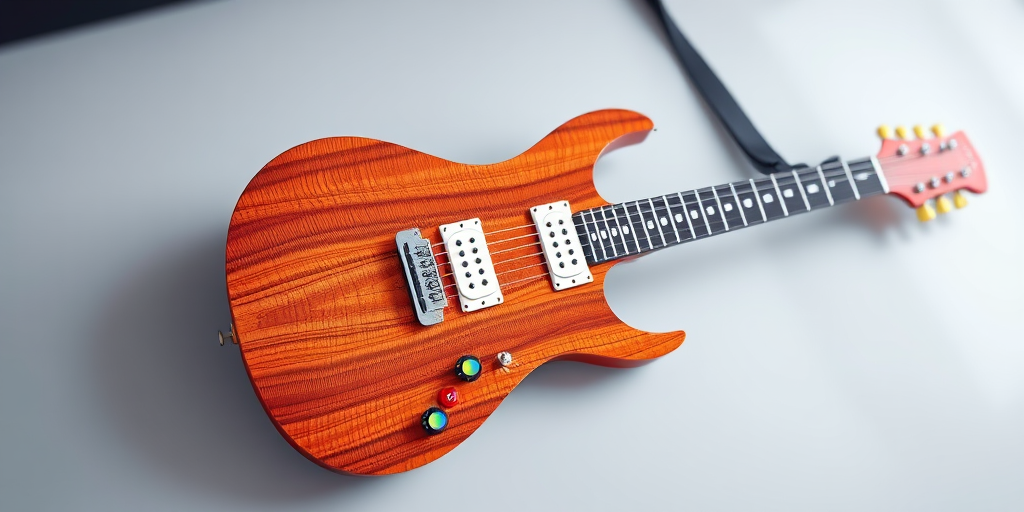
high-quality 3D render of an electric guitar with a unique star shape, detailed wood texture, vibrant colorful buttons, soft-focus foreground and sharp background, studio lighting, camera settings: ISO 100, f/8, 1/125 sec, camera view: angled overhead, camera style: realistic, camera type: digital SLR
Regenerate a minimalist play button icon within a square frame on a light background, using a Canon EOS R5 with a 50mm lens, f/1.8 aperture, ISO 100, shot from a top-down view with soft natural lighting for enhanced clarity and contrast.
Create a vibrant green button with a leaf icon, high resolution, shot with a Canon EOS R5 at f/8, ISO 100, 1/250s, using a macro lens to capture detail and enhance clarity.
Create an image of a vintage-style feedback button with a textured beige background and bold black handwritten text, using a Canon EOS 5D Mark IV with a 50mm lens, aperture f/2.8, ISO 100, shot in natural lighting from a top-down view.
Create an illustration of a smartphone with a colorful screen displaying a large "BUY" button, a hand pressing the button, set in a vibrant street market background, shot with a 50mm lens at f/1.8, ISO 100, 1/125s, with overhead natural lighting and a shallow depth of field to enhance focus on the smartphone.
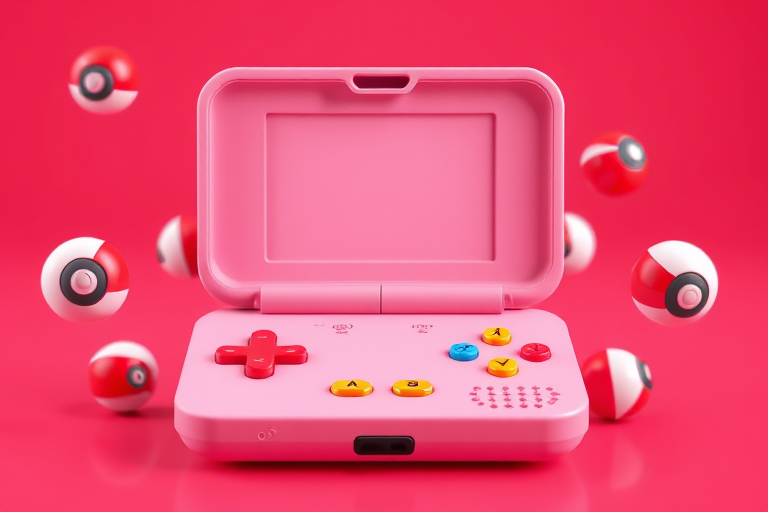
Create a 3D render of an open pink electronic device resembling a game console with colorful buttons and floating red and white pokeballs around it, shot with a professional DSLR camera at f/2.8 aperture, ISO 100, 50mm focal length, and a wide-angle view to enhance depth of field and image quality.
A young woman with long blonde hair, wearing a white button-up shirt, looking concerned while holding a smartphone, captured in natural light with a 50mm lens, aperture f/1.8, ISO 200, shutter speed 1/100, portrait orientation, soft focus background.
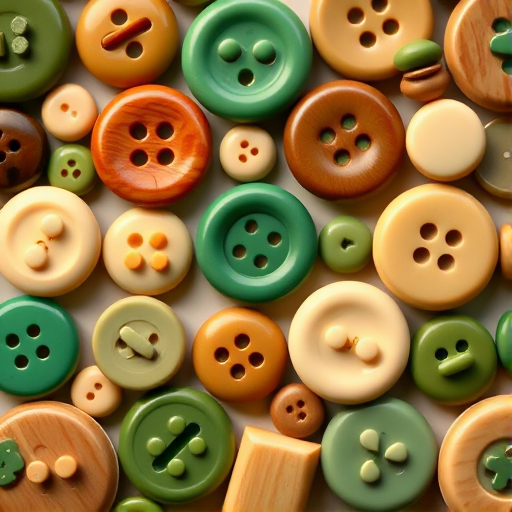
Create a seamless array of glossy and matte color buttons in various shades including brown, beige, olive, and emerald, with a high-resolution format at 300 dpi, 50mm focal length, soft lighting to enhance texture, shot with a DSLR camera top-down view.
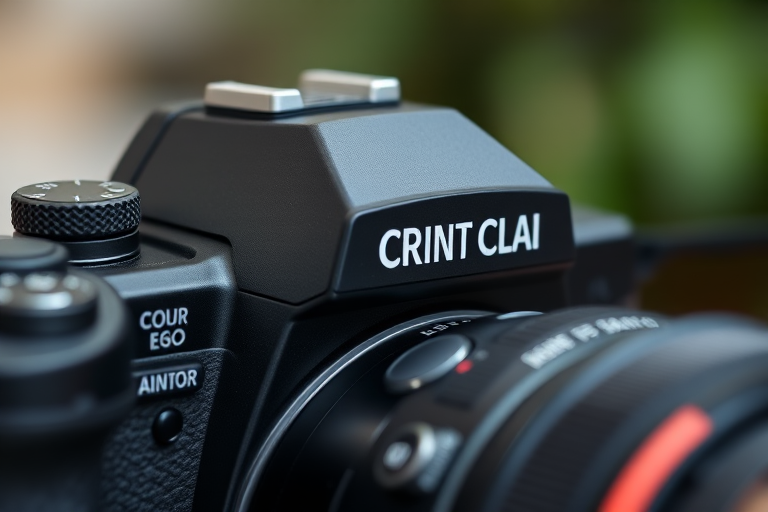
Close-up shot of a high-end camera with focus on the top dials and red shutter button, shallow depth of field, soft bokeh background, 50mm lens, f/1.8, ISO 200, 1/100s shutter speed, natural lighting.
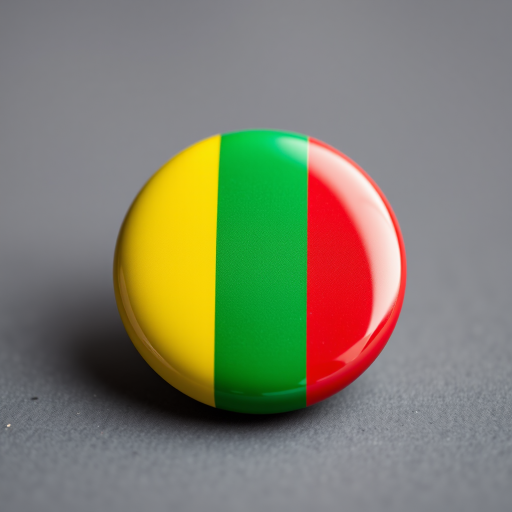
Create a high-resolution image of a glossy button featuring the flag of Mali with vibrant green, yellow, and red stripes, using a Canon EOS 5D Mark IV camera, 50mm lens, f/1.8 aperture, ISO 100, and natural lighting from a frontal view to enhance details and colors.
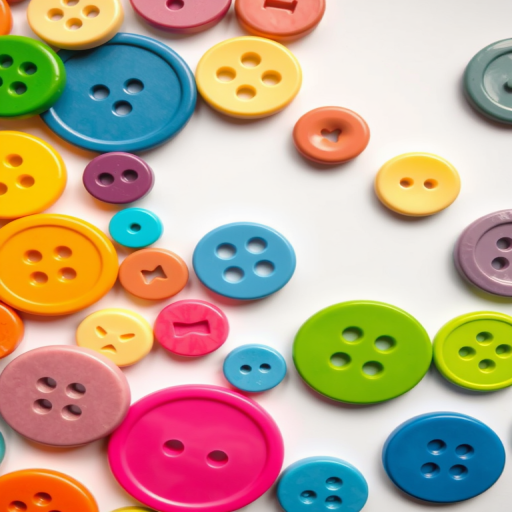
Create a high-resolution image of colorful buttons in various shapes and sizes, with a white background, using a DSLR camera with a 50mm lens, f/2.8 aperture, ISO 100, shot from a top-down view to enhance detail and clarity.
Create a high-resolution image of a gingerbread man cookie with a smiling face, red buttons, and white icing details, using a DSLR camera, 50mm lens, f/2.8 aperture, ISO 100, shot from a top-down view in natural lighting.
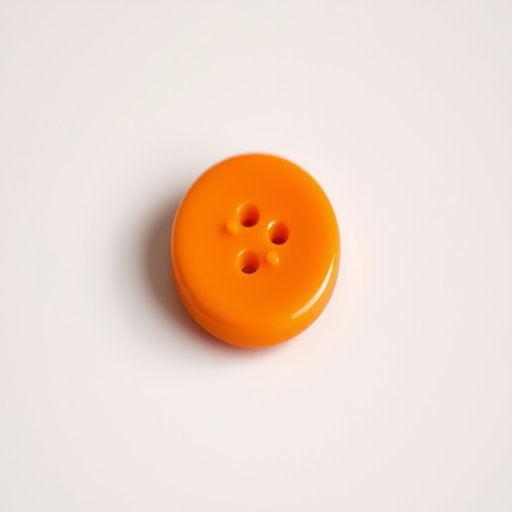
Create an image of a smooth, glossy orange button placed on a neutral background, taken with a DSLR camera at f/2.8, 50mm lens, ISO 100, natural lighting, with a shallow depth of field to emphasize the button's texture.
Create a high-resolution image of a metallic power button symbol with a glossy finish, using a DSLR camera at f/2.8 aperture, ISO 100, 50mm lens, with a close-up view and soft studio lighting to enhance reflections and textures.