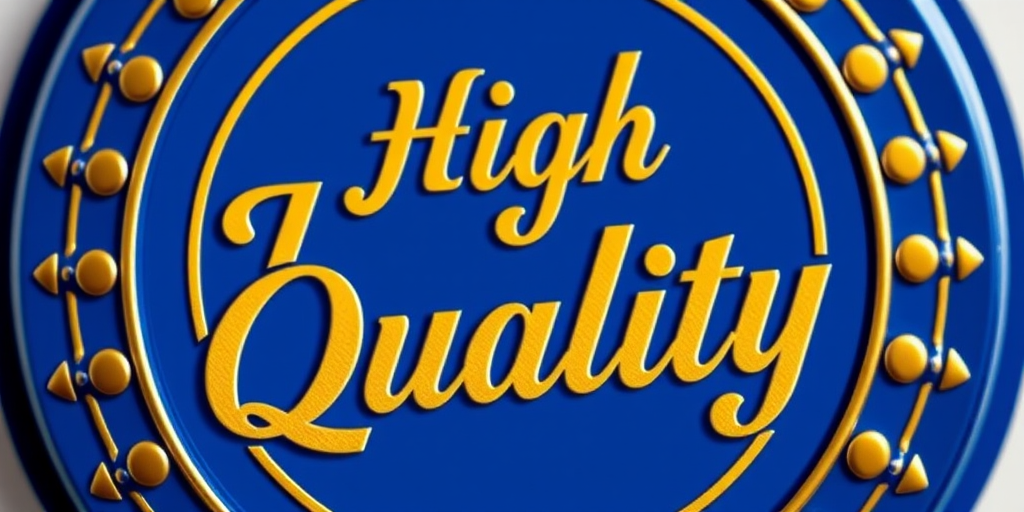
Create a vibrant, circular badge with the text "High Quality" in elegant font, featuring a blue and gold color scheme, shot with a DSLR camera at f/2.8 aperture, ISO 100, 50mm lens, in natural lighting for enhanced sharpness and detail.
Create an all-blue circular badge design with a blank ribbon banner across the center, using a Canon EOS R camera at f/8, ISO 100, 1/125s shutter speed, top-down view, in high-definition digital illustration style.
Create a high-resolution digital illustration of a circular badge with a checkmark in the center, using a clean white background, shot with a Canon EOS R5 at f/8, ISO 100, 50mm lens, in a flat lay perspective with soft diffused lighting.
design a vibrant flat-style illustration of a steaming pie in a circular badge format, with a warm yellow background and brown accents, shot with a DSLR camera at f/4 aperture, ISO 100, 35mm lens, top-down view for clarity and detail
A high-quality digital illustration of a gold medal ribbon badge with the number one in the center, taken with a DSLR camera at f/2.8, ISO 100, 50mm lens, front view, using a bright natural light setting to enhance colors and details.
Create a high-resolution image of the Barbados flag in a 3D circular badge design, using a Canon EOS R5 camera with a 50mm f/1.2 lens, aperture set to f/2.8, ISO 100, natural lighting, and a slight vignette effect to enhance depth.
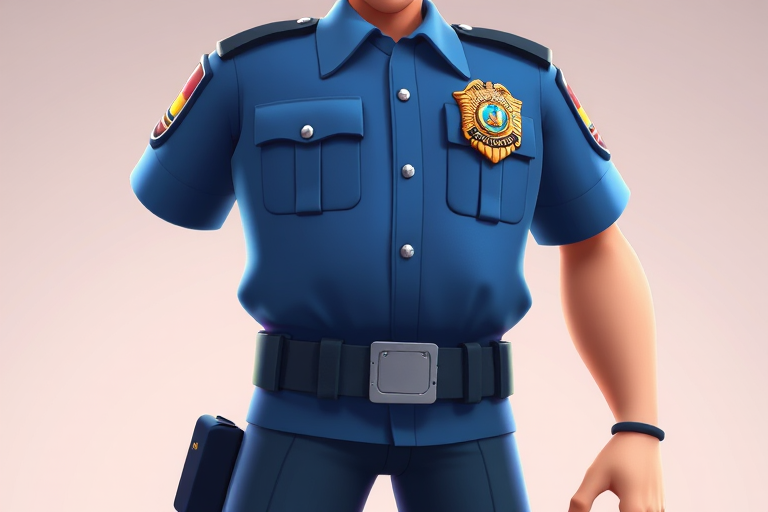
Create a cartoon character of a police officer with a blue uniform and a prominent badge, full body view, vibrant colors, 4K resolution, use a digital art style, and ensure the lighting highlights the character's features.
Create a high-resolution image of a circular badge with two wing designs on each side, five stars centered below the top arch, featuring a smooth gradient from light pink to darker shades, using a DSLR camera at f/2.8, ISO 100, with a 50mm lens and a shallow depth of field, shot from a straight-on angle with natural light to enhance clarity and detail.
Create a high-resolution image of a golden badge design featuring the number "20" prominently in the center with the word "YEARS" below it, set against a black background, using a Canon EOS R5 camera, with an aperture of f/2.8, ISO 100, and a focal length of 50mm, in a studio lighting setup for enhanced detail and contrast.
Create a vintage-style badge design featuring the word WINNER in bold red letters, with five stars around the text and a circular dotted border, captured with a DSLR camera at f/2.8, ISO 100, and a 50mm lens, in a soft natural light setting for enhanced detail and contrast.
Create an image of a round badge featuring the national flag of Barbados with vibrant colors, high-resolution, taken with a DSLR camera at f/2.8 aperture, 50mm lens, ISO 100, soft natural lighting, and a slight bokeh effect in the background.
Create an image of a large green circular badge with a white checkmark in the center, using a Canon EOS 5D Mark IV, f/2.8 aperture, ISO 100, 50mm lens, natural lighting, and a soft focus style.
Create an illustration of a circular badge featuring a smiley face with beer in its mouth, surrounded by the words Amazing Work in a playful font, using a Canon EOS R5 camera with a 50mm f/1.2 lens, aperture set to f/2.8 for sharpness, ISO 100 for optimal detail, and a vibrant color palette to enhance visual appeal.
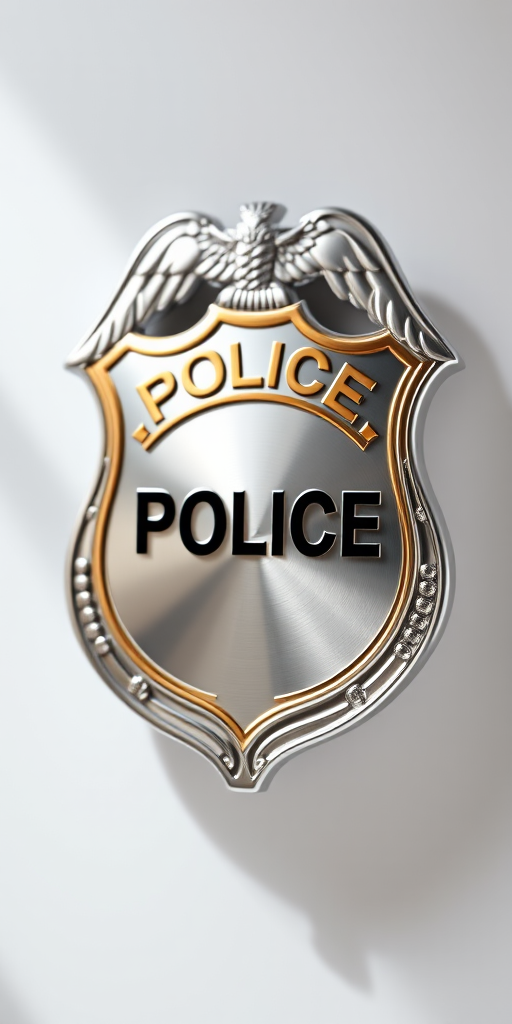
Create a detailed design of a blank police badge in vector style, with a shiny silver surface and a golden border, captured with a DSLR camera, using a 50mm lens at f/2.8, natural light, and a shallow depth of field to enhance the badge's contours and reflections.
Create a high-resolution image of the Spanish flag displayed on a circular badge with a shiny metallic border, using a DSLR camera with a 50mm lens, aperture set to f/2.8, ISO 100, and a soft focus background for depth.
Create an image of a circular badge featuring the French and Canadian flags with the word "French" in a stylish font, using a DSLR camera with a 50mm lens at f/2.8, ISO 100, and a shallow depth of field to enhance the details and colors.