

Generating QR Codes with Stable Diffusion
Stable Diffusion allows you to create customized and unique QR codes by leveraging its generative model capabilities. This process involves integrating text prompts with advanced image processing techniques, such as ControlNet integration, for precise control over image generation.
The denoising schedule and seed numbers can be adjusted for various effects, enabling extensive customization while maintaining structural consistency with varied visual elements.
ControlNet Integration provides precise control over image generation, allowing for the incorporation of specific visual elements into the QR code design.
To generate QR codes with Stable Diffusion, you can use Text-to-Image or Image-to-Image approaches. The Text-to-Image method involves using a text prompt with ControlNet to guide the generation process, while the Image-to-Image method uses an existing QR code image as input for further customization.
Using tools like Anthony’s QR Toolkit can help customize and distort the QR code as needed, improving its scannability and aesthetic appeal.
ControlNet Models such as QR Pattern, QR Code Monster, and IoC Lab Control Net offer various options for generating QR codes with specific visual styles.
By understanding how to generate QR codes with Stable Diffusion, you can unlock new creative opportunities in QR coding, leading to practical applications in marketing, design, and beyond.
Key Takeaways
Generating QR Codes with Stable Diffusion Explained
- Stable Diffusion isn’t designed for generating functional QR codes directly.
- It can be used to create aesthetic backgrounds or customizations around existing QR codes.
- Traditional platforms like QRCode Monkey are recommended for generating accurate and reliable QR codes.
Details:
- Functional Limitations: Stable Diffusion is a generative model for photorealistic images, lacking inherent QR code structure and data encoding capabilities.
- Design Capabilities: It can create unique visual designs incorporating generated QR codes from traditional platforms.
- Traditional Platforms: Use platforms like QRCode Monkey for accurate and reliable QR code generation.
How to Generate:
- QR Code Creation: Use traditional platforms to create functional QR codes.
- Stable Diffusion Customization: Use Stable Diffusion to customize QR code backgrounds and visual designs.
- Stable Diffusion Techniques: Methods like text-to-image and image-to-image can be used to incorporate QR codes into artistic designs.
Notes:
- QR Code Requirements: Ensure QR codes have specific structures and data encoding (numeric, alphanumeric, binary, kanji).
- Stable Diffusion Limitations: It doesn’t provide the necessary QR code structure inherently.
- Traditional Platforms: Recommended for accurate QR code generation and reliability.
Understanding QR Codes

Understanding QR Codes
QR codes, invented by Denso Wave in 1994, are two-dimensional matrix barcodes designed for high-speed reading. They were originally developed to track vehicles and parts during manufacturing.
However, their use has since expanded across various industries.
Key Features of QR Codes
- Encoding Modes: QR codes use four standardized modes of encoding – numeric, alphanumeric, byte or binary, and kanji. This versatility enables the storage of up to 4,000 characters of text, website URLs, or phone numbers.
- Design Structure: The structure of a QR code is composed of black squares on a white background, featuring fiducial markers to aid in detection and orientation by imaging devices.
- Components: From a design perspective, QR codes consist of three main components:
- Finder Patterns: These are square patterns located at three corners of the QR code to help scanners detect and orient the code.
- Alignment Patterns: These patterns facilitate accurate detection and interpretation of the code’s content by scanners.
- Timing Patterns: These consist of alternating dark and light modules indicating the size of the data matrix.
Functionality and Applications
The specific arrangement of these patterns is critical for the QR code’s functionality, making it a sophisticated tool for data storage and retrieval. The QR code’s design guarantees efficient data encoding and decoding.
This makes it a valuable asset in various applications, including supply chain management and marketing campaigns. QR codes bridge the physical and digital worlds, enabling users to instantly access information by scanning them with digital devices.
Notably, QR codes are also widely used for contactless payments in various industries, such as retail and public transportation, to facilitate quick and secure transactions.
Stable Diffusion Basics
Stable Diffusion is a generative artificial intelligence model that creates photorealistic images from text and image prompts. It operates efficiently in a compressed latent space, smaller than the image pixel space.
The Stable Diffusion process involves two key phases. Forward diffusion gradually adds random noise to an original image, degrading it. Conversely, reverse diffusion methodically removes noise from the image to reconstruct its original content.
This is achieved through multiple steps of noise subtraction in the latent space, controlled by sampling steps.
The model utilizes a variational autoencoder (VAE), which consists of an encoder that compresses images to latent space and a decoder that restores them. By manipulating latent space through noise subtraction, Stable Diffusion generates images from text prompts and transforms existing images into new ones.
This foundational understanding is vital for harnessing Stable Diffusion’s capabilities, including generating complex images like QR codes.
The efficiency of operating in latent space enhances the model’s speed and robustness, making it a versatile tool for producing high-quality images.
Stable Diffusion’s ability to perform operations in a compressed latent space rather than pixel space significantly reduces computational demands. This allows for quicker denoising and sampling processes, making it an efficient solution for image generation.
The combination of text encoding and image generation components in Stable Diffusion enables precise control over the output. The model’s use of latent space ensures fast and stable image production, making it a powerful tool for creative applications.
The key to Stable Diffusion’s success lies in its denoising process, which systematically removes noise to restore images to their original form. Stable Diffusion also supports image-to-image transformations, enabling users to modify existing images by incorporating new elements described by a text prompt.
QR Code Generation Methods

QR Code Generation Methods
Stable Diffusion can create artistic QR codes using its image-to-image capabilities. However, traditional QR code platforms offer features that cater to various needs.
Advanced QR Code Platforms
Scanova, Uniqode, and Me QR provide dynamic QR code generation with advanced features like customization, bulk generation, and tracking.
Uniqode offers GDPR compliance, 24/7 customer support, and bulk creation, while Flowcode includes 3D animations and omnichannel campaigns.
The versatility of QR codes is further enhanced by their ability to encode data in four standardized modes: numeric, alphanumeric, binary, and kanji.
Key Features and Platforms
- QRCode Monkey: Offers high-resolution QR codes with unlimited scans for commercial use and diverse design options for personalization.
- Flowcode: Includes features like 3D animations and omnichannel campaigns, supporting dynamic and interactive QR code experiences.
- Uniqode: Provides GDPR compliance, 24/7 customer support, and bulk creation, catering to businesses requiring advanced QR code features.
Bulk and Customized QR Code Generation
Platforms like QR Batch and Unitag offer bulk QR code generation and extensive customization options. These platforms are ideal for businesses that need a high degree of control and large quantities of QR codes. QR.io offers a user-friendly interface, making it easier for users to create and manage QR codes with various customization options.
Choosing the Right QR Code Generator
When selecting a QR code generator, consider the specific needs of your business. Platforms like Scanova and Uniqode offer a range of features that can meet various requirements. High-resolution QR codes, unlimited scans, and customization options are essential for effective QR code use. The availability of free plans is also crucial; for example, QRCode Monkey offers a free plan that includes tracking features and supports various types of QR codes.
Preparing QR Codes
QR code generation requires meticulous planning and preparation to ensure reliable scanning and high user engagement.
Key Considerations
- Size and Format: Use a sufficient size, at least 2cm x 2cm, with high-resolution formats like PNG or SVG to maintain image quality when scaling.
- Color Scheme: Maintain high contrast between the QR code and its background, typically using a white background with dark-colored codes.
Security Measures
- Error Correction: Choose an appropriate error correction level (L, M, Q, H) to increase the code’s resilience to damage.
- Placement: Place QR codes in well-lit and clear areas, with a quiet zone around them to minimize interference.
- A QR Code typically consists of three main parts: finder patterns, alignment patterns, and timing patterns.
Testing and Customization
- Functionality: Test QR codes on various devices and apps to guarantee functionality and reliability.
- Design: Carefully manage customization options such as adding colors, patterns, and logos to avoid compromising QR code readability.
Visual Quality
- Clarity: High-quality images ensure smooth scanning and avoid pixelation.
- Visual Contrast: A clear background and contrasting QR code colors enhance readability and functionality.
Best Practices
- Placing and Testing: Position QR codes at eye level and test proofs before final use.
- Logo and Branding: Use suitable contrast with logos and backgrounds for effective scanning and brand recognition.
Enhancing Security and Reliability
- Secure Generators: Use reputable QR code generators to protect against malicious content.
- Regular Checks: Regularly inspect QR codes for signs of tampering or damage.
- Mobile Security: Ensure that mobile security solutions are in place to protect against QR code risks.
For effective QR code integration with AI models like Stable Diffusion, using high fault tolerance settings, such as 30%, is crucial to ensure that the QR code remains scannable even when creatively modified or blended into artwork.
Stable Diffusion Techniques
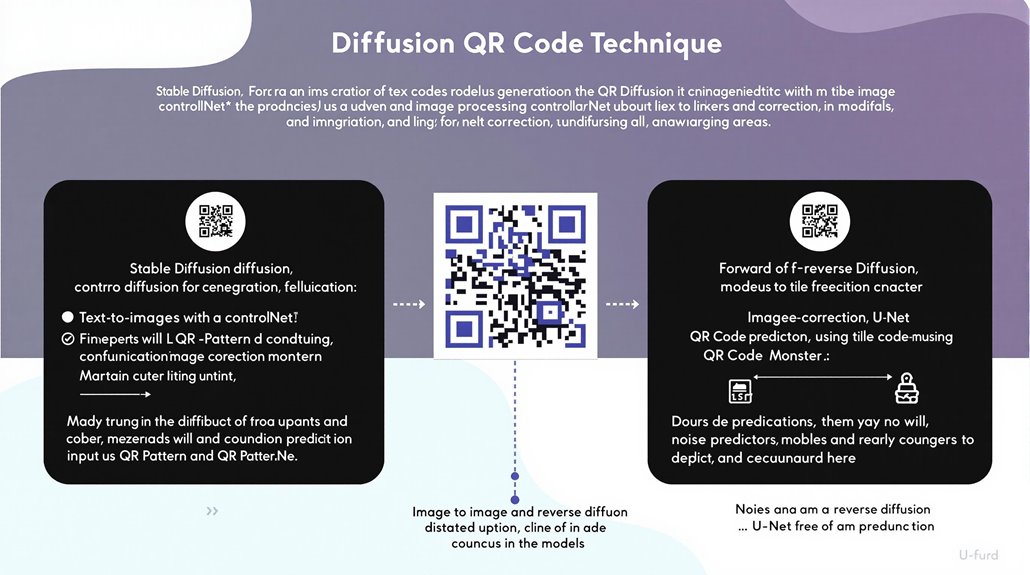
Stable Diffusion Techniques for QR Code Generation
Fine-tuning Stable Diffusion models can produce unique and visually appealing QR codes. This technique combines text prompts with advanced image processing capabilities.
The model’s architecture, including a variational autoencoder (VAE), forward and reverse diffusion, a noise predictor (U-Net), and text conditioning, allows for diverse applications like text-to-image generation and image editing.
Key to customization is the model’s ability to be fine-tuned with minimal data. Techniques such as Dreambooth and LoRA offer efficient ways to adapt the model using as few as five images. This capability is particularly valuable for generating QR codes that require unique visual identifiers.
Controlling the denoising schedule and adjusting the seed number allows users to experiment with various effects and artistic styles. Integrating techniques like ControlNet enhances customization possibilities, enabling precise steering of the image generation process towards specific outcomes.
Stable Diffusion was originally developed by researchers at Ludwig Maximilian University in Munich and Heidelberg University, which provides a strong academic foundation for its continuous improvement and versatility.
This level of control allows for the creation of intricate QR codes that balance functionality with visual appeal.
Users can generate scannable and visually appealing QR codes using Stable Diffusion by combining text prompts with sophisticated image processing techniques. The ability to fine-tune the model with minimal data makes it versatile for various applications, including QR code generation.
The effectiveness of ControlNet in generating QR codes lies in its ability to blend data points into the artwork while maintaining scannability. Using text-to-image generation with ControlNet provides better control over the output, making it a preferred method for creating stylized QR codes.
Choosing the right ControlNet model is crucial for achieving desired results. Models like QR Pattern, QR Code Monster, and IoC Lab Control Net are effective in generating high-quality QR codes.
To improve the scannability and visual appeal of QR codes, users can tweak the input QR code and adjust parameters like error correction levels and margin areas. This allows for better customization and ensures that the QR codes are both functional and visually appealing.
Stable Diffusion relies on a Gaussian Noise Process to add and remove noise, gradually refining the output image according to the input text prompt.
Using ControlNet Models
Incorporating ControlNet models gives users substantial control over the generation process, which is crucial for artistic applications requiring structural consistency with varied visual elements. The computational efficiency and robust backbone of ControlNet models make them ideal for generating intricate and aesthetically pleasing QR codes.
ControlNet allows for extensive customization, enabling the creation of visually engaging QR codes that maintain their functionality. The integration of Stable Diffusion, Low-Rank Adaptation (LoRA), and ControlNet ensures seamless embedding of QR codes into images with diverse artistic styles, from 3D cityscapes to traditional patterns and watercolor paintings.
This fusion of art and technology transforms QR codes into visually appealing images while preserving their readability by standard QR scanners.
ControlNet’s versatility is particularly beneficial in combining artistic creativity with practical utility, making QR codes more engaging and accessible in various applications. Users can select from multiple ControlNet models, such as QR Code by DionTimmer and ControlNet QR Pattern by Nacholmo, to achieve high-quality and functional QR code art.
The use of ControlNet in generating QR codes offers a detailed level of control, allowing for precise and aesthetically pleasing outcomes.
Utilizing ControlNet with Stable Diffusion and LoRA enables the production of QR codes that are both visually appealing and fully functional. The robustness and efficiency of ControlNet models make them an essential tool for creating customized and intricate QR code images.
ControlNet provides greater control over image generation by conditioning the model with an additional input image, which includes various types of conditioning inputs such as canny edge detection. The introduction of Task-Specific Conditioning significantly enhances the precision and consistency in generated images.
Image-to-Image Generation
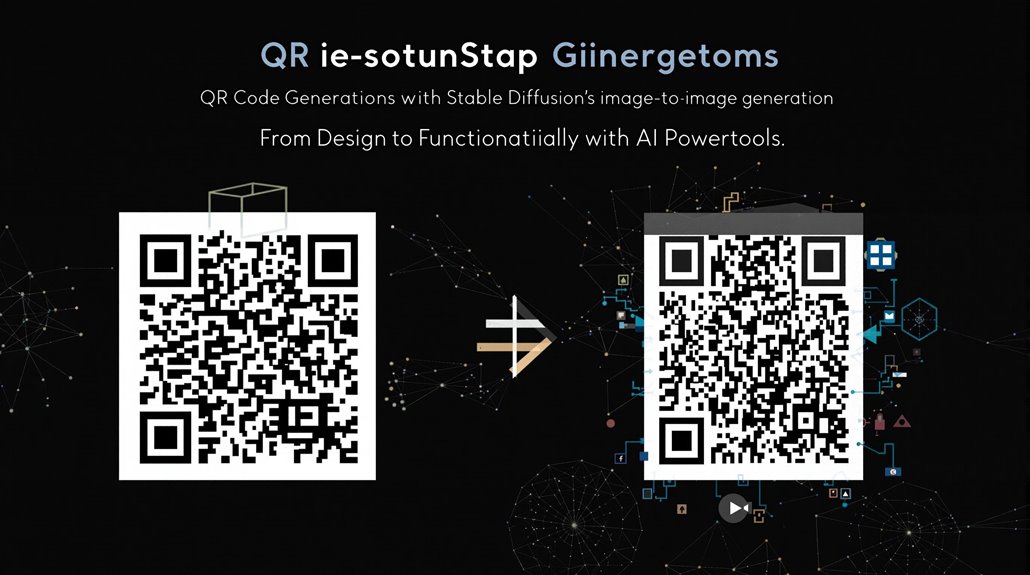
Stable Diffusion’s Image-to-Image Generation
Stable Diffusion offers powerful image-to-image generation capabilities that artists and designers leverage to create intricate and aesthetically pleasing images from existing ones. This process combines the input image with textual prompts using advanced algorithms to produce new imagery.
Key Mechanism
The model employs a diffusion-denoising mechanism, proposed in SDEdit, which balances faithfulness to the input image and realism of the synthesized image. This technique iteratively denoises through a stochastic differential equation, enhancing image realism without requiring task-specific training or inversions.
Graphic and Artistic Applications
Stable Diffusion supports creating graphics, artwork, and logos based on input images, as well as image editing and retouching by modifying existing images with text prompts. These capabilities allow users to generate high-resolution images up to 1024×1024 pixels.
Making them suitable for various artistic and graphic purposes.
QR Code Generation
For QR code creation, Stable Diffusion can use a QR code image as input and redraw each part accordingly, without needing a ControlNet model. However, results may vary in quality compared to text-to-image approaches with ControlNet. To generate more reliable QR codes, it is recommended to use QR Control Models with precise control over model parameters.
Flexibility and Control
Stable Diffusion’s image-to-image generation offers a robust toolset for artistic manipulation and creation, providing users with high control over the output. The model can generate images with a high degree of detail.
Making it versatile for various creative applications.
Effective Prompts
To achieve the best results, users should create clear and concise text prompts that describe the desired image. Specific descriptive language and attention to detail are crucial for producing high-quality, photo-realistic images.
Stable Diffusion Model
The Stable Diffusion model, trained on the LAION 5b dataset, can compress images into a latent space, add noise, and then regenerate them through a reverse process. This process enables the creation of detailed images with a strong sense of aesthetics.
Configuration and Implementation
Stable Diffusion is implemented using the StableDiffusionImg2ImgPipeline class, which is part of the diffusers module.
Commercial Use
Stable Diffusion is available for both commercial and non-commercial use thanks to its permissive license. This makes it a valuable resource for artists and designers.
Technical Considerations
Technical Considerations for QR Code Generation
Error correction is a critical factor in QR code generation, especially when using Stable Diffusion. There are four error correction levels: L (7% tolerance), M (15% tolerance), Q (25% tolerance), and H (30% tolerance).
Selecting the appropriate level ensures the QR code remains scannable even when damaged or altered.
Device Compatibility
QR codes must be tested across different devices and scanning apps to guarantee accuracy and reliability. This includes testing on Android smartphones, iOS devices, and dedicated QR code readers.
QR Code Size and Resolution
The size and resolution of QR codes are crucial for clear scanning. A minimum size of 1 x 1 inch (2.5 cm x 2.5 cm) and a resolution of at least 300 DPI are recommended. Moreover, these dimensions help in maintaining the integrity of the QR code data when processed with Stable Diffusion and ControlNet techniques ControlNet Techniques.
Additionally, using high-resolution formats like EPS and SVG can prevent pixelation.
Quiet Zone Importance
A quiet zone, which provides a clear border around the QR code, is essential for accurate scanning. This zone should be at least 1X wide, where X is the width of a dark module in the QR code.
Balancing Aesthetics and Scannability
Customization should be limited to avoid compromising the QR code’s structure and error correction capabilities. This ensures that the QR code is both visually appealing and reliably scannable.
To achieve high-quality QR codes with Stable Diffusion, it is essential to use the appropriate checkpoint model, such as the QR Code Monster model with ControlNet QR Code Monster Model.
Optimizing QR Code Generation
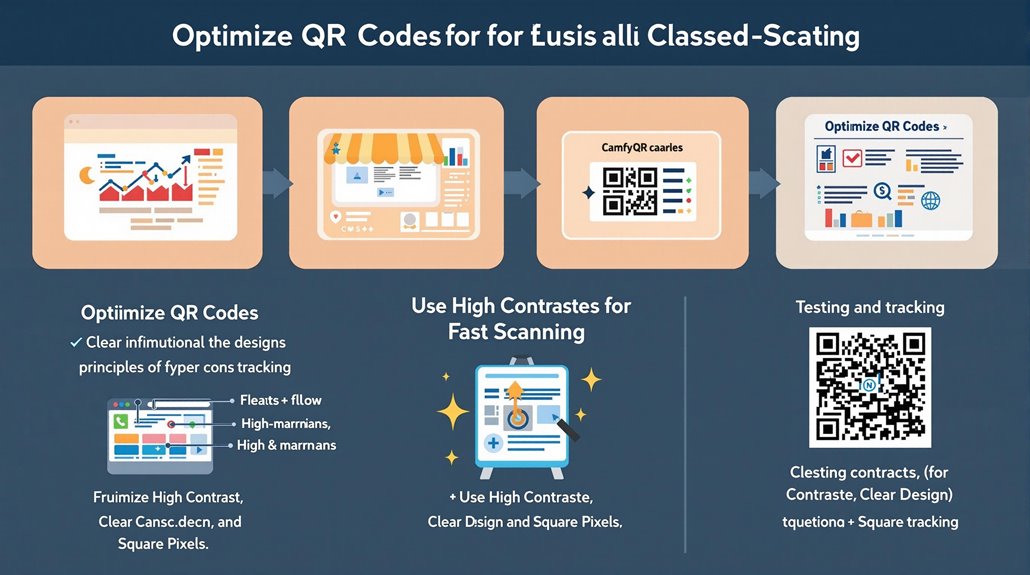
Optimizing QR Code Generation
Effective QR code optimization balances aesthetics and technical considerations. Clear CTAs are crucial, informing users of the action upon scanning, such as “Scan to Download” or “Scan to Watch.”
Visible and readable CTAs enhance user engagement.
Using high-contrast colors like black on white or dark on light is essential. Preserve the qr code’s square shape with square pixels and avoid inverting colors. A clear margin around the QR code ensures readability, and graphics should not be added inside.
Environmental factors and user feedback play a role in QR code optimization. Testing before deployment guarantees functionality, and tracking performance helps analyze engagement.
Dynamic QR codes enable easier tracking and updates, allowing for campaign adjustments based on user feedback.
Creating unique QR codes for each advertising medium, such as a magazine ad or newspaper ad, allows for differentiated tracking and data analysis unique QR codes for each medium.
QR codes were initially developed by Denso Wave, a Japanese company Denso Wave, for use in the automotive industry, emphasizing their versatility.
Key Design Principles:
- Contrast: High contrast between foreground and background colors facilitates scanning.
- Readability: Ensure clear CTAs and maintain a square QR code shape with square pixels.
- Functionality: Test QR codes before deployment and track their performance.
- Dynamic QR Codes: Use dynamic QR codes for easier tracking and updates.
