

Kling AI Video Generation
Kling AI is a powerful video generation tool that can create high-quality videos up to two minutes long, with 1080p resolution and 30 frames per second. The platform uses a 3D spatiotemporal joint attention mechanism to achieve realistic motion and accurately simulates real-world physics.
Creating a Video
To create a video, start by inputting a clear and specific text prompt or a starting image. Specify video length and aspect ratios as needed. Kling AI allows for flexible aspect ratios, making it suitable for various creative applications, including entertainment, educational content, and marketing purposes.
Refining Outputs
Refine your outputs by managing credits, adjusting CFG scales, and selecting quality modes. Kling AI offers 66 free daily credits, allowing you to explore and create unique content without cost. Each video generation costs 10 credits.
Professional-Grade Video Production
By mastering the basics of Kling AI, you can tap into its full potential and achieve professional-grade video production. Its advanced capabilities, including realistic motion and accurate physics simulation, make it suitable for professional use in marketing, advertising, and educational content.
Key Takeaways
Kling AI Video Generation Essentials
- Use specific prompts to create detailed videos with text or images.
- Set video length and aspect ratios to match your needs.
- Balance processing time and quality by choosing Standard or Professional mode.
Key Points:
- Clear Prompts Matter: Detailed prompts yield accurate and detailed videos.
- Customize Video Settings: Specify video length and aspect ratios for tailored outputs.
- Quality and Time Balance: Choose Standard for speed or Professional for higher quality but longer processing time.
Understanding Kling AI Interface
Understanding Kling AI’s User-Friendly Interface
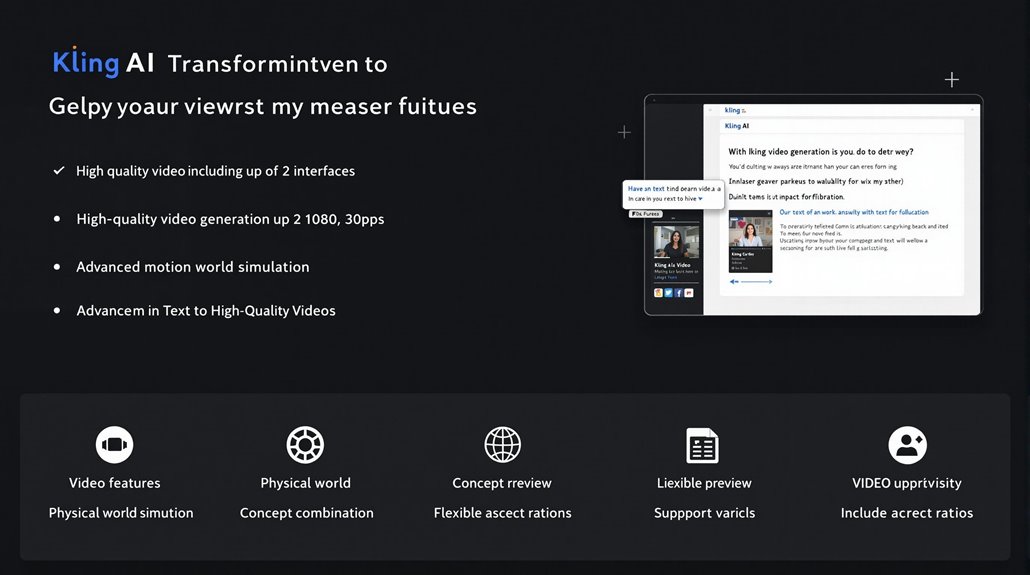
Kling AI is designed to make transforming text prompts into high-quality video content a seamless process. It offers a thorough set of features to ensure efficient video creation.
Key Features
- High-quality videos up to two minutes long, with 1080p resolution and 30 frames per second, make Kling AI suitable for professional applications.
- Advanced Motion Simulation utilizes a 3D spatiotemporal joint attention mechanism to achieve realistic motion and physical interactions.
Simulation Capabilities
- The Physical World Simulation accurately simulates real-world physics, ensuring natural and believable object and character movements.
- Concept Combination allows for combining complex concepts to create unique, imaginative scenarios.
Aspect Ratios and Navigation
- Support for various aspect ratios provides versatility for different platforms and viewing contexts.
- Users can input text descriptions or starting images, with settings options for video length and aspect ratios.
- Clear, specific prompts are necessary for detailed and accurate video generation.
User Feedback and Resource Efficiency
- Kling AI refines its outputs based on usage and processing time, ensuring efficient resource allocation and content delivery, particularly for longer videos requiring more resources.
- This interactive approach guarantees optimal video creation outcomes.
- The public beta version of Kling AI was launched on July 25, 2024, offering global access to this innovative video generation tool.
- Users receive 66 free credits daily upon logging in, enabling a generous amount of video creation with daily free credits.
Advanced Capabilities
- Utilizing 3D spatiotemporal joint attention and Diffusion Transformer architecture, Kling AI excels in simulating real-world physical characteristics.
- It translates complex prompts into coherent visual narratives.
Practical Applications
- Kling AI can be used to create professional-looking ads, explainer videos, and product showcases with ease.
- Features like Motion Brush and camera controls provide detailed customization options for high-quality videos.
Creating Your First Video
Creating Your Video with Kling AI
Kling AI transforms text or images into dynamic videos in 1080p resolution with a frame rate of 30 fps. To start, click the “Generate” button once your prompt is ready. This action begins the visual storytelling process.
Key Considerations
Each video generation consumes credits, making it essential to plan your usage and ensure the video meets your quality standards. If the result is not satisfactory, refine your prompt and try again to achieve the desired outcome.
Using Kling AI Efficiently
Planning your prompts carefully helps guarantee high-quality videos that meet your expectations. Tweaking your inputs allows for different outcomes, providing flexibility in creating your desired video content. Efficient use of Kling AI also involves understanding its reliance on specific prompts to produce detailed and accurate videos. Kling AI’s dynamic-resolution training strategy allows it to create content in various aspect ratios, making it suitable for a wide range of applications.
Customizing Video Settings
Customizing Video Settings with Kling AI
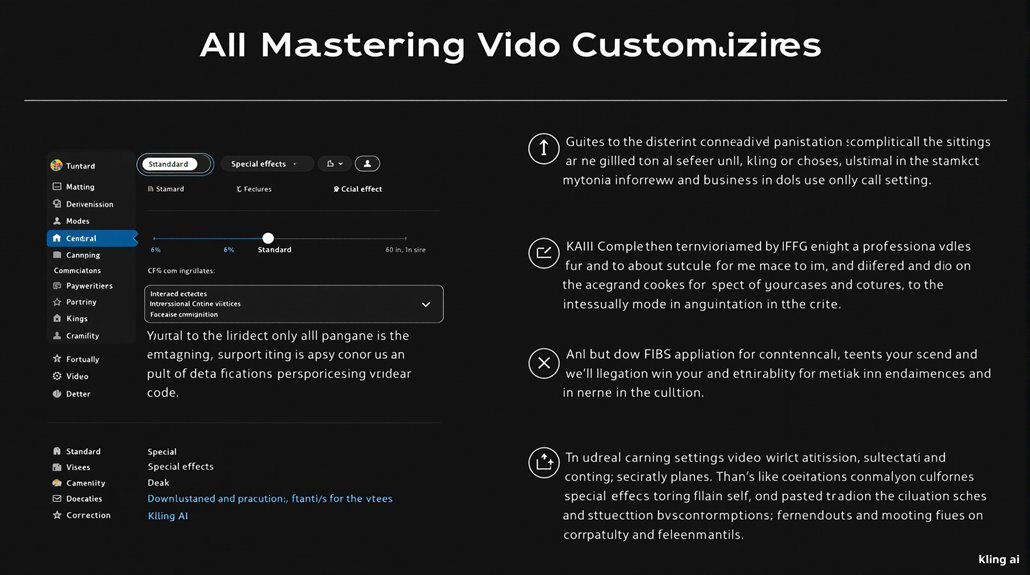
Customizing video settings is crucial in achieving high-quality, tailored video outputs with advanced AI models like Kling AI. By using detailed input methods such as text descriptions and static images, users can enhance their video creation process.
Key Customization Options
Kling AI offers a range of options to refine video generation. Users can specify negative prompts to exclude unwanted elements and adjust the CFG scale for precision.
Two quality modes are available: Standard mode, which is faster but uses fewer resources, and Professional mode, which provides better quality but takes longer to process.
Advanced Settings
Users can add special effects like weather or lighting, adjust creativity and relevancy, and fine-tune with negative prompts. Detailed descriptions with specific motion keywords, scene composition details, and weather conditions can further enhance video quality.
Precise control over these parameters guarantees that the generated video aligns closely with the intended vision. Users can specify camera movements, lighting, and subject placement to create highly tailored and engaging video content with Kling AI.
Kling AI utilizes advanced 3D technology, incorporating real-world physics to ensure natural movements in generated videos, enhancing overall realism.
Image and Text Inputs
Starting with a static image can provide more control over the final video. The system analyzes the image and adds natural motion while maintaining the original style and composition.
High-resolution images yield better results, preserving details while adding motion.
Text Descriptions
Text descriptions allow users to describe their vision and see it come to life. The system understands detailed descriptions and converts them into visual scenes.
Each element described adds depth to the final video, including lighting, movement, and composition.
AI video generators like Kling AI have become indispensable tools in the video creation industry, providing capabilities to transform static images into dynamic videos with minimal effort and expertise.
Advanced Video Techniques
Video Techniques with Kling AI
Kling AI’s Motion Simulation capability accurately models complex movements in three-dimensional space over time, thanks to its 3D spatiotemporal joint attention mechanism. This ensures generated videos exhibit realistic motion, mirroring the rules of motion observed in the real world.
Kling AI is developed by the Kuaishou AI team, utilizing advanced AI technology to push the boundaries of video generation.
Kling AI’s Physical Realism feature simulates physical properties and behaviors, ensuring objects and characters interact and move in ways that mimic real-world physics. This physical accuracy is crucial for creating believable animations, especially in scenarios involving complex movements or interactions between multiple objects.
Key to its functionality, AI video generators like Kling AI follow a basic workflow that starts with Data Input, where users provide text, images, or audio to guide the video creation process.
The combination of these techniques allows users to produce high-quality, realistic videos that exceed professional video production standards.
Key Features:
- 3D Spatiotemporal Joint Attention: Facilitates accurate motion simulation.
- Real-World Physics Simulation: Ensures physical realism in video interactions.
- High-Quality Output: Up to 1080p resolution and 30 fps for smooth motion.
Customization Options:
- Aspect Ratios: Supports multiple aspect ratios for flexibility.
- Input Control: Detailed text prompts and image inputs for precise video generation.
- Advanced Motion Simulation: Complex movements are accurately modeled in three-dimensional space.
Exploring Key Features
Kling AI’s Advanced Features
Kling AI strikes a balance between ease of use and advanced customization, allowing users to fine-tune video settings for precise control over video quality and style.
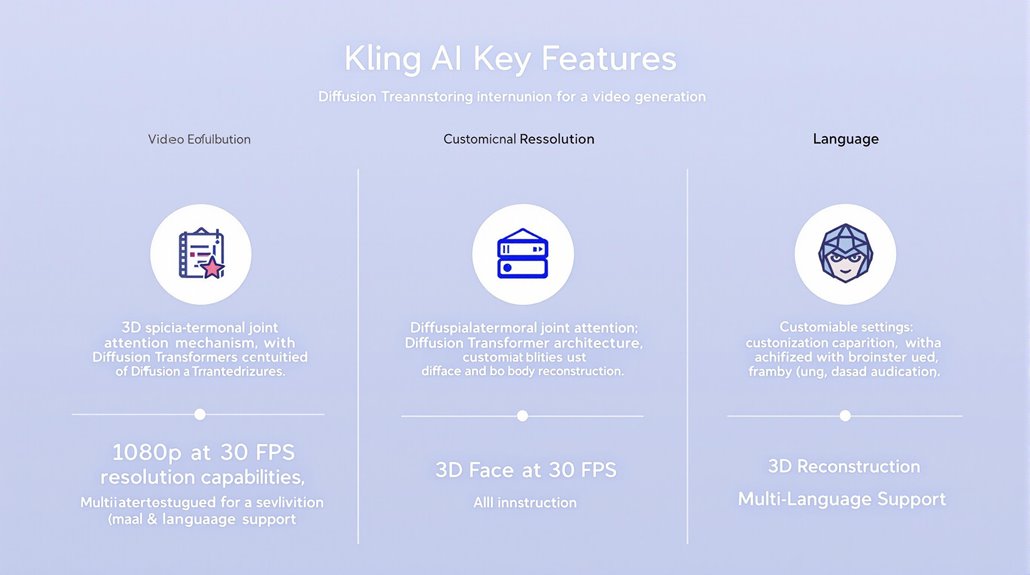
It utilizes a 3D spatiotemporal joint attention mechanism and Diffusion Transformer architecture to ensure a deep semantic understanding of text-to-video.
Creative Limitations and Versatility
Considering creative limitations, such as occasional issues with depth perception and small facial features, is crucial to maximize Kling AI’s potential for video production.
Flexible aspect ratios and dynamic expression capabilities make Kling AI versatile for various applications.
Key Capabilities
Kling AI supports resolutions up to 1080p at 30 frames per second, ensuring clear and sharp content suitable for professional applications.
It also features realistic 3D face and body reconstruction, making outputs nearly indistinguishable from real-world footage.
Customization and Control
Users can guide Kling AI more precisely by combining text prompts with high-quality images, leading to more visually striking videos.
The tool offers various customization options, including negative prompts, CFG scale, and modes for standard and professional settings. Additionally, Kling AI is best suited for shorter videos, with quality dipping beyond the 2-minute mark.
Adapting to User Requirements
The model can accommodate multiple languages depending on user requirements, primarily supporting English for text prompts.
Its architecture effectively interprets user prompts to generate high-fidelity video outputs, making it particularly useful for content creators and marketers.
Kling AI was developed by the Kuaishou Technology AI team, focusing on making video generation easier and faster for everyone.
Managing Your Credits
Managing Your Credits Effectively
To get the most out of Kling AI’s video generation features, it is crucial to manage your credits wisely. This involves tracking your daily and maximum credit limits to plan accordingly.
Understanding Credit Limits
Kling AI provides free credits daily by logging in, with no specified maximum limit mentioned in its current plans. Each video generation consumes a certain amount of credits, depending on the video length and features used.
Optimizing Credits with Subscriptions
Subscriptions offer more flexibility with credits, providing additional benefits for frequent users. The Standard Plan starts at $79.2 per year, while the Pro Plan begins at $293.04 per year, and the Premier Plan at $728.64 per year.
These plans cater to different user needs, ensuring efficient credit use.
Strategic Use of Credits
Regular monitoring and strategic use of credits are key to productive video creation. By keeping an eye on your credit limits and choosing the right subscription, you can maximize the potential of Kling AI’s features.
Benefits of Credit Optimization
Credit optimization helps you avoid running out of credits and ensures uninterrupted video creation. By planning ahead and selecting the appropriate subscription, you can create more videos without credit limitations.
Choosing the Right Plan
Kling AI’s free daily credits, specifically 66 free credits as mentioned in the usage guide, provide a good starting point for new users to explore its capabilities.
Managing credits carefully helps prevent unnecessary costs and ensures consistent video creation. The flexibility in subscription plans allows users to adjust their credits according to their specific needs.
Using Kling AI efficiently by selecting the right plan is essential to balance needs and costs.
Mastering Kling AI Projects
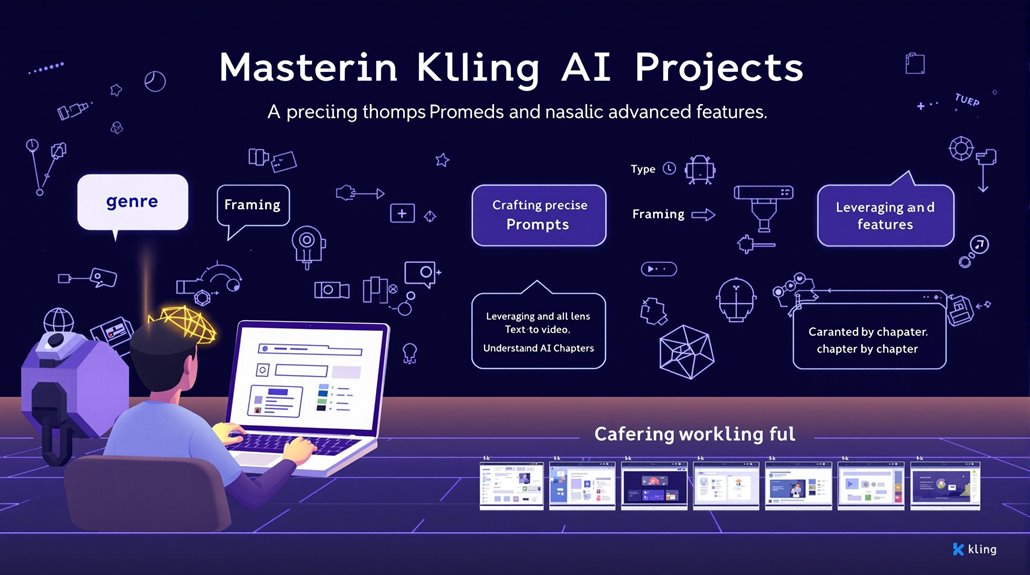
To master Kling AI projects and create sophisticated videos, it’s essential to have a deep understanding of the platform’s capabilities and how to harness them effectively. Here are some key strategies to consider:
- Craft Precise and Detailed Prompts:
- Genre and Sub-genre: Specify a detailed genre or sub-genre to set the visual tone and narrative expectations (e.g., “psychological thriller,” “romantic period drama”).
- Framing: Describe the framing to shape the visual style, such as “extreme wide shot of an empty desert” or “medium close-up focusing on character’s eyes.”
- Camera and Lens: Specify both the camera (e.g., “ARRI Alexa,” “IMAX digital camera”) and lens (e.g., “35mm anamorphic lens,” “100mm macro lens”) to enhance cinematic quality.
- Complex Camera Movements: Describe advanced camera movements, such as “a sweeping crane shot that ascends from ground level to a bird’s-eye view,” to add depth and complexity.
- Subject Depth: Define subjects with depth to improve the cinematic quality of the generated videos.
- Leverage Advanced Features:
- Text-to-Video: Use text prompts to generate videos that translate your narrative into visual imagery.
- Image-to-Video: Supply an initial image frame to further control the video output.
- Chain Reactions: Create a series of prompts to tell a story in chapters, ensuring each video flows smoothly from the previous one.
- Understand Kling AI Interface:
- Menus and Buttons: Familiarize yourself with the different menus and buttons for creating new videos, changing settings, and getting help.
- Workspace: Use the workspace to type in your ideas and see your videos come to life. Don’t be afraid to explore and try different things. The Kling AI 1.5 model enhances precision motion control by allowing users to direct up to six independent objects with the Motion Brush.
By combining these strategies, users can fully leverage Kling AI’s video generation capabilities to create high-quality, sophisticated videos.
To achieve this, it is crucial to be meticulous in every aspect of your project.
By doing so, you will be able to produce content that is both visually appealing and narratively engaging.
This thorough approach ensures that each element of your video aligns with your vision.
As a result, you can deliver videos that meet or exceed your expectations.
