

To generate photorealistic images using deep learning, build and train diffuser models leveraging tools like PyTorch and PyTorch Lightning. This involves architecture, training datasets, and evaluating performance.
Access to diverse datasets like those provided by ApertureDB is crucial for successful photorealism.
For more accessible implementations, the Stable Diffusion Web UI offers an intuitive interface for generating detailed images.
After generating images, refine them using image-to-image translation, style transfer, and targeted adjustments.
The future of AI-generated photorealistic images holds immense potential for creative innovation and problem-solving.
Key Takeaways
To create photorealistic images using deep learning:
- Train Models with PyTorch: Learn PyTorch to define and train image generation models.
- Simplify Image Generation: Utilize intuitive interfaces like Stable Diffusion Web UI for image creation.
- Transform Text to Images: Use powerful models like Stable Diffusion to generate detailed photorealistic images from text prompts.
Building and Training Diffuser Models
Building and Training Diffuser Models
The Essentials of Diffuser Model Development
Building a diffuser model from scratch requires a profound understanding of PyTorch and deep learning fundamentals.
This involves meticulously defining and training the model, making predictions, and rigorously evaluating its performance.
Tools such as PyTorch Lightning can significantly streamline this process, simplifying model development and minimizing computational overhead.
Data and Computational Resources
Access to substantial and diverse datasets is crucial for model training and testing.
Solutions like ApertureDB offer vast repositories of data tailored to support model development.
The creation and training of diffuser models also demand significant computational resources.
Robust hardware and infrastructure are essential to handle the demands of complex model architectures.
Patience and attention to detail are paramount in this process, as achieving superior results necessitates thorough experimentation, hyperparameter tuning, and meticulous evaluation.
Stable Diffusion Web UI Usage
The Stable Diffusion Web UI offers an intuitive interface to generate photorealistic images using advanced AI models without requiring extensive technical expertise.
This user-friendly platform simplifies the image generation process and provides customization options to fine-tune the model for specific tasks and applications.
Forever conducive for creative professionals and developers, this powerful tool enables the generation of detailed, photorealistic images, potentially revolutionizing the field of AI image generators.
Generating Photorealistic Images With AI
Powerful deep learning models, such as Stable Diffusion, are revolutionizing various industries by generating photorealistic images from textual descriptions. This model provides a versatile toolset for both beginners and advanced users.
Online interfaces like Stable Diffusion Web UI make the model accessible by offering an intuitive platform for users to customize image generation without requiring extensive modeling knowledge. Local implementations using Python necessitate substantial computational resources and dependency installations.
PyTorch Lightning and ApertureDB simplify the process of building and training diffuser models for more advanced use cases. Deep learning expertise is key to defining the model architecture, training it on datasets, and evaluating performance.
The rapid growth of generative AI guarantees continuous innovation and new model development, holding immense potential for creative innovation and problem-solving. Combining Stable Diffusion with other technologies is poised to dramatically impact various industries.
Post-Processing AI Images for Realism
To achieve photorealism in AI-generated images, several post-processing techniques can be employed to maximize realism and avoid over-processing.
Image-to-image translation and style transfer can significantly enhance the photorealism of these images, and targeted applications of these methods are crucial to maintain image quality.
Cropping and reframing the image to improve composition and upsampling to high definition can contribute to a more vivid and realistic output.
Color adjustments and human input are also vital components in ensuring the image meets the desired level of photorealism.
Providing detailed photographic terms as context helps guide the AI's output, resulting in images that appear more grounded in reality.
Accurate evaluation and fine-tuning by humans are essential steps in post-processing to guarantee that the generated image meets the desired level of photorealism.
Future Applications of AI Image Generators
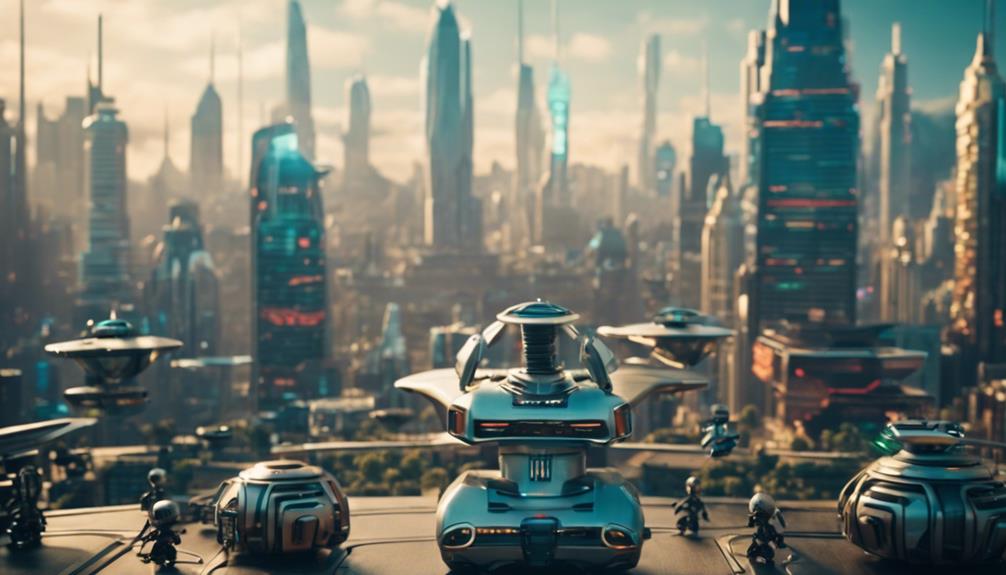
The applications of AI-generated photorealistic images promise to revolutionize a wide range of industries and art forms by empowering the creation of unprecedentedly realistic digital content.
Future applications of AI image generators will include generating images for lifelike simulations, personalized avatars, and digital art, further blurring the line between AI-generated and human-created content.
The potential implications of these technological advancements are vast, with AI-generated images potentially surpassing human capabilities in photorealism. This prospect raises questions about the future role of human artists in these industries and the need to address ethical and legal considerations arising from AI-generated content.
As AI image generators continue to advance, they will enable the creation of interactive and immersive experiences, including virtual and augmented reality environments, transforming industries such as film, video games, and advertising.
With these possibilities, it is vital that AI-generated images are developed and used responsibly, ensuring transparency and accountability.
Frequently Asked Questions
Which AI Generates Realistic Images?
Three AI models excel in generating photorealistic images from text prompts:
- DALL-E resolves text prompts with high-quality photorealism.
- Midjourney produces detailed images with nuanced parameters.
- Stable Diffusion captures detailed contexts from text inputs.
How to Learn AI Image Generator?
- Mastering AI Image Generation:
- Learn Deep Learning Basics: Master deep learning fundamentals for AI image generation.
- Practice on AI Platforms: Refine prompts and customize output using platforms like Disco AI and NightCafe.
- Optimize Quality Metrics: Explore image datasets, model architectures, and training techniques to optimize quality metrics.
Can Chatgpt Generate Images?
ChatGPT Image Generation
ChatGPT cannot directly generate images, but it leverages DALL-E to create text prompts for image synthesis, achieving photorealistic results through AI models and creative tools.
- DALL-E synthesizes images from text prompts.
- Photorealistic results are produced through AI vision models.
- Creative agents are used to enhance image generation.
Is Chatgpt Machine Learning or Deep Learning?
- ChatGPT combines supervised and reinforcement learning techniques to generate human-like text responses.
- Deep learning is employed to train the transformer architecture, enabling the model to understand and produce context-sensitive text.
- Transformer architecture plays a crucial role in facilitating parallel processing and handling sequential data, enhancing the model's capabilities in natural language processing.
