Create a vector illustration of a hand sewing a zipper through a heart shape on a solid turquoise background, using a Canon EOS R5 camera with f/4 aperture, 50mm lens, low angle view, and soft lighting to enhance image quality.
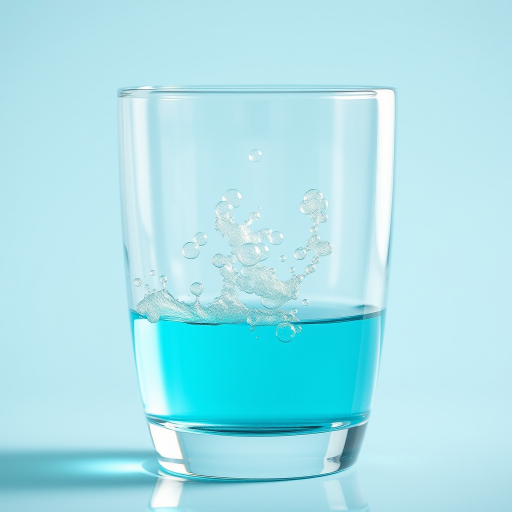
Generate a high-resolution image of a clear glass filled with bright turquoise liquid, with bubbles rising to the surface, captured with a Canon EOS R6, 50mm lens, f/2.8 aperture, and a shallow depth of field to create a soft background.
create an abstract background with overlapping translucent circles in shades of teal and turquoise, incorporating a gradient blend of soft greens and blues, 50mm lens, f/2.8 aperture, ISO 100, shot from a slight angle to create depth, using a DSLR camera in natural light to enhance image quality
Create an illustration of a bald man sitting at a modern desk with a laptop, wearing a button-up shirt and shorts, in front of a circular turquoise background, shot with a DSLR camera at f/4 aperture, 50mm lens, soft lighting, and a slight overhead angle to enhance details and vibrant colors.
create a vibrant abstract image of concentric circles in varying shades of turquoise and blue, with a deeper black center, captured with a DSLR camera, f/8 aperture, 1/60s shutter speed, ISO 200, 50mm lens, in a symmetrical view for enhanced depth and clarity
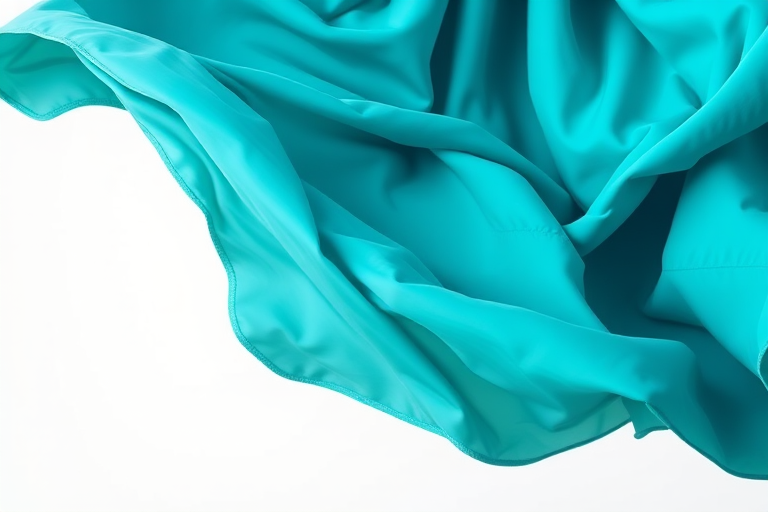
Create a vibrant illustration of a flowing turquoise cloak, captured with a DSLR camera at f/2.8 aperture, ISO 100, 50mm lens, in a studio setting with soft diffused lighting to enhance texture and color clarity.
Generate a high-resolution graphic of a stylized heart icon on a divided turquoise background, using a Canon EOS 5D Mark IV with a 50mm f/1.8 lens at ISO 100, aperture f/8, and shutter speed 1/200s, shot from a straight-on view with soft lighting to enhance color contrast and clarity.
Create an illustration of stylized ocean waves in varying shades of blue and turquoise with a smooth gradient effect, capture from a top-down view using a DSLR camera at f/8 aperture, ISO 100, 50mm lens, and soft natural lighting to enhance image quality.
Create an image of a modern smartphone with a blank screen and a turquoise frame, captured with a Canon EOS R5 at 50mm f/1.8, natural lighting, and a shallow depth of field for enhanced clarity.
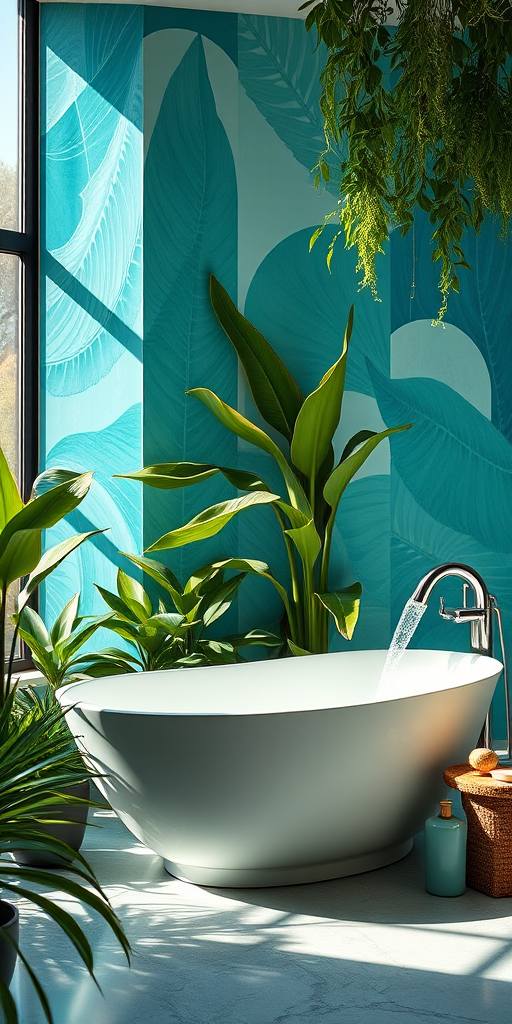
Create a luxurious bathroom scene featuring a freestanding bathtub with flowing water, surrounded by lush green plants and artistic turquoise wall murals, captured with a Canon EOS R5, 24mm lens, f/2.8 aperture, ISO 100, 1/125 sec, natural light with a soft focus effect for a serene atmosphere.
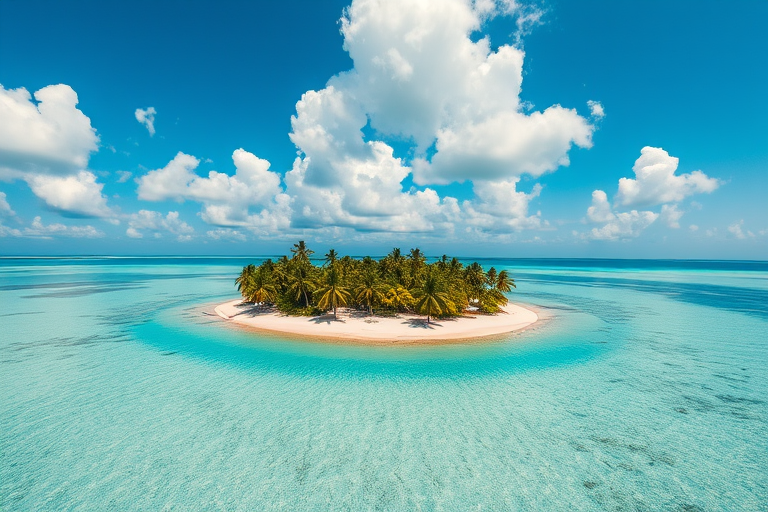
tropical island with palm trees surrounded by clear turquoise water and a bright blue sky with fluffy white clouds, shot with a Canon EOS R5, 24mm lens, f/8, ISO 100, HDR photography, high dynamic range, aerial view
Regenerate an abstract watercolor painting with vibrant turquoise and teal splashes on a white background, taken with a Canon EOS R5, 50mm lens, f/1.8 aperture, ISO 100, natural light, top-down view, high-resolution style.
Pattern design of zigzag stripes in bright turquoise and deep purple, high resolution, ISO 100, f/4 aperture, 35mm lens, top-down view, digital art style, add texture for depth.
Create a dynamic digital artwork depicting flowing binary code in shades of blue and turquoise, with a dark background, using a 50mm lens, f/1.8 aperture, ISO 200, and a shallow depth of field for enhanced focus on the numbers, captured in a high-definition digital format.
Generate a vector illustration of a modern factory with three smokestacks, a delivery truck parked in front, and a clear turquoise sky with scattered clouds, using a Canon EOS 5D Mark IV with a 24mm lens, f/11 aperture, ISO 100, and a wide-angle view for clarity and depth.
Create a high-quality illustration of a printer with a paper being ejected, using a Canon EOS 5D Mark IV camera, f/8 aperture, ISO 100, 35mm lens, top-down view, flat lay style, with a clean circular turquoise background.