Create a minimalist icon of a person silhouette on a gradient background from light blue to teal, using a Canon EOS R camera with a 50mm lens, f/2.8 aperture, ISO 100, shot from a straight-on view in natural lighting for enhanced clarity and quality.
Create a high-resolution abstract image of wavy metallic textures in shades of gray and gold, using a 50mm lens, f/1.8 aperture, ISO 100, and studio lighting to enhance contrast and detail, shot from a straight-on perspective.
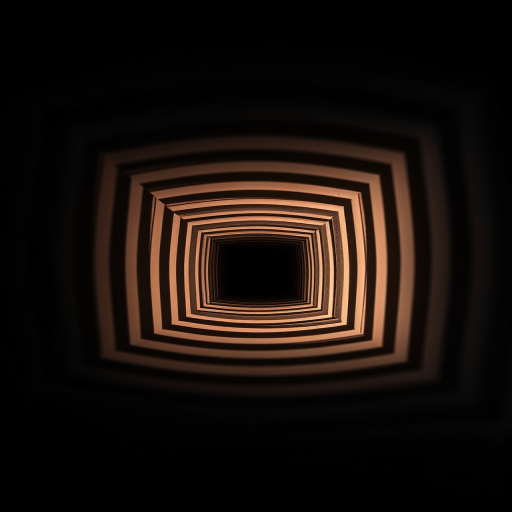
Create a high-resolution abstract image featuring concentric squares funneling toward a central point, using a Canon EOS R5 with a 24-70mm f/2.8 lens, aperture set to f/8, ISO 100, and a shutter speed of 1/250s, captured at a straight-on angle with a slight vignette effect for added depth.
Create an illustration of two human silhouettes back to back, one in black and one in brown, with intertwining necklines, using a high-resolution digital rendering style, shot from a straight-on angle, with soft lighting to enhance the contours, using a professional DSLR camera at f/8 aperture, 50mm lens, ISO 100.
Create a minimalist play button icon on a gradient background transitioning from teal to light blue, using a DSLR camera with a 50mm lens, f/1.8 aperture, ISO 100, and a shallow depth of field, capturing the image from a straight-on view.
Create an image of a professional hiring announcement featuring silhouettes of five diverse figures standing together against a vibrant, glowing blue background, with bold neon text that reads "WE ARE HIRING" above them; use a DSLR camera with a 50mm lens at f/1.8, ISO 200, and a shutter speed of 1/200 sec, shooting from a straight-on perspective for sharp focus and dramatic depth.
Create a high-resolution digital illustration of a red double cross on a soft pink background, using a DSLR camera with a 50mm lens, aperture set to f/2.8, ISO 100, and shot from a straight-on view for optimal symmetry and detail.
Create a high-resolution image of a pirate skull and crossbones on a solid black background, using a DSLR camera with a 50mm lens, aperture set to f/2.8, ISO 100, and shot from a straight-on view for clarity and detail.
Create a high-resolution vector image of a smartphone with a green screen, shot from a straight-on view using a 50mm lens at f/2.8, ISO 100, and in a well-lit studio setting.
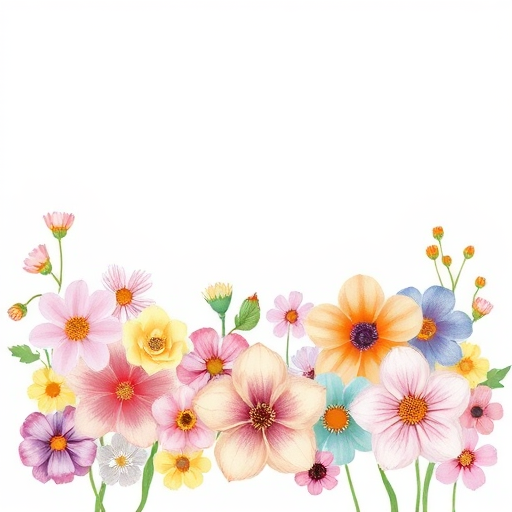
Create a vibrant digital illustration of a variety of flowers in soft pastel colors arranged at the bottom of the image, with a clean white background, using a high-resolution setting at 300 DPI, shot from a straight-on perspective with a watercolor style, using a digital drawing tablet.
Create a minimalistic line art illustration of a rose on a beige background with a large brown oval shape behind it, use a Canon EOS R5, 50mm f/1.8 lens, aperture f/2.8, ISO 100, shot from a straight-on perspective in natural light for enhanced clarity and contrast.
Generate an image of a red background filled with evenly spaced white polka dots, camera settings: aperture f/4, ISO 100, shutter speed 1/60 sec, camera view straight-on, camera style vibrant color, camera type DSLR.
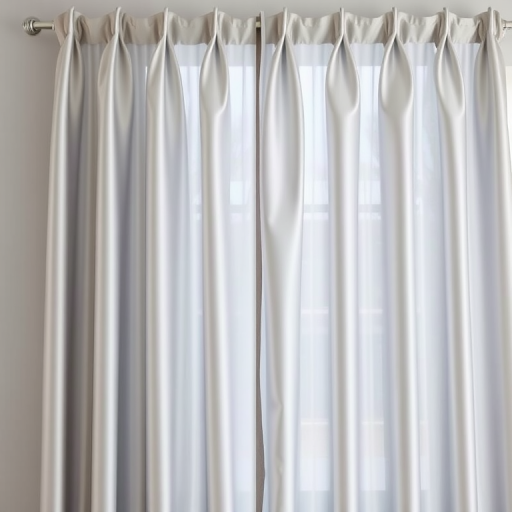
Generate an image of a silver pleated curtain hanging straight, shot with a Canon EOS R5 at f/4.0, ISO 100, 50mm lens, using natural light from a nearby window for enhanced color accuracy and soft shadows.
Create an ornate frame design with intricate geometric patterns, use a DSLR camera with a 50mm lens, aperture set to f/2.8, ISO 100, natural light, shot from a straight-on angle to enhance detail and clarity.
Create a high-resolution abstract gradient background with a subtle pixelated texture, using a Canon EOS R5, 50mm lens, f/1.8 aperture, ISO 100, 1/200 second shutter speed, from a straight-on view in a digital artwork style.
Create an abstract background with varying circles and geometric shapes in shades of blue, using a high-resolution digital camera with a 50mm lens, aperture set to f/8, ISO 100, and shooting at a straight-on view with a soft focus effect.