Create a digital illustration of four diverse individuals wearing masks, facing left, with a light abstract background featuring scattered virus icons, using a soft color palette, shot with a Canon EOS R5 at f/4, ISO 100, with a focus on vibrant colors and smooth lines for clarity.
Create an image of a heart shape made from splashes of dark chocolate on the left and white chocolate on the right, using a high-resolution camera with a shallow depth of field, 50mm lens, f/2.8 aperture, and a softbox for even lighting.
Create a highly detailed image of a yellow bottle cap with a glossy finish, using a Canon EOS 5D Mark IV camera, 50mm lens, aperture set to f/2.8, ISO 100, and natural soft lighting from the left side, capturing a top-down view.
Create an image of a chalkboard with a large, hand-drawn left-facing arrow on the left side and multiple smaller right-facing arrows on the right side, captured with a DSLR camera at f/2.8 aperture, 1/125 shutter speed, ISO 100, wide-angle lens, and a slight vignette effect.
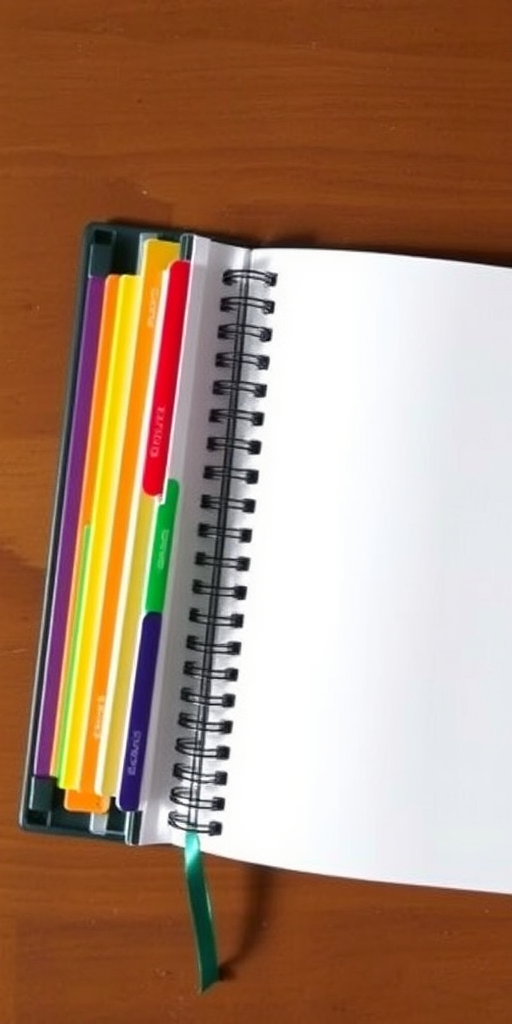
Create a high-resolution image of an open notebook with blank pages, showing colorful tab dividers on the left side, captured with a DSLR camera at f/2.8 aperture, 50mm lens, natural lighting, top-down view for clarity and detail.
Create an image of the flag of the Cayman Islands featuring a blue background with a Union Jack in the top left corner and the Cayman Islands coat of arms in the center, captured with a Canon EOS 5D Mark IV, 50mm lens, f/8 aperture, ISO 100, in bright daylight for enhanced clarity and color vibrancy.
A bowl of steaming ramen noodles with a perfectly cooked egg on top, garnished with green onions, shot with a Canon EOS R, 50mm lens, f/2.8 aperture, 1/60 sec shutter speed, natural soft light from the left, top-down perspective for clarity and detail.
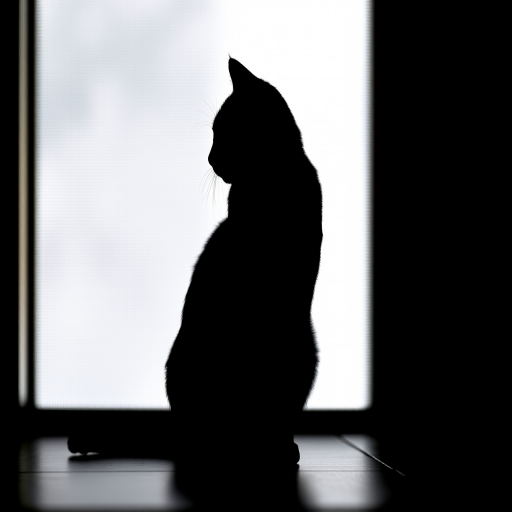
Create an image of a minimalist black silhouette of a cat sitting, using a Canon EOS R5 camera, with a 50mm f/1.2 lens, aperture set to f/2.8, ISO 100, and a shallow depth of field, shot in natural light from the left side.
Create a textured background with a warm golden hue, featuring vibrant red maple leaves gracefully arranged at the top left and bottom right corners, taken with a DSLR camera at f/2.8 aperture, 50mm lens, ISO 100, and soft natural lighting to enhance the colors and details.
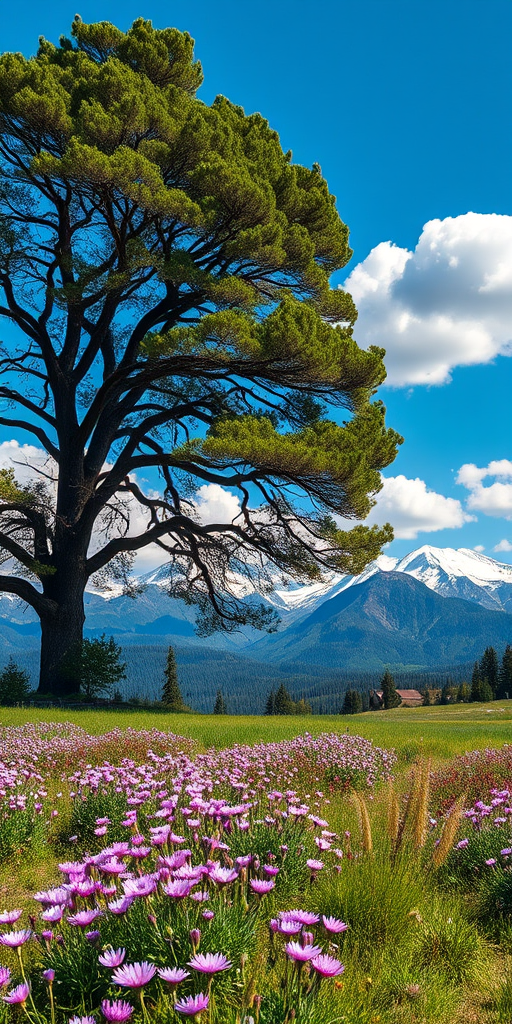
regenerate a vibrant landscape scene featuring a large tree on the left, a field of wildflowers with purple blooms in the foreground, majestic snow-capped mountains in the background, and a clear blue sky with fluffy white clouds; use a Canon EOS R5, aperture f/8, ISO 100, 24mm focal length, and a wide-angle perspective for enhanced depth and detail.
Create a cartoon-style illustration of a cheerful bald man with round glasses, wearing a yellow shirt and blue tie, set against a vibrant light blue background, with a document icon on the left; use a high-resolution digital camera with a 50mm lens, f/1.8 aperture, ISO 100, and soft lighting for enhanced clarity and detail.
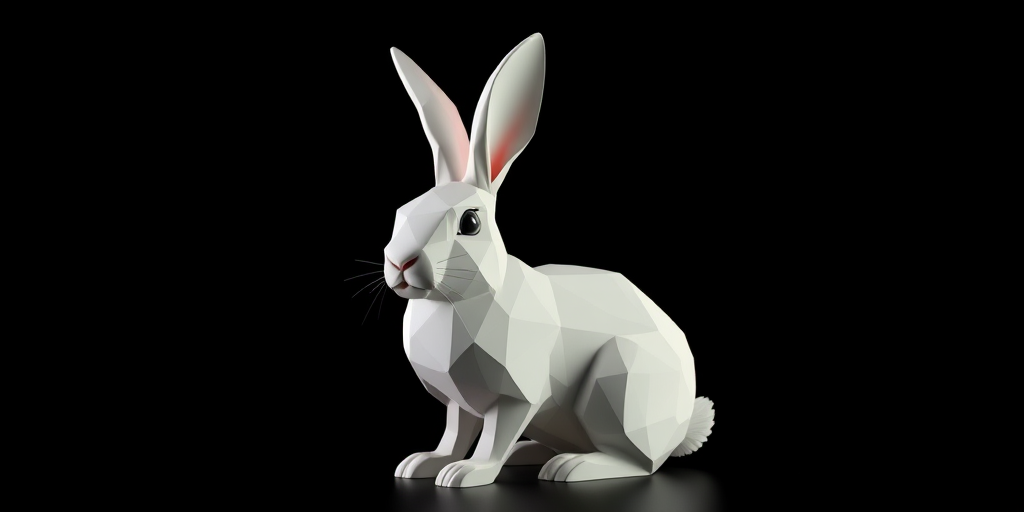
Create a low-poly 3D model of a rabbit against a black background, using a 50mm lens, f/2.8 aperture, ISO 100, with dramatic side lighting, a slight left angle view, and a Canon EOS R camera for enhanced clarity and depth.
Create a digital illustration of a customer support scenario, featuring a support representative with a headset and a computer on the left side, and a customer with a headset on the right side, use a clean background, vibrant colors, sharp lines, and high contrast lighting, simulate a professional look, capture with a Canon EOS 5D Mark IV using a 50mm lens at f/1.8, ISO 100, and 1/200s exposure.
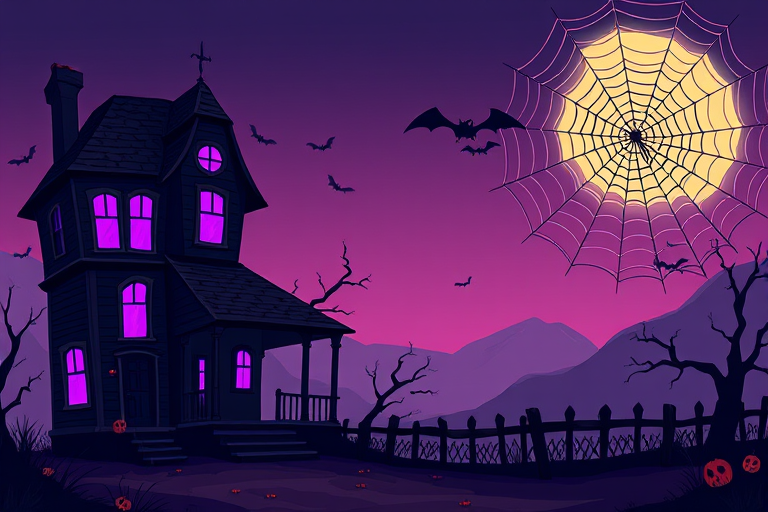
Create a digital illustration of a spooky Halloween scene featuring a haunted house on the left side, with eerie purple lights in the windows and a large, stylized spider web in the top right corner, using a DSLR camera, ISO 100, aperture f/2.8, focal length 50mm, and in a vibrant, cartoonish style.
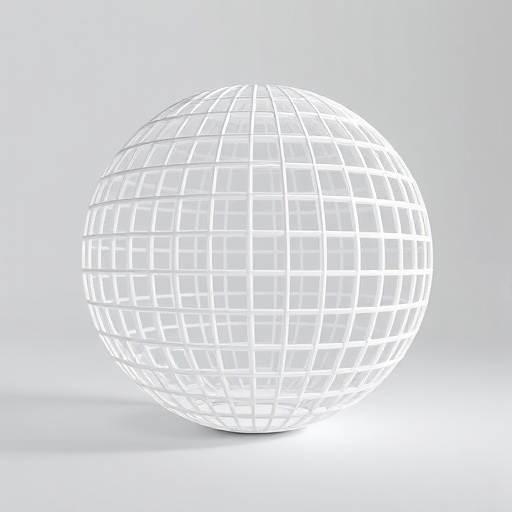
Create a high-resolution 3D render of a white hollow sphere with a grid pattern, using a Canon EOS 5D Mark IV camera with a 50mm lens, aperture set to f/8, ISO 100, and a soft diffused light source from the left to enhance shadows and details.
Create a digital illustration of a user interface with a blue background featuring a white rectangular section on the left containing a book icon and a larger white rectangular section on the right with the text "About Me" in bold black font, shot with a Canon EOS R5 at f/2.8, ISO 100, 1/125s, in a flat lay style.