Create a glossy, rounded blue button with a gradient effect, high-resolution 300 DPI, shot from a centered frontal view using a mirrorless camera, f/8 aperture, 50mm lens, natural lighting.
Create a high-resolution image of a play button icon with a glossy finish and smooth gradients, captured with a DSLR camera at f/2.8, ISO 100, and a focal length of 50mm, using a shallow depth of field to focus on the icon while softly blurring the background.
Create a high-resolution image of a large, glossy gold number 5 with reflections and highlights on a white background, shot with a DSLR camera at f/2.8, 50mm lens, in a well-lit studio setting.
Create a high-resolution image of a gold trophy on a glossy black base, using a DSLR camera with a 50mm lens, aperture set to f/1.8 for a shallow depth of field, at a 45-degree angle, soft natural lighting for enhanced reflections, and 4K resolution for clarity.
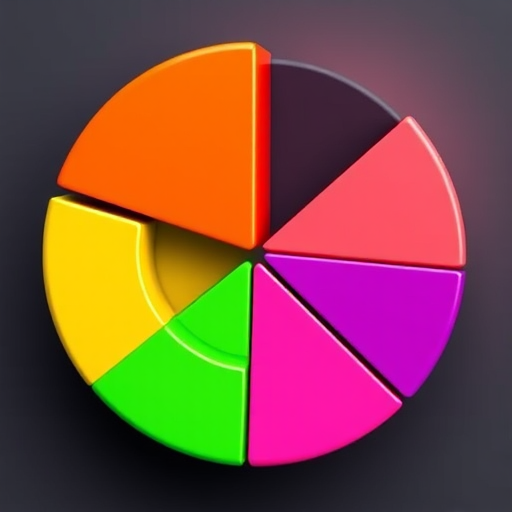
Create a 3D pie chart with vivid colors including yellow, red, green, pink, and blue, add a glossy finish, use a DSLR camera with an aperture of f/2.8, ISO 100, shot from a 45-degree angle, and a shallow depth of field.
Create a glossy black power button with a glowing green symbol on a reflective surface, using a DSLR camera with a 50mm lens, f/2.8 aperture, ISO 100, and a studio lighting setup for enhanced clarity and vibrant colors, captured from a straight-on angle.
Create a 3D glossy golden letter "G" on a colorful abstract background with a depth of field effect, shot with a Canon EOS R camera at f/1.8 aperture, ISO 100, 50mm lens, with soft natural lighting.
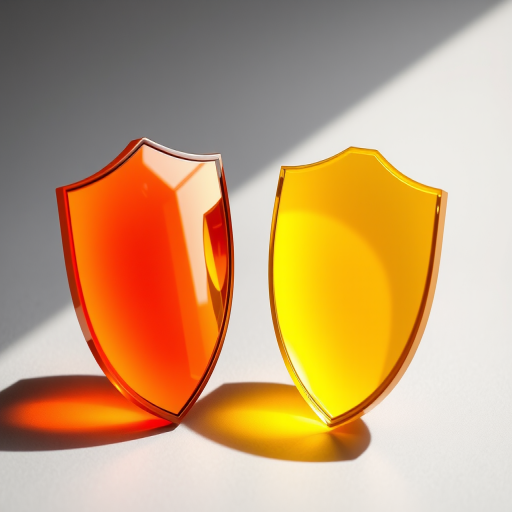
Create an image of two glossy shields, one orange and one yellow, with a smooth gradient finish; use a DSLR camera with a 50mm lens, aperture set to f/2.8, 1/250s shutter speed, and ISO 100 for crisp detail and vibrant colors, captured from a slightly elevated angle with soft natural lighting to enhance the sheen.
Create a vibrant pink background featuring layered speech bubbles with a glossy heart icon, using a Canon EOS R5 camera, 50mm lens, f/1.8 aperture, ISO 100, and a shallow depth of field to enhance color saturation and clarity.
Create a high-resolution image of a glossy teal sphere resting on a shadowed surface with a soft gradient background, using a 50mm lens, f/2.8 aperture, ISO 100, shot from a slightly elevated angle to capture reflections and depth.
Create a high-resolution 3D rendering of a shiny, vibrant red letter "R" with a glossy finish, shot with a 50mm lens, f/1.8 aperture, ISO 100, in soft natural light, using a DSLR camera for enhanced detail and clarity.
Create a vibrant cartoon image of a happy egg character with a cracked shell, placed on a glossy white surface, using a Canon EOS 5D Mark IV, 50mm lens, f/2.8 aperture, 1/100 sec shutter speed, with a soft focus background to enhance the egg's bright colors and cheerful expression.
Generate an image of the Cuban flag with high contrast and vibrant colors, use a DSLR camera, aperture f/5.6, ISO 100, 24mm lens, shot from a frontal view, ensure a glossy 3D button effect with a soft shadow.
Generate a vibrant close-up image of mistletoe with glossy leaves and white berries in natural daylight, using a 50mm lens, f/2.8 aperture, ISO 100, and focal length of 50mm, in macro photography style.
Create a high-resolution image of four glossy, colorful apples (green, red, yellow, and blue) with reflective surfaces on a smooth white background, using a DSLR camera with a 50mm lens, aperture set to f/2.8, shutter speed of 1/125 sec, and ISO 100, shot from a low angle for a dynamic perspective.
Create an image of six glossy rectangles arranged in two rows, with three rectangles in each row; the top row should have two dark blue rectangles and one light blue rectangle, while the bottom row should have two dark purple rectangles and one light purple rectangle, use a Canon EOS R5, aperture f/4, ISO 100, 50mm lens, shot from a straight-on view with studio lighting to enhance color vibrancy and surface gloss.