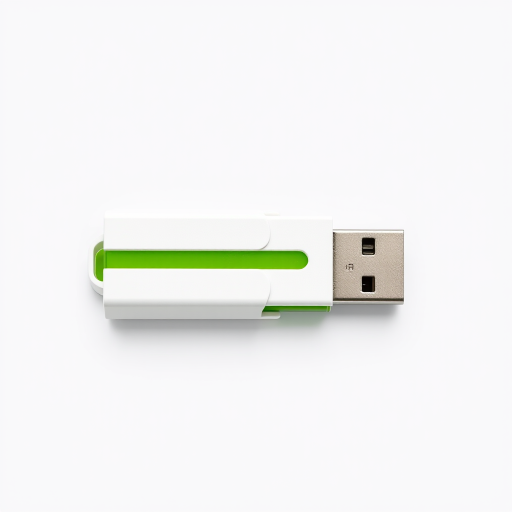
Create a high-resolution image of a modern USB flash drive with a sleek white and green design, shot with a DSLR camera at f/2.8, ISO 100, and a shutter speed of 1/60 sec from an overhead angle in a well-lit studio setting.
Create a high-resolution image of a blue USB flash drive with a shiny metallic surface, taken from a slightly elevated angle, using a DSLR camera with a 50mm lens, aperture f/2.8, ISO 100, and soft natural lighting.
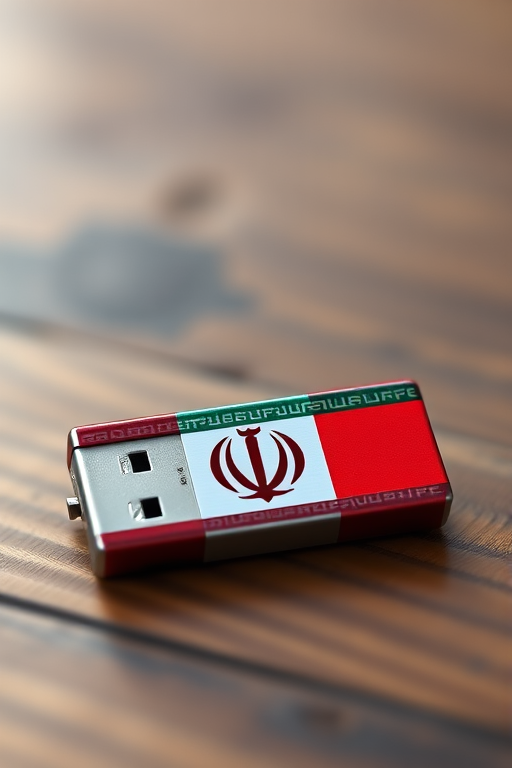
Create a high-resolution image of a USB flash drive with the Iranian flag design, using a DSLR camera with a 50mm lens, aperture set to f/1.8, ISO 100, and a slight depth of field to enhance focus on the flash drive against a blurred background.
A high-quality close-up image of a USB 2.0 flash drive, shot with a Canon EOS 5D Mark IV, 50mm lens, aperture f/1.8, ISO 100, natural lighting, focus on details and textures.
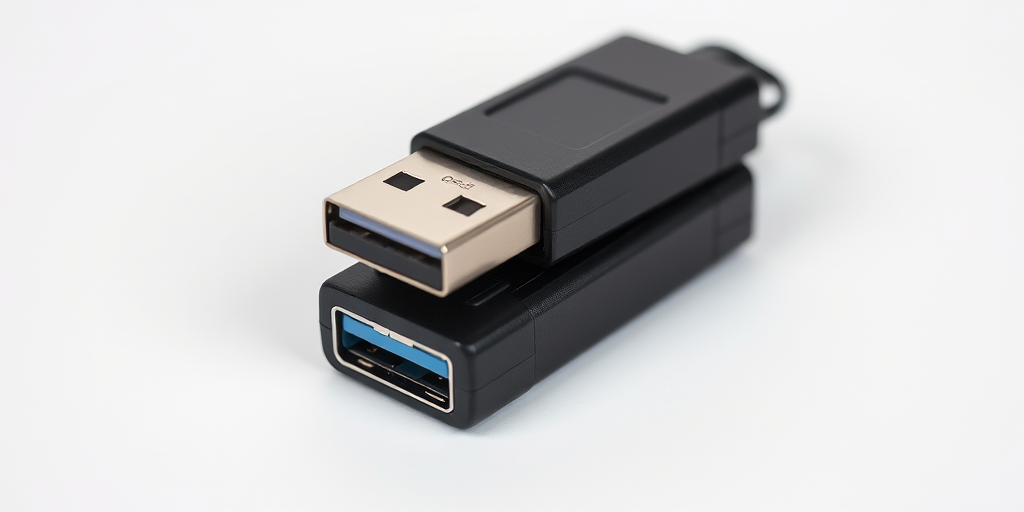
Create a high-resolution image of a USB flash drive with a modern design, captured with a DSLR camera using a 50mm lens at f/1.8, ISO 100, and natural lighting from the side for soft shadows, top-down view to emphasize shape and texture.
High-resolution image of a sleek silver USB flash drive with a blue indicator light, captured with a Canon EOS R5, 50mm lens, aperture f/2.8, ISO 100, natural lighting, 45-degree angle view for optimal detail and texture.
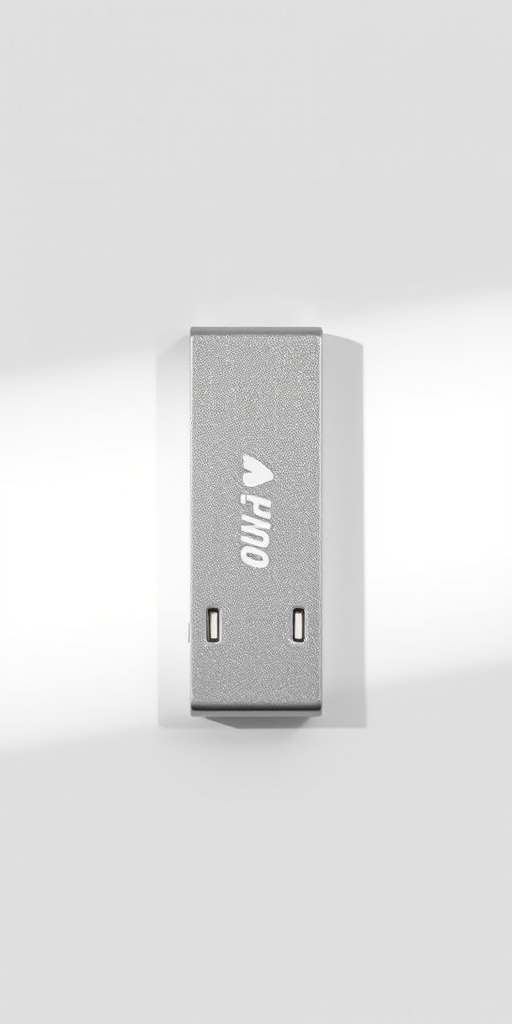
Create a high-resolution image of a USB flash drive with a sleek design, in a studio setting, using a Canon EOS 5D Mark IV camera with a 50mm lens, aperture f/2.8, shutter speed 1/125s, ISO 200, soft lighting for a clean look, and a neutral background.
Create a high-resolution digital illustration of a hard drive with a glossy finish, top-down view, 50mm lens, f/8 aperture, 1/125 sec exposure, natural lighting, 300 DPI.
Create a high-resolution image of a computer hard drive from a top-down view, using a DSLR camera with a 50mm lens, aperture set to f/2.8, ISO 100, and a shallow depth of field to emphasize details and enhance clarity.
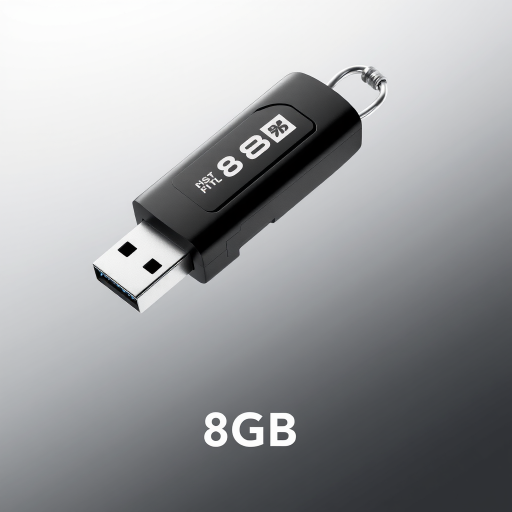
Create a high-resolution image of a black 32GB USB flash drive, positioned at a slight angle to showcase its design, using a DSLR camera with a 50mm lens, aperture set to f/2.8, ISO 100, and a soft light source for an enhanced visual effect.
Create an artistic close-up of a vintage compact disc and a hard drive, using a DSLR camera with a 50mm lens, aperture set to f/2.8, ISO 200, in soft natural lighting, with a shallow depth of field to emphasize the textures and reflections on the surfaces.
Create a high-resolution image of a blue USB flash drive with a white casing, viewed from a slightly elevated angle, sharp focus, using a DSLR camera, f/2.8 aperture, 50mm lens, ISO 100, natural lighting for enhanced details.
Create a high-resolution image of a sleek, modern USB flash drive with a green accent, using a DSLR camera, f/2.8 aperture, 50mm lens, taken from a slightly elevated angle to enhance detail and depth, in natural lighting for vibrant colors.
Create a high-resolution image of a USB flash drive placed on a reflective surface with a shallow depth of field, using a 50mm lens at f/2.8, ISO 100, and aperture priority mode on a DSLR camera, capturing natural lighting to emphasize the texture and details of the flash drive.
Create a high-resolution cartoon character of a USB flash drive with arms and legs, smiling and in a playful pose, with a white background, using a Canon EOS 5D Mark IV camera at f/2.8, ISO 100, 1/200s, shot in portrait orientation for enhanced clarity and vibrancy.
Capture a high-resolution image of a USB flash drive on a plain white background, using a Canon EOS 5D Mark IV camera, f/2.8 aperture, ISO 100, 1/125s shutter speed, with a macro lens for detailed close-up, soft natural lighting to enhance the metallic texture.