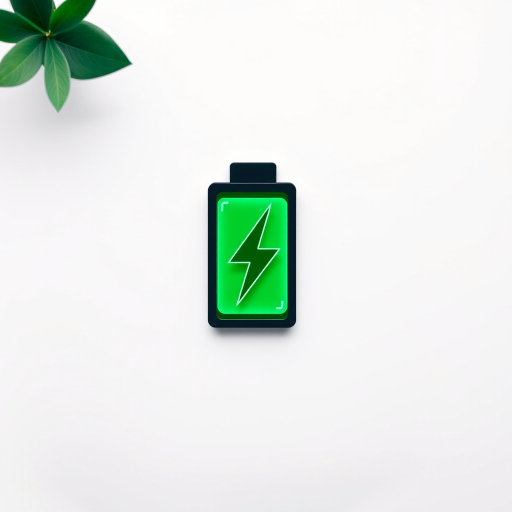
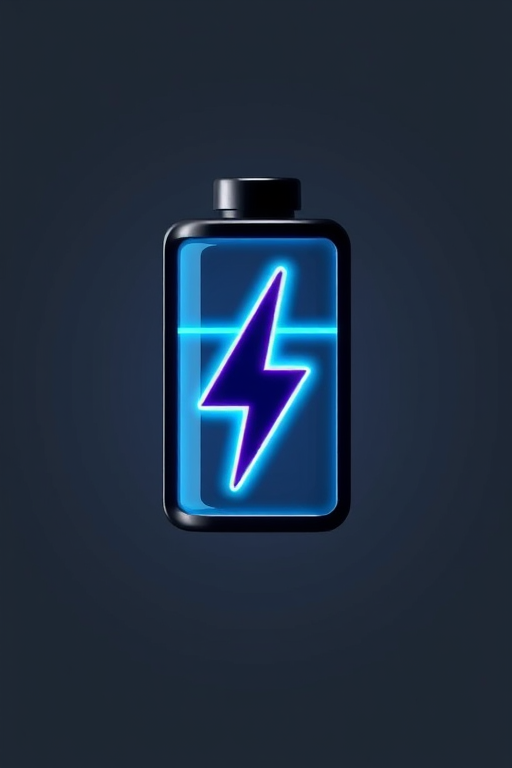
Create a high-resolution vector graphic of a battery icon with a lightning bolt symbol, using a 50mm lens at f/8 aperture, 1/60 shutter speed, and ISO 100, in a flat lay camera view with soft lighting for a clean and modern appearance.
Create a high-resolution illustration of four battery icons in red, brown, yellow, and green, showcasing different charge levels, taken with a DSLR camera at f/8 aperture, ISO 100, 50mm lens, and a slight tilt shift effect for depth.
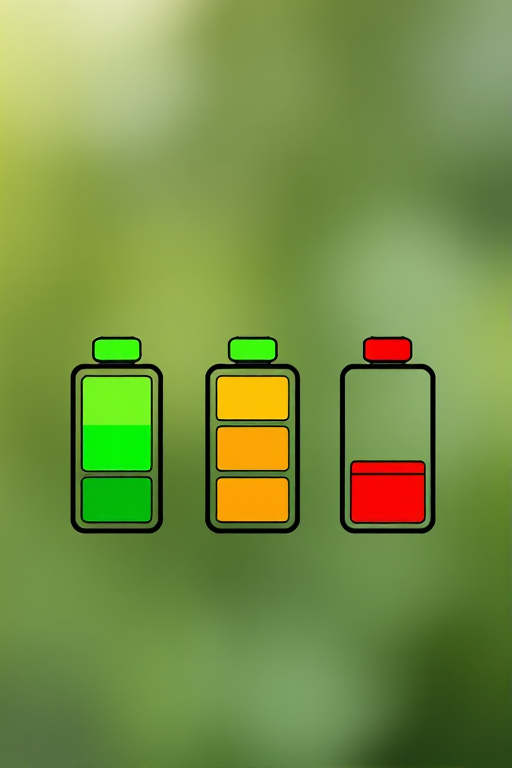
Create a high-resolution image of three battery icons in a vertical alignment with varying charge levels: fully charged (green), half charged (orange), and low charged (red), using a DSLR camera with a 50mm lens, f/2.8 aperture, ISO 100, shooting in natural light with a shallow depth of field for a clean background.
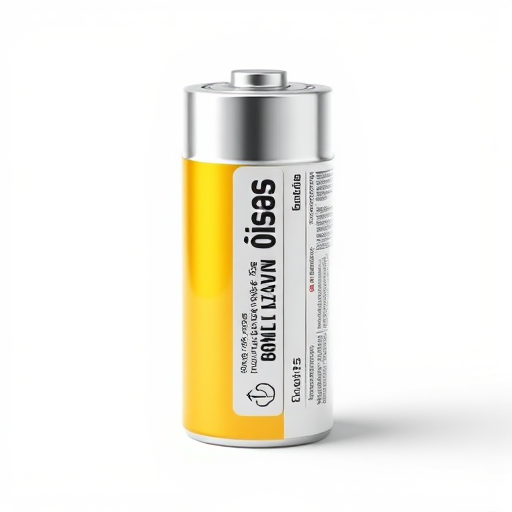
create a highly detailed digital illustration of a battery standing upright, with a shiny cylindrical design, showing clear labels and realistic textures, using a Canon EOS R5 camera, 50mm lens, aperture f/2.8, ISO 100, with soft lighting and a clean white background for high contrast and clarity.
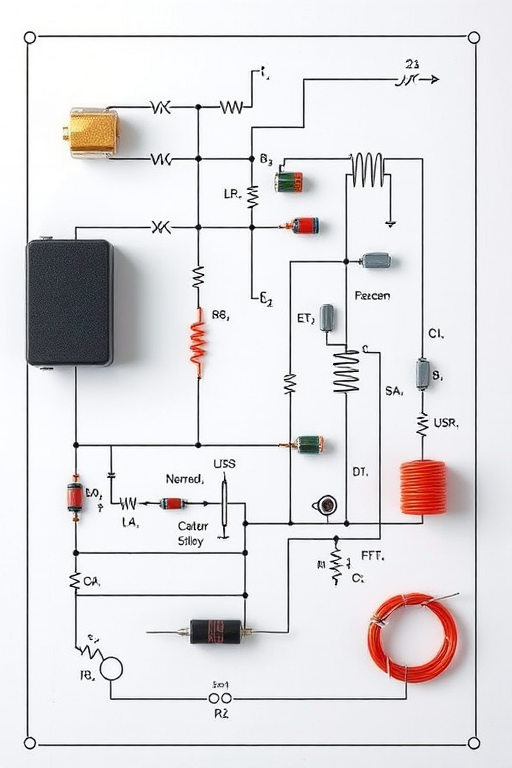
Create a high-resolution schematic diagram of an electric circuit featuring a battery, resistors, capacitors, and an inductor, captured using a DSLR camera with a f-stop of 8, ISO 200, shutter speed of 1/100s, in a top-down view for clarity and detail.
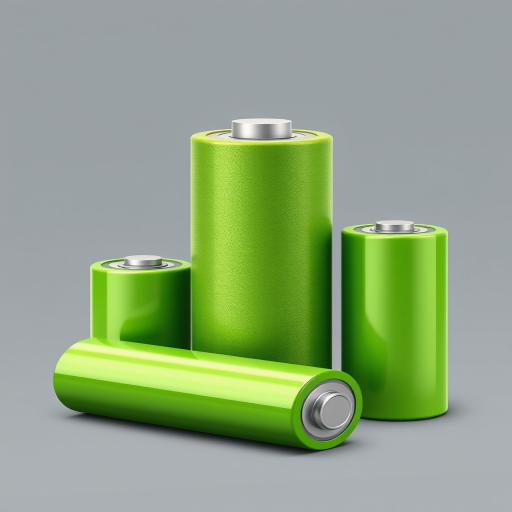
Create a high-resolution illustration of a green battery with a textured surface and two green cylindrical batteries beside it, use a 50mm lens, f/8 aperture, 1/100s shutter speed, soft lighting for even shadows, and a neutral background for emphasis on the subjects.
Generate a high-resolution image of a stylized battery icon with a lightning bolt, using a 50mm lens on a DSLR camera, aperture set to f/4, ISO 100, in a soft light studio setting to enhance color vibrancy and detail.
Create a high-resolution image of three battery icons in a vertical alignment with varying charge levels: fully charged (green), half charged (orange), and low charged (red), using a DSLR camera with a 50mm lens, f/2.8 aperture, ISO 100, shooting in natural light with a shallow depth of field for a clean background.
Create a high-resolution digital illustration of a battery icon filled with blue liquid, in a minimalistic style, using a 50mm lens, f/2.8 aperture, and 1/100s shutter speed for sharp details, with a soft-focus background to enhance the subject.
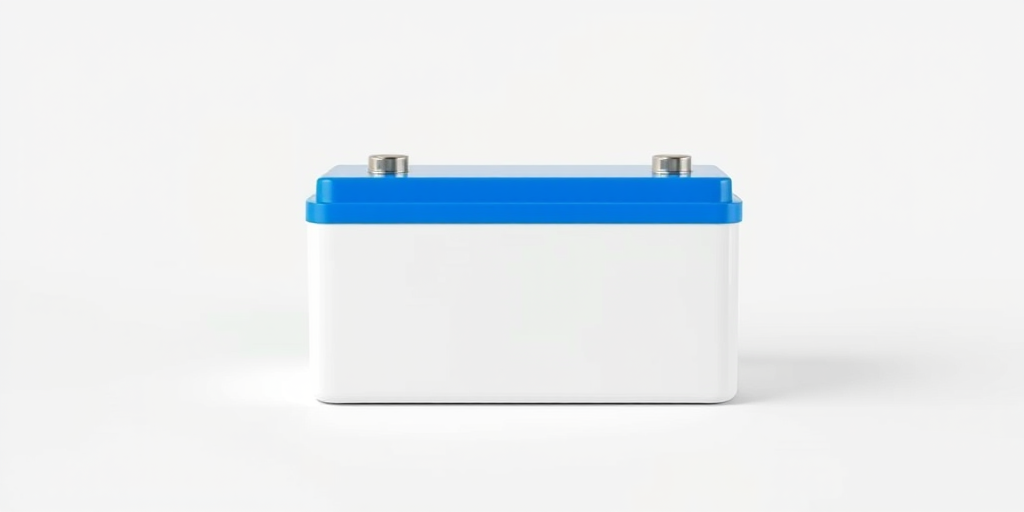
Create a high-resolution 3D rendering of a rectangular battery with a blue top and white body, using a DSLR camera with a 50mm lens, aperture f/8, ISO 100, and soft studio lighting for a professional look.
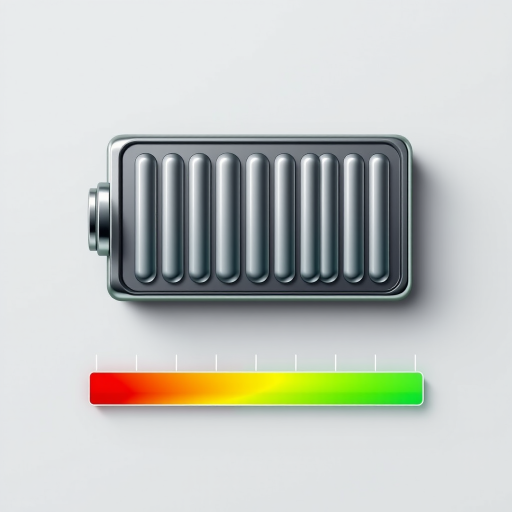
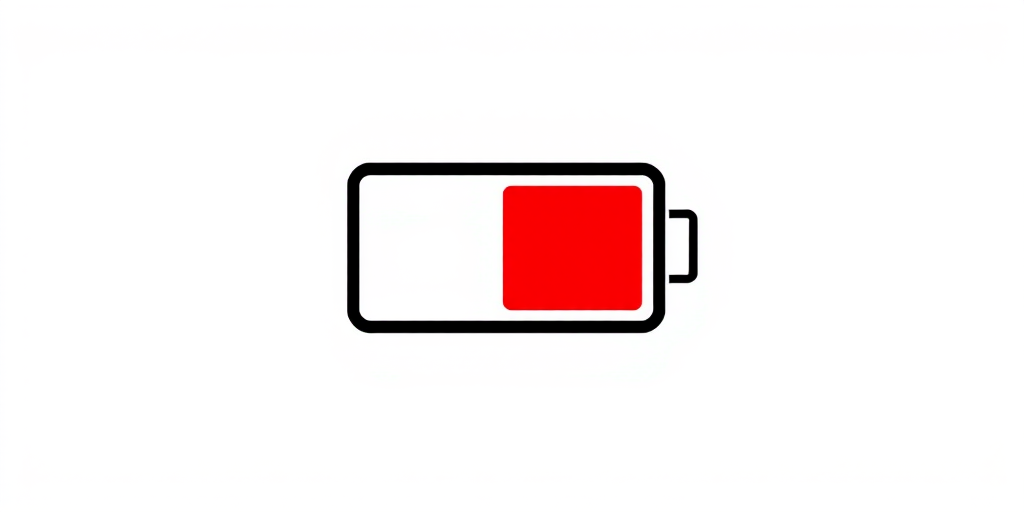
Create a high-quality 3D render of a battery with a low charge indicator, using a wide-angle lens at f/8, ISO 100, and a softbox lighting setup. Use a DSLR camera for clarity and detail, and place the battery against a clean, simple background for focus.
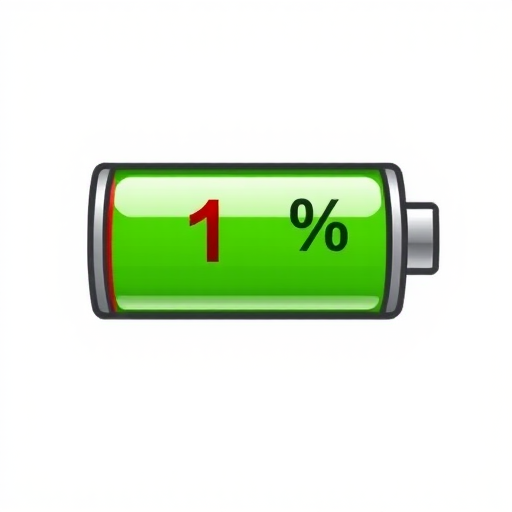
A simple illustration of a battery icon showing 1 percent charge with a red section indicating low battery on a plain white background.