Create a 3D glossy blue arrow pointing left on a gradient background, using a Canon EOS 5D Mark IV, f/5.6 aperture, 1/250 sec shutter speed, ISO 100, with a macro lens for enhanced detail and vibrant color.
Create an illustration of a vibrant cartoonish yellow arrow pointing to the right, with a thick orange outline, captured with a high-resolution digital camera, 50mm lens, f/2.8 aperture, in natural light to enhance color saturation and clarity.
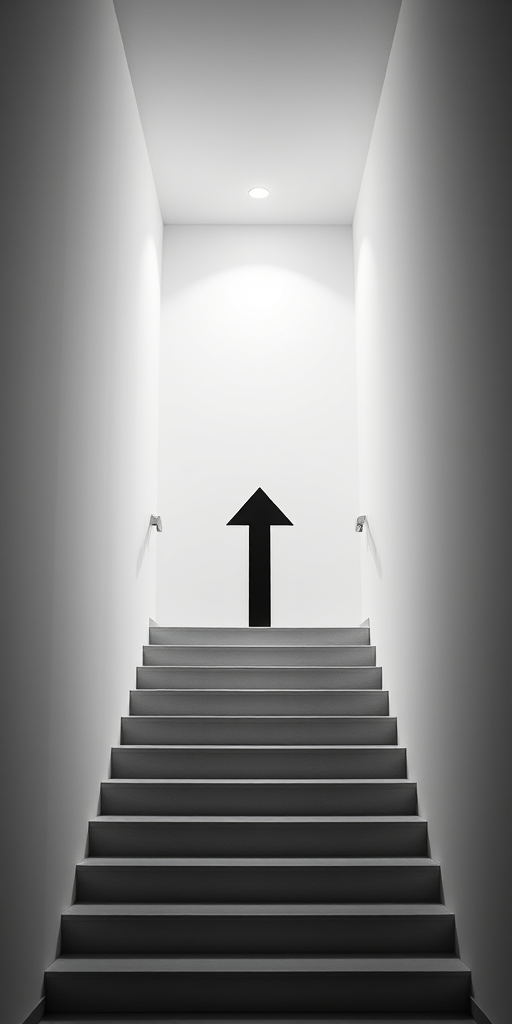
Generate a high-resolution image of a downward-pointing arrow with a clean, minimalist design using a Canon EOS 5D Mark IV, aperture f/8, ISO 100, 50mm lens, natural lighting, and a shallow depth of field to emphasize clarity.
Create a minimalist design of a stylized upward arrow and bar graph on a solid teal background, using a DSLR camera with a 50mm lens, aperture set to f/2.8, shutter speed at 1/200s, and ISO 100 for enhanced image quality.
Create an illustration of a stylized cloud with a network design, featuring a downward arrow, using a DSLR camera with a 50mm lens, aperture f/2.8, ISO 100, and a shallow depth of field for clarity against a black background.
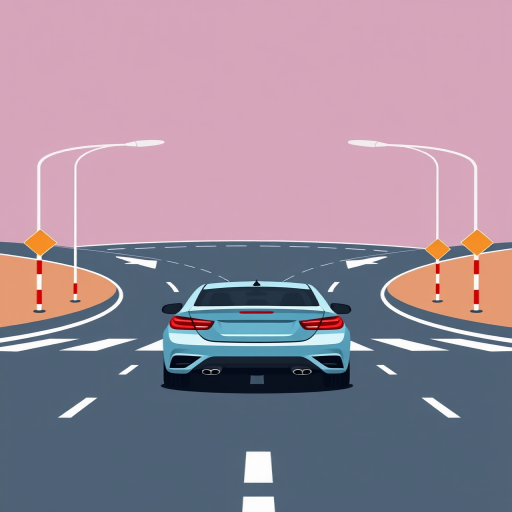
Create an illustration of a traffic sign indicating merging lanes with a yellow background, featuring two cars and an arrow, shot with a Canon EOS R5, 50mm lens, f/8 aperture, ISO 100, natural lighting, aerial perspective.
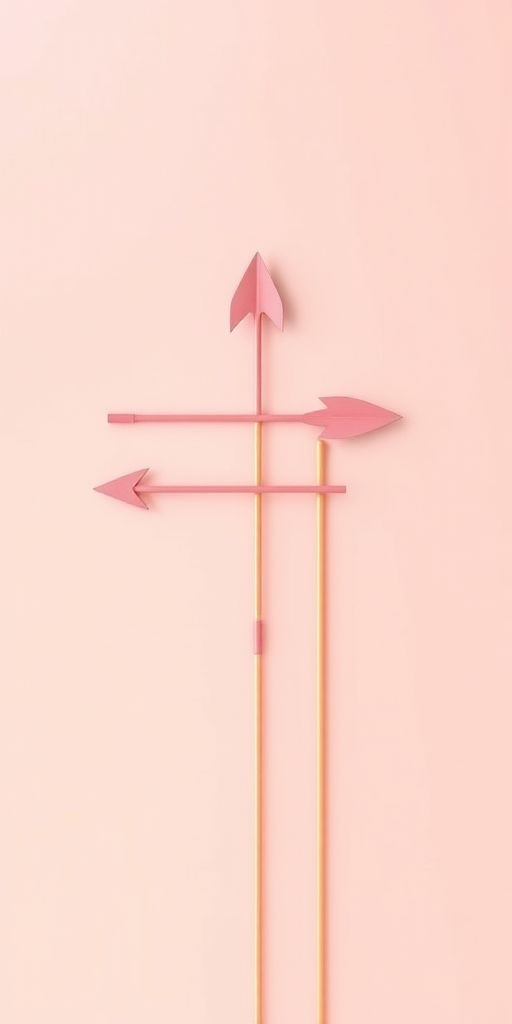
Create a detailed image of an antique weather vane featuring an ornate design with a circular frame and arrow, set against a clear blue sky, using a DSLR camera with a 50mm lens, aperture set to f/2.8 for a shallow depth of field, a shutter speed of 1/250 sec, and ISO 100 for optimal clarity and detail.
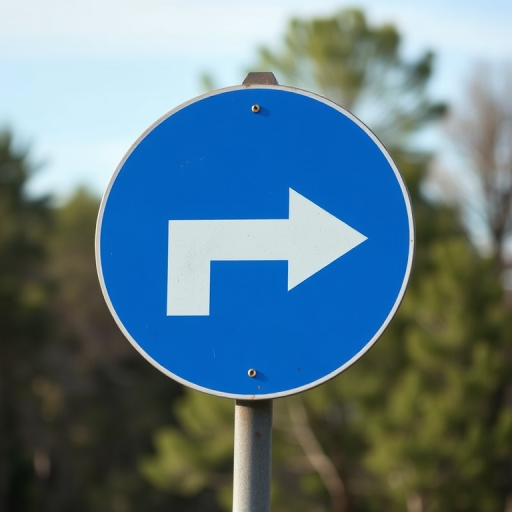
Create a high-resolution image of a right turn road sign with a vibrant red border and clear black arrow, using a DSLR camera, f/4 aperture, ISO 100, 50mm lens, in natural daylight with a shallow depth of field.
Create a high-resolution digital illustration of a glossy round button with a left arrow icon centered on it, using a gradient color scheme that transitions from warm orange to bright yellow, captured with a DSLR camera at f/2.8 aperture, 50mm lens, and a shallow depth of field for a smooth bokeh effect.
Create a high-resolution image of a graffiti mural featuring a skeletal figure with an arrow through its head, painted in a vibrant urban setting, captured with a DSLR camera, 50mm lens, f/1.8 aperture, ISO 200, at a 45-degree angle, utilizing natural light for enhanced colors and details.
Create an image of a fierce female archer in a golden field aiming an arrow with determination, using a Canon EOS R5 camera, 85mm lens, f/1.8 aperture, ISO 100, natural light for a cinematic and vibrant look.
create a 3D silver zigzag arrow pointing upwards with a glossy finish against a plain white background, use a Canon EOS R5 camera with a 50mm f/1.8 lens, aperture set to f/8, ISO 100, and natural lighting for enhanced reflections and depth.
Create a high-resolution image of a blue right arrow pointing to the right, captured with a DSLR camera at f/8 aperture, 1/200 shutter speed, ISO 100, in a clean studio setting, focusing on clarity and sharp detail.
Create an image of a bright green arrow pointing to the right showcased prominently against a clean white background, captured with a DSLR camera at f/2.8 aperture, ISO 100, 50mm lens, with a shallow depth of field and soft lighting for enhanced clarity and vibrancy.
Create a high-quality image of a blue circular arrow icon pointing left, with a glossy finish, using a Canon EOS 5D Mark IV, aperture f/4, ISO 100, 50mm lens, shot from a straight-on view, ensuring vibrant colors and clear details.
Create a high-resolution image of a modern, stylized logo representing a double arrow symbol, captured with a Canon EOS R5 camera, 50mm lens, f/2.8 aperture, ISO 100, with a shallow depth of field and soft focus background for a clean, professional look.