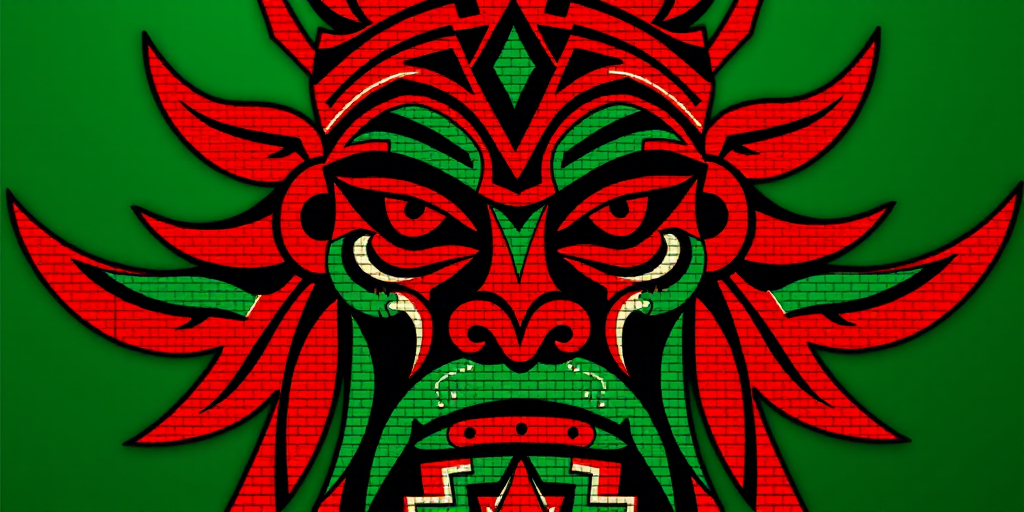
Create a high-resolution pixel art image of a stylized tribal figure featuring red and green colors, with a focus on geometric patterns and symmetrical design, captured using a DSLR camera at f/8 aperture, 1/60 shutter speed, ISO 100, with a macro lens for detailed texture and vibrant colors.
Create a high-resolution image of a city skyline at dusk, using a digital pixel art style with blue color tones, captured with a Canon EOS R5 camera, 50mm lens, f/1.8 aperture, ISO 100, and a shutter speed of 1/100s for optimal clarity and detail.
Create a high-resolution pixel art image of two chocolate chip cookies on a light background, using a digital camera with an aperture of f/2.8, shutter speed of 1/60s, ISO 100, top-down view, using a DSLR camera style for maximum clarity and detail.
Create a vibrant illustration of two people celebrating a birthday, one holding a cake with candles while the other looks excited, with colorful party hats, confetti, and stars in the background; use a soft focus, vibrant colors, and a digital drawing style, with a high-resolution setting of 4000x3000 pixels for clarity.
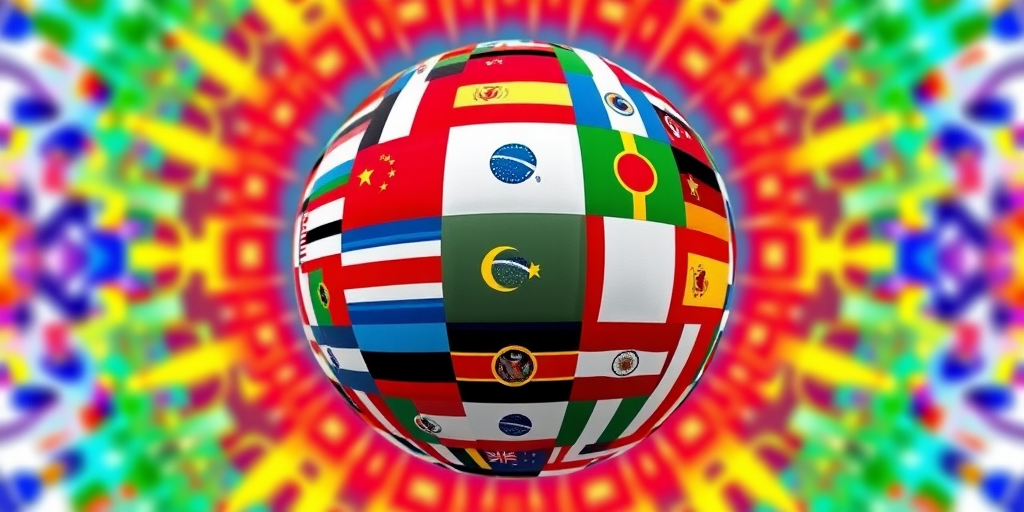
Create a vibrant collage of world flags arranged in a spherical shape on a colorful pixelated background, captured with a Canon EOS R5, 50mm lens, f/8 aperture, ISO 100, in a wide-angle view, using digital art style for enhanced clarity and detail.
Create a smooth gradient pattern featuring various shades of blue and purple in a pixelated style, captured with a DSLR camera at f/8, ISO 100, 1/200 sec, with a wide-angle lens from a top-down view to enhance image quality.
Create an illustration of a woman walking past a desk with a computer, featuring a sunset view through a window, in a minimalist style with soft pastel colors, using a digital art approach, with a resolution of 300dpi, and a canvas size of 1920x1080 pixels.
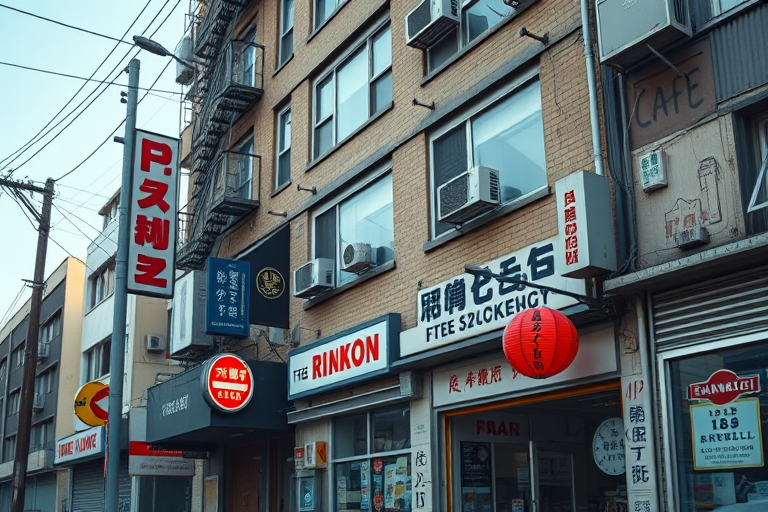
Create a retro pixel art image of a detailed urban building with signs and decorations, using a Canon EOS-1D X Mark III, 50mm lens, f/1.4 aperture, ISO 100, shot from a low angle, with soft natural lighting to enhance colors and contrast.
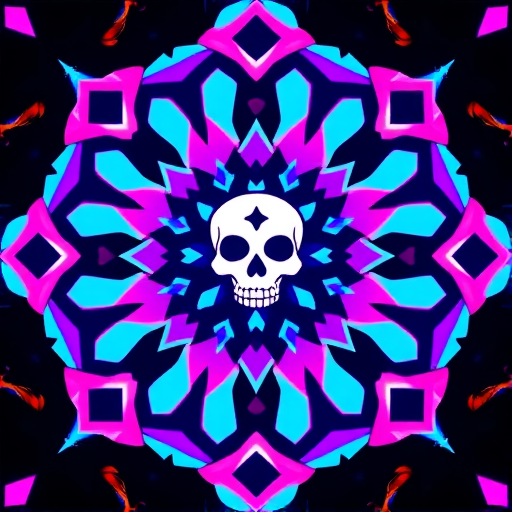
Create a pixel art image of a symmetrical design featuring bright colors like pink, blue, and purple, with a central motif resembling a stylized skull and geometric shapes, captured with a DSLR camera at f/2.8 aperture, ISO 100, 50mm lens, with a top-down view to enhance detail and clarity.
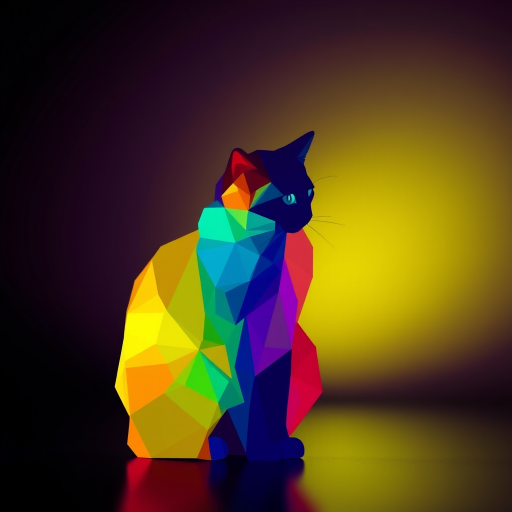
Create a vibrant, pixel-art-style silhouette of a cat made up of colorful geometric shapes in a variety of hues, captured with a Canon EOS R5, 50mm lens, f/2.8 aperture, ISO 100, with a soft-focus background to enhance depth.
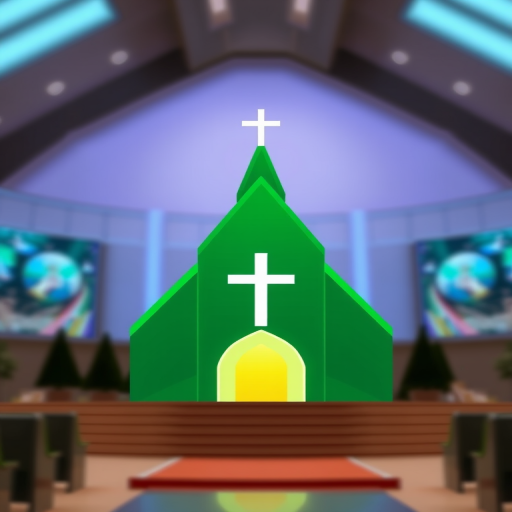
Design a modern green church icon with a cross at the center, using a clean vector style, with a resolution of 4000x4000 pixels, photographed using a DSLR with a 50mm lens, aperture set to f/2.8, and a soft focus background for depth.
generate a vibrant abstract pattern with flowing waves of pastel colors including pink, blue, yellow, and green, using a high-resolution camera setting of 4000x3000 pixels, a wide-angle view, a soft focus style to enhance depth, and a digital camera type for clarity.
Create an abstract image of silhouettes of people sitting in a row against a pixelated background with speech bubbles in various colors, using a DSLR camera with a 50mm lens, aperture set to f/2.8, ISO 100, and a resolution of 300 DPI for enhanced clarity.
silhouette of a group of people in business attire against a colorful pixelated speech bubble background, camera settings: f/8 aperture, 1/60s shutter speed, ISO 200, camera view: wide angle, camera style: abstract, camera type: digital SLR
Create a high-resolution pixel art image of a cute green frog with white headphones on a black background using a digital camera with a 50mm lens, f/1.8 aperture, ISO 100, and a 1/200 sec shutter speed.
create a pixel art image of a sad face with green pixels on a black background, focus on achieving high contrast, use a Canon EOS 5D Mark IV, aperture f/8, ISO 200, 50mm lens, top-down view, vibrant color scheme, sharp details