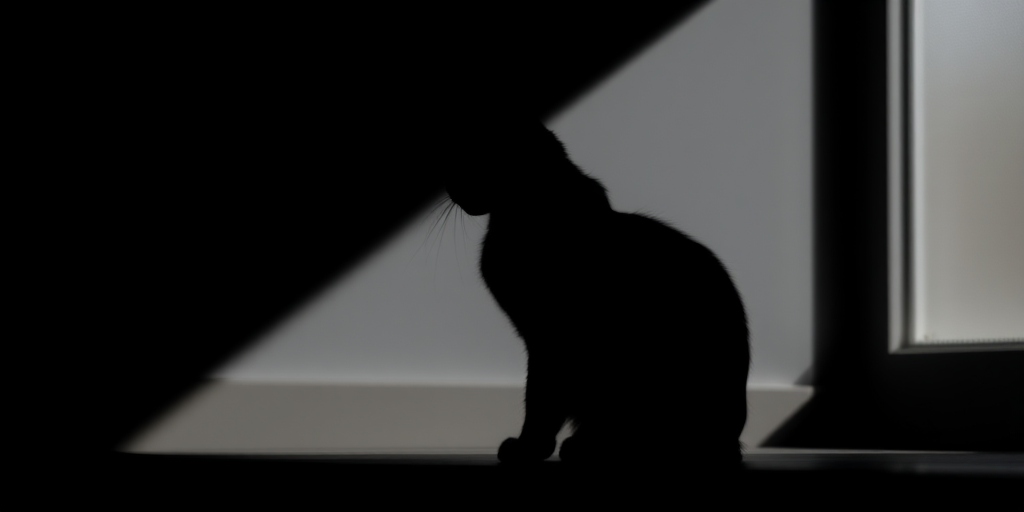
Create a high-resolution image of a minimalistic black silhouette of a cat sitting, using a DSLR camera with a 50mm lens, aperture set to f/1.8, ISO 100, and natural light, captured from a slightly low angle to enhance depth and contrast.
Create a soft gradient background with a smooth transition from light peach at the bottom to a pale pink at the top, using a Canon EOS R5 camera, aperture f/2.8, shutter speed 1/125s, ISO 100, with a portrait view and low-angle perspective to enhance the depth of color.
Create a vibrant cartoon-style image of a blue round character with large expressive eyes and a playful smile, shot with a DSLR camera at f/2.8 aperture, 50mm lens, 1/200s shutter speed, and natural soft lighting to enhance color saturation and detail.
Create a high-resolution image of a stylized symmetrical logo featuring three circular shapes with elegant curves and sharp points radiating outward, shot with a DSLR camera at f/2.8 aperture, ISO 100, 50mm focal length, from a slightly elevated angle to enhance depth, using a softbox for even lighting.
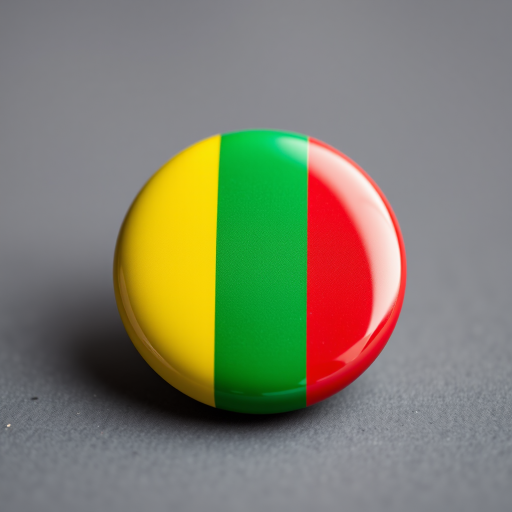
Create a high-resolution image of a glossy button featuring the flag of Mali with vibrant green, yellow, and red stripes, using a Canon EOS 5D Mark IV camera, 50mm lens, f/1.8 aperture, ISO 100, and natural lighting from a frontal view to enhance details and colors.
Create a high-resolution vector illustration of hands holding a tablet displaying a five-star rating, focus on a clean modern design, using a Canon EOS R camera with a 50mm lens, aperture set to f/2.8, ISO 100, and soft diffused lighting to enhance clarity and detail.
create a vibrant image of a yellow circular background with a bold orange star in the center, using a DSLR camera with a 50mm lens, aperture f/2.8, ISO 100, shot from eye level to enhance clarity and color saturation
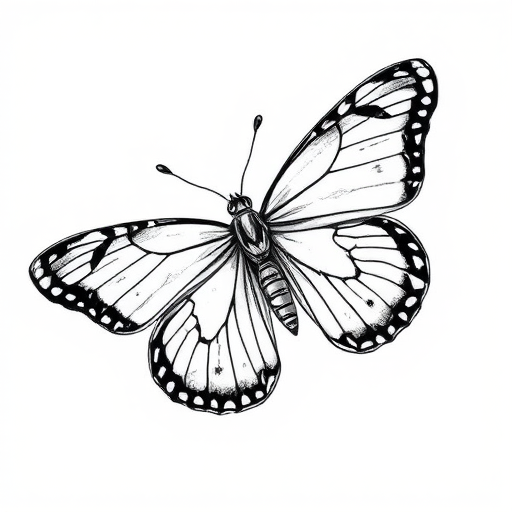
Create a detailed black and white illustration of a butterfly with intricate patterns in its wings, using a high-resolution digital camera with a 50mm lens, f/2.8 aperture, ISO 100, and a macro view to enhance the clarity and detail of the lines and designs.
Create a high-resolution image of a metallic shopping cart icon with a sleek design, using a 50mm lens, f/1.8 aperture, shooting from a 45-degree angle, on a DSLR camera to enhance image quality and detail.
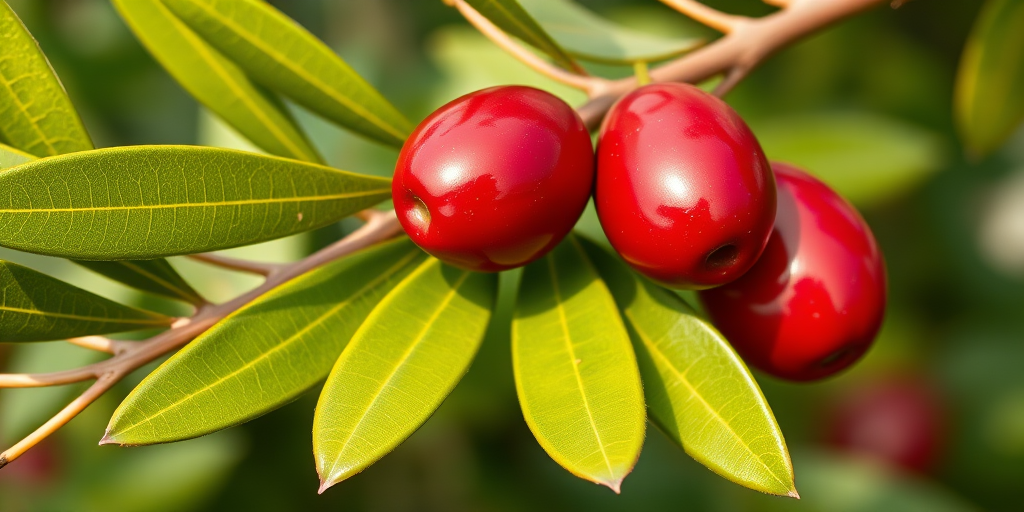
Create a high-resolution vector image of a branch with three glossy red olives and vibrant green leaves, using a DSLR camera with a macro lens, aperture set to f/2.8, ISO 100, shot from a 45-degree angle to enhance depth and detail, emphasizing natural lighting for accurate colors and shadows.
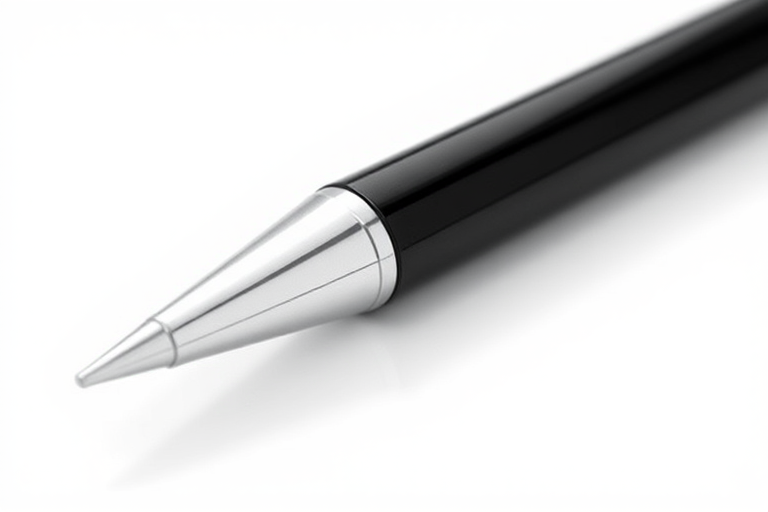
Create a realistic illustration of a sleek black and silver pen with a glossy finish, shot with a 50mm lens at f/2.8, ISO 100, 1/200s shutter speed, in a bright studio setting with soft shadows and a clean white background to enhance detail and clarity.
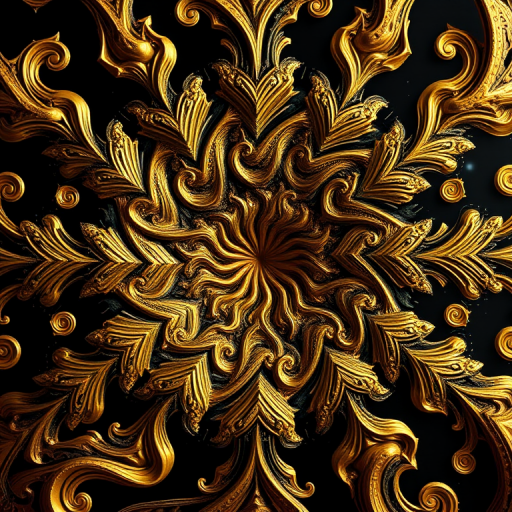
Create a high-resolution digital artwork of a fractal pattern featuring swirling golden and black elements with intricate details, using a DSLR camera at f/8 aperture, 100mm focal length, ISO 200, shallow depth of field, and studio lighting to enhance clarity and texture.
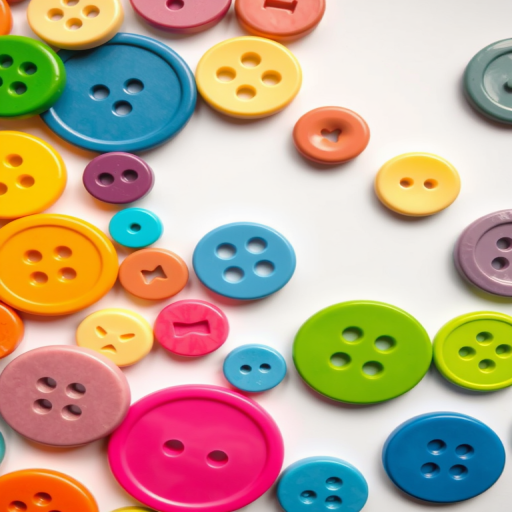
Create a high-resolution image of colorful buttons in various shapes and sizes, with a white background, using a DSLR camera with a 50mm lens, f/2.8 aperture, ISO 100, shot from a top-down view to enhance detail and clarity.
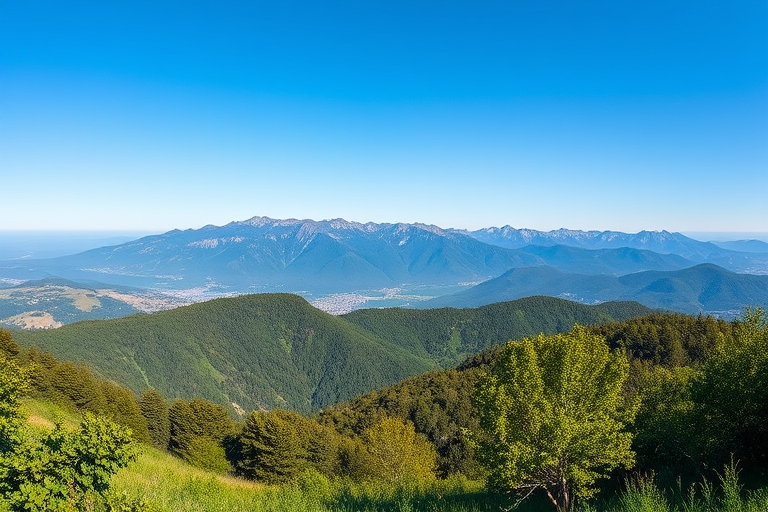
Generate a high-quality image of a serene landscape with mountains in the background, a clear blue sky, and lush green foreground using a DSLR camera, 50mm lens, f/8 aperture, ISO 100, and a panoramic view to enhance depth and detail.
Create a high-resolution digital illustration of a cheerful cartoon boy wearing a multicolored beanie hat, with curly black hair and a striped red t-shirt, using a 50mm lens, f/2.8 aperture, ISO 100, and a soft-focus background to enhance the subject's clarity and brightness.
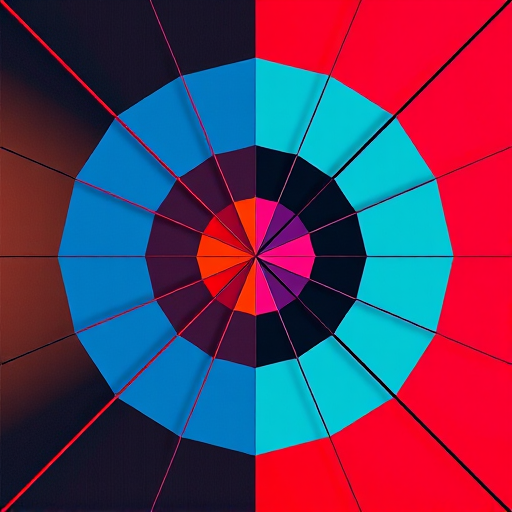
Generate an abstract geometric design featuring sharp lines and vivid colors, using a Canon EOS R5 camera with a 50mm f/1.2 lens, aperture set to f/2.8, ISO 100, and natural lighting to enhance image quality, shot from a top-down view.