Create a high-resolution image of a blank tablet screen with a clean and sleek design, using a Canon EOS R5 camera with a 50mm f/1.2 lens, aperture set to f/2.8, ISO 100, and a shallow depth of field, captured from a straight-on angle with natural lighting for enhanced clarity.
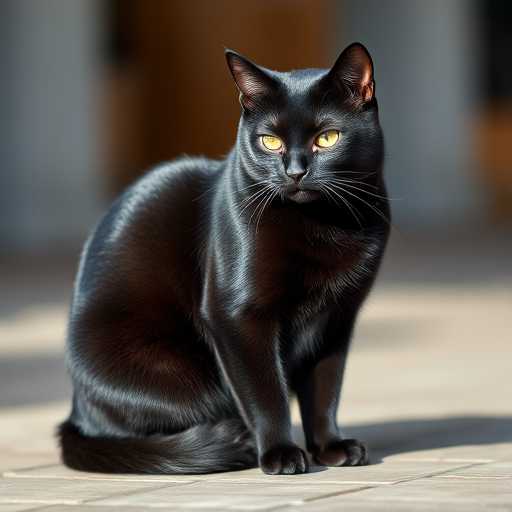
Create a high-resolution image of an elegant black cat sitting gracefully, captured with a DSLR camera at f/2.8 aperture, 50mm lens, ISO 100, and a shallow depth of field to create a soft background blur, using natural lighting to highlight the cat's features.
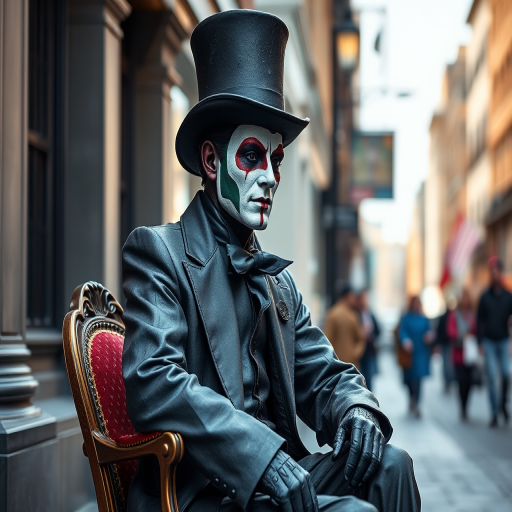
Create an image of a statue-like street performer in a top hat and painted attire sitting on a chair in an urban setting, using a 50mm lens, f/1.8 aperture, ISO 200, and natural lighting for a soft focus effect, capturing a close-up view to enhance details and texture.
Create a minimalistic digital illustration of a fluffy white cloud with snowflakes falling from it against a gradient blue background, using a wide-angle lens at f/8 aperture, ISO 100, and a Canon EOS 90D to enhance clarity and detail.
Create a vibrant circular graphic with a blue background and a green peel effect, using a Canon EOS R5 with a 50mm lens, aperture f/1.8, ISO 100, and a soft focus effect to enhance depth and clarity.
Create a high-resolution image of a green cross with a white caduceus symbol in the center, shot with a DSLR camera at f/8 aperture, ISO 100, 50mm lens, with a shallow depth of field to enhance the focus and clarity of the emblem, capturing from an eye-level angle in natural light.
Create a 3D glossy golden letter "G" on a colorful abstract background with a depth of field effect, shot with a Canon EOS R camera at f/1.8 aperture, ISO 100, 50mm lens, with soft natural lighting.
Create a high-resolution digital illustration of a cute, cartoonish ghost with a smooth white surface and expressive black eyes, using a 50mm lens, f/2.8 aperture, ISO 100, overhead view, soft lighting for a welcoming ambiance, captured with a DSLR camera.
Create an illustration of two girls wearing hijabs, one in purple and one in pink, with butterfly wings, surrounded by hearts and butterflies, using a digital art style, with a focus on pastel colors and smooth lines, captured in a high-resolution format, with a soft focus background to enhance the subjects.
Create a high-resolution image of a stylized airplane in flight, capturing a top-down view with vibrant colors, using a DSLR camera with a 50mm lens, aperture set to f/2.8, shutter speed at 1/250s, ISO 100, and a slight motion blur effect.
Create a high-resolution illustration of a person wearing a red beanie and gray hoodie, viewed from behind, using a digital painting style; set the resolution to 300 DPI, with a focus on vibrant colors and smooth gradients.
Create a business workspace scene with a person using a smartphone, surrounded by notebooks and a coffee cup, incorporate digital graphics like charts and icons, shot with a 50mm lens at f/1.8, ISO 100, 1/200 sec exposure, golden hour lighting to enhance warmth and clarity.
Create a vibrant and playful Easter egg pattern on a pastel green background, featuring a variety of decorated eggs in different colors and designs, captured with a DSLR camera at f/5.6, ISO 200, and 50mm lens, top-down view, flat lay style for optimal clarity and detail.
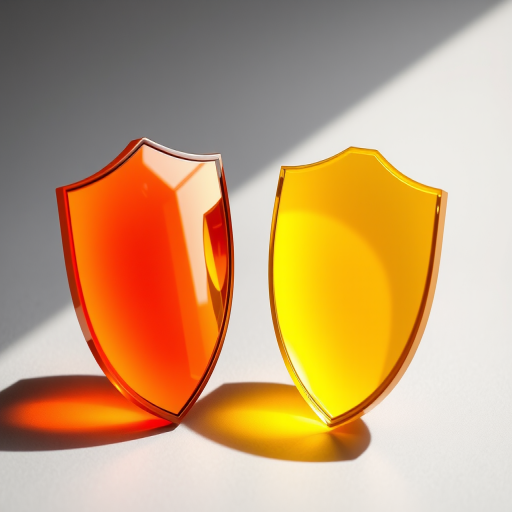
Create an image of two glossy shields, one orange and one yellow, with a smooth gradient finish; use a DSLR camera with a 50mm lens, aperture set to f/2.8, 1/250s shutter speed, and ISO 100 for crisp detail and vibrant colors, captured from a slightly elevated angle with soft natural lighting to enhance the sheen.
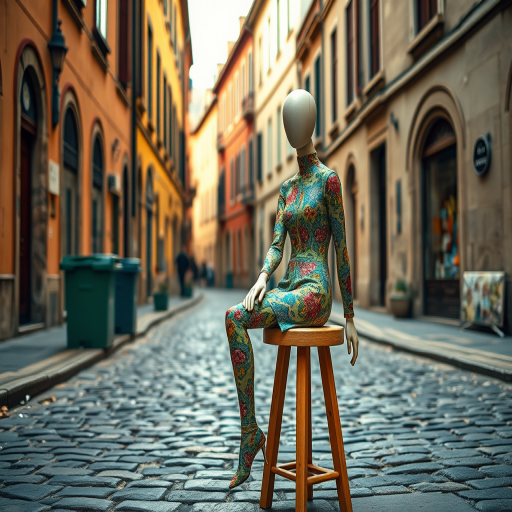
Create an artistic scene of a colorful mannequin sitting on a wooden stool in a cobblestone street with historical buildings, using a DSLR camera at f/8 aperture, ISO 200, 24mm lens, soft natural lighting, and a shallow depth of field to enhance image quality.
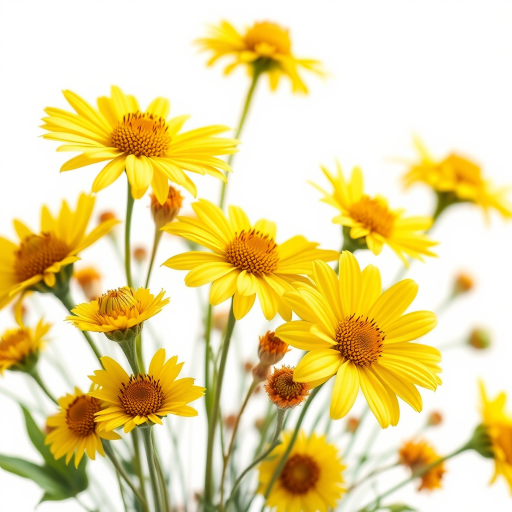
create a watercolor image of a bouquet of yellow flowers with a soft white background, use a Canon EOS R5 camera, 35mm lens, aperture f/2.8, shutter speed 1/250s, ISO 100, natural light, and a soft focus style.