Create a high-resolution circular button icon featuring a bold red "X" symbol over a green background with a glossy finish, soft lighting, and a subtle shine effect, captured with a Canon EOS 5D Mark IV using an f/2.8 aperture, ISO 100, and a 50mm lens in a macro style for enhanced detail.
create a high-resolution icon of a white envelope on a blue circular background, use a 50mm lens at f/2.8, ISO 100, shot in natural light with a soft focus style on a DSLR camera
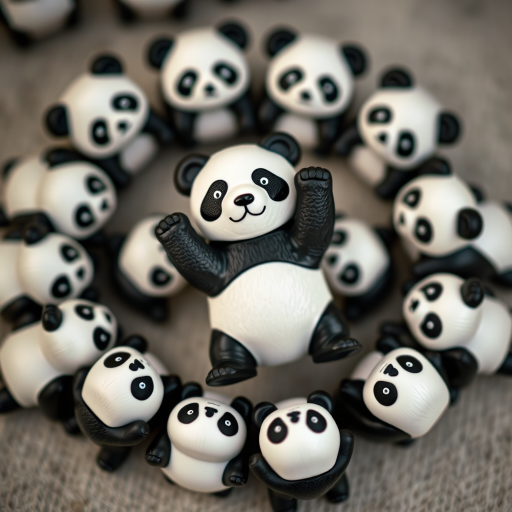
Create an image of multiple playful panda figures arranged in a circular pattern with one panda prominent in the center, using a DSLR camera with a 50mm lens, aperture f/2.8, ISO 200, and a soft focus background to enhance the main subject's detail and clarity.
Create a high-quality image of a blue circular arrow icon pointing left, with a glossy finish, using a Canon EOS 5D Mark IV, aperture f/4, ISO 100, 50mm lens, shot from a straight-on view, ensuring vibrant colors and clear details.
Create a high-resolution illustration of four circular rating icons labeled Poor, Average, Good, and Excellent in a gradient color scheme from blue to green, using a DSLR camera with a focal length of 50mm, aperture set to f/2.8, shot from a straight-on view with soft lighting for an appealing finish.
Create a set of twelve circular blue icons representing home, users, information, shopping cart, email, volume, files, lock, computer, internet, SMS, and network connection, shot with a DSLR camera at f/8, ISO 100, 50mm lens, top-down view, soft lighting for clarity and detail.
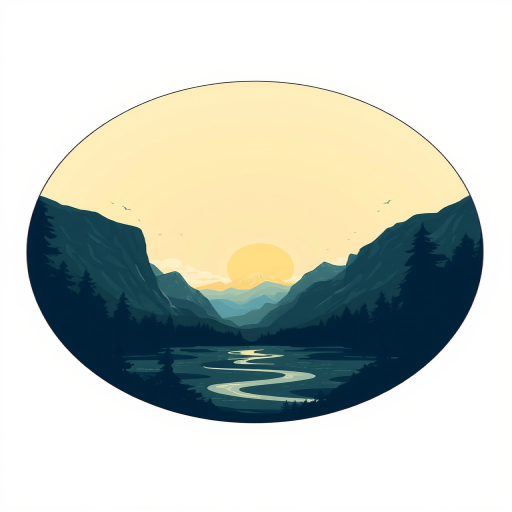
Create a digital illustration of a landscape framed within a circular design, featuring a sun and mountains, using a high-resolution setting of 300 DPI, shot from a straight-on view with a soft focus lens and a DSLR camera type.
Create a vibrant graphic representation of a coronavirus symbol with the text "GIB CORONA KEINE CHANCE!" in bold white letters, featuring a green circular design, using a Canon EOS R5 camera with a 50mm f/1.2 lens, aperture set to f/2.8, ISO 200, and a soft focus background for heightened visual impact.
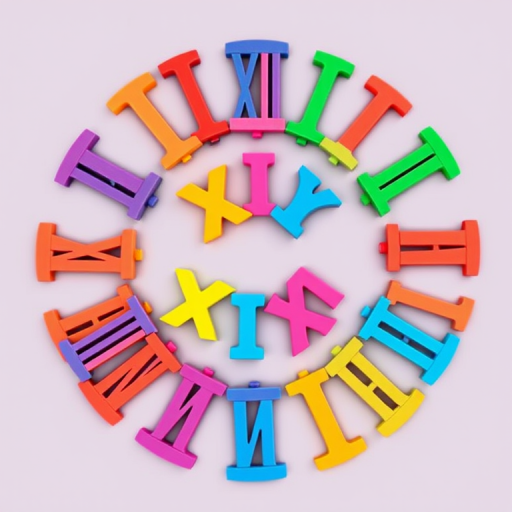
Create an illustration of a circular arrangement of colorful, stylized Roman numerals from I to XII, in a vibrant, playful art style, captured with a DSLR camera at f/2.8 aperture, ISO 100, 24mm focal length, top-down view, natural daylight lighting to enhance colors and clarity.
Generate an image of a green circular logo with a white telephone receiver symbol inside, using a DSLR camera, f/1.8 aperture, 50mm lens, top-down view, with soft natural lighting to enhance clarity and detail.
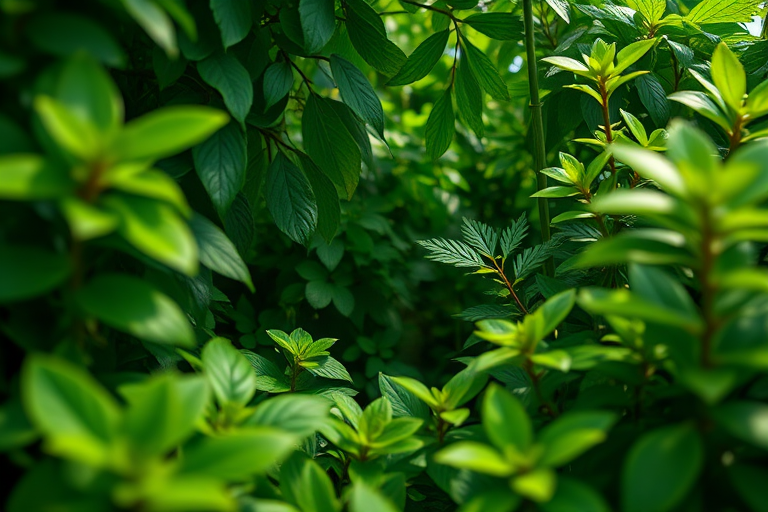
Create a vibrant, high-resolution circular illustration of various green leaves and plants in a lush environment with soft, diffused lighting captured using a DSLR camera with a 50mm lens, f/2.8 aperture, ISO 100, and shallow depth of field for enhanced detail and depth.
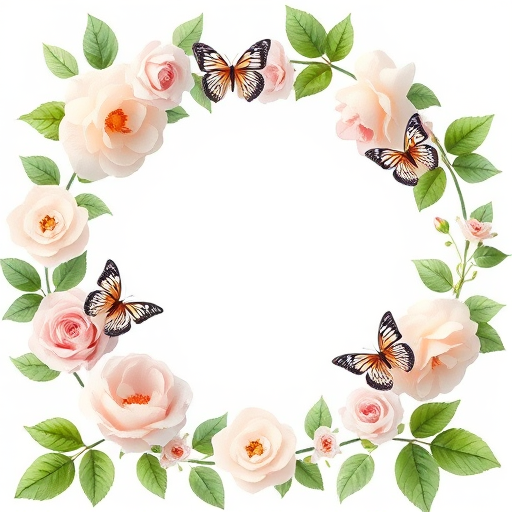
Create an illustration of a circular floral frame with soft pastel roses and green leaves, featuring delicate butterflies, captured with a Canon EOS R5 at f/2.8, 1/125 sec, ISO 100, in a bright and airy studio lighting setup.
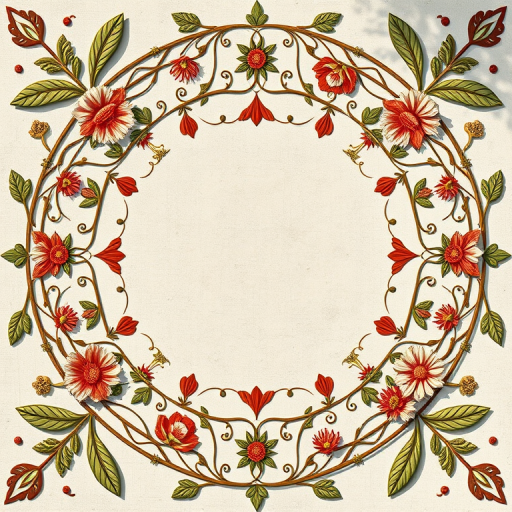
Create an intricate circular floral border design with detailed vine patterns and ornamental motifs, shot with a Canon EOS R5 at f/8, ISO 100, 50mm focal length, natural light, and from a top-down view for enhanced clarity and detail.
Create a colorful cartoon dragon character holding a bowl of noodles and a pair of scissors, set against a bright green circular background, using a DSLR camera, 50mm lens, f/2.8 aperture, 1/100 shutter speed, and vibrant colors to enhance image quality.
Regenerate an image of a cat sitting calmly on a soft, circular surface with a blurred background, using a DSLR camera with a 50mm lens, aperture f/1.8, ISO 200, natural lighting, and a shallow depth of field for enhanced focus on the cat.
Regenerate the seamless pattern of colorful circular motifs in soft pastel colors on a light gray background, using a Canon EOS R5 camera, aperture f/8, ISO 100, 50mm lens, top-down view, with natural soft lighting to enhance image quality.