
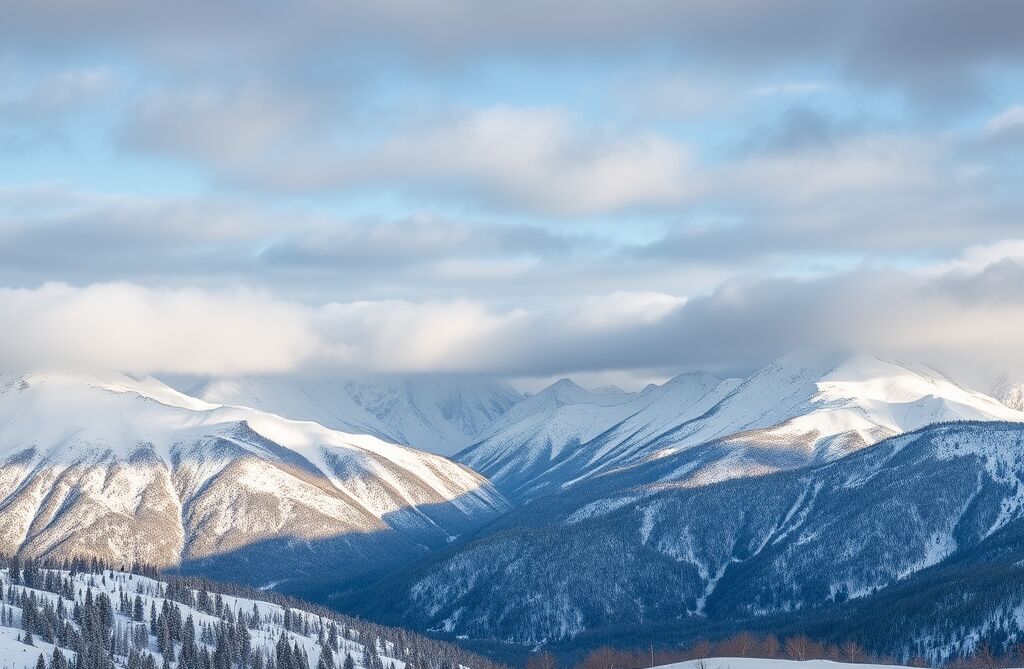
Short answer: You can find free winter landscape images on ipic.ai. This page links 48 AI-generated winter pictures in six groups: snowy mountains, frozen lakes and icebergs, snowy forests and roads, cabins and winter villages, northern lights and night skies, and frost and snowflake wallpapers. Click any picture to open the full image, the prompt that made it and similar images. To make your own, describe the place, the weather, the time of day and the style, then generate it free with the AI Image Generator. None of the images show people or holiday decorations, so they work all winter, not just in December.
Where are the winter landscape images?
Each section groups the images by what is in them. Click a picture to open its image page with the full-size version, the original prompt and related images. Most are photorealistic; a few are watercolor or flat illustration, noted in the caption.
Snowy mountains and alpine peaks
Big white peaks in every kind of weather: clear blue skies, golden hour, low cloud and a sea of fog.
 Snow-capped peaks framed by pines
 Snow-covered mountains under a cloudy sky
 Snowy peaks at golden hour
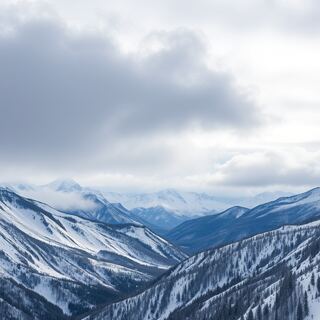 Moody winter mountains in low cloud
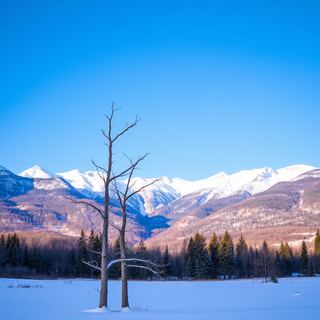 Lone tree below snow-capped mountains
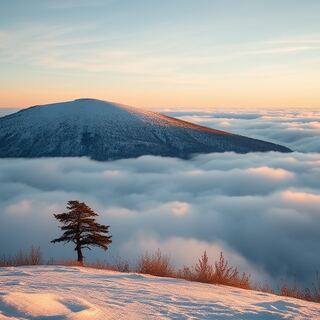 Snowy hill above a sea of clouds
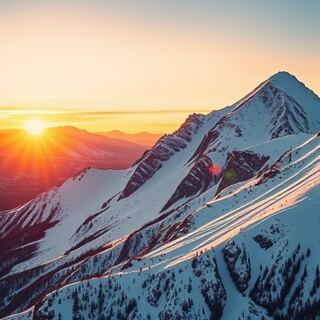 Snowy peak at sunset
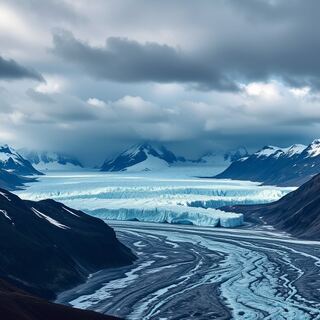 Glaciers and peaks under a dramatic sky
Frozen lakes, rivers and icebergs
Still water and ice: frozen lakes in mountain valleys, misty rivers at dawn, icebergs and glacier ice from above.
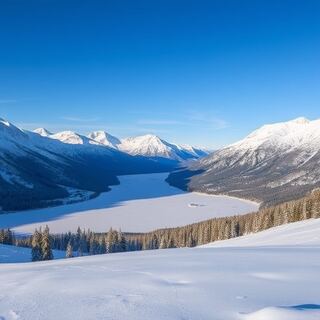 Frozen lake in a snowy mountain valley
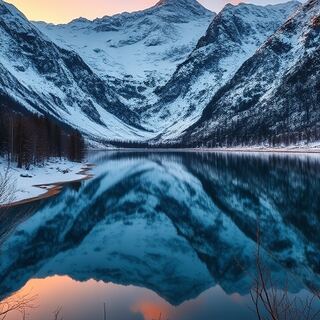 Snowy mountains reflected in a dawn lake
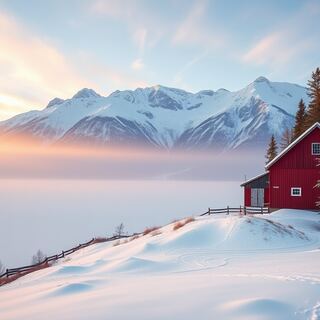 Red cabin above a misty lake
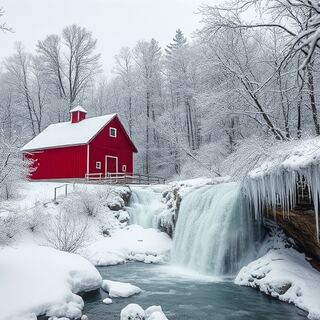 Red barn and frozen waterfall
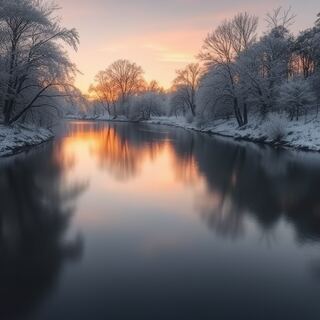 Winter river at dawn with frosty trees
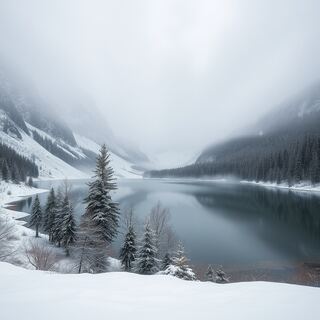 Misty lake with light snowfall
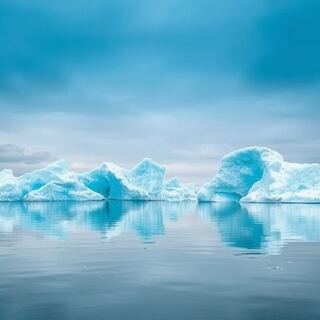 Blue icebergs on calm water
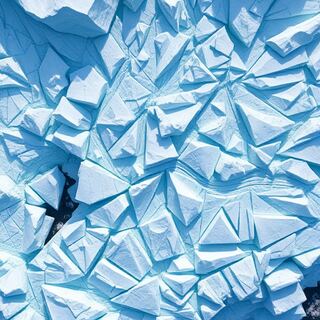 Aerial view of glacier ice
Snowy forests, trees and winter roads
Quiet scenes at ground level: forest paths, pines heavy with snow, foggy fields and country roads.
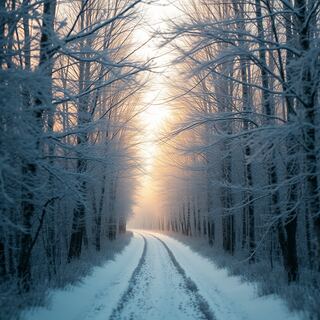 Frosted forest pathway
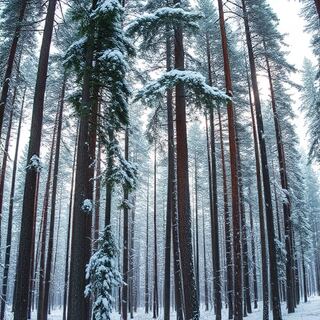 Tall pines heavy with snow
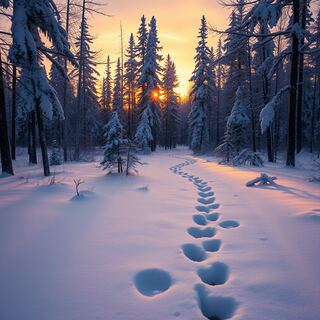 Footprints through a winter forest at sunset
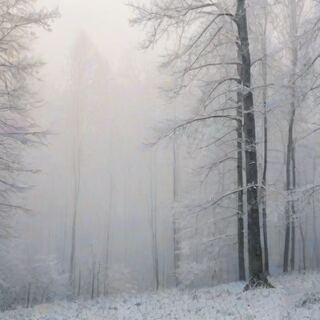 Misty winter forest
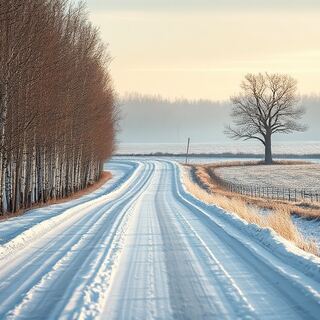 Snowy country road with a lone tree
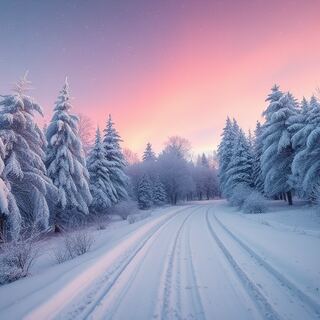 Snowy road through pines at pink dusk
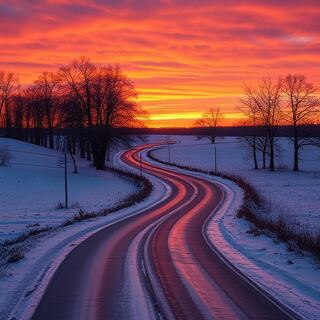 Winding road through snowy fields at sunset
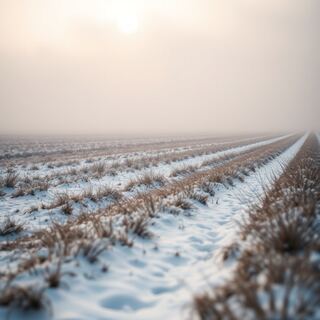 Foggy snow-covered field in the morning
Snowy cabins, cottages and winter villages
Places to imagine staying: log cabins with glowing windows, a cottage at night and villages under snow.
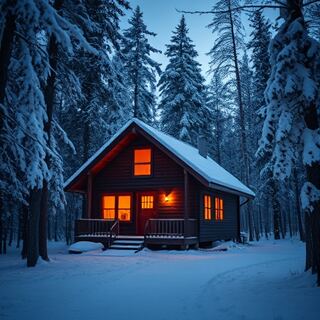 Cabin with glowing windows at dusk
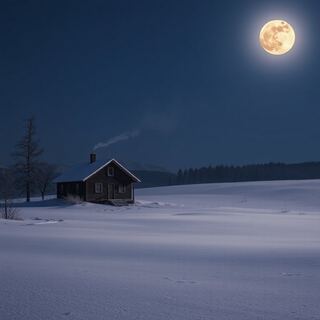 Lone cabin under a full moon
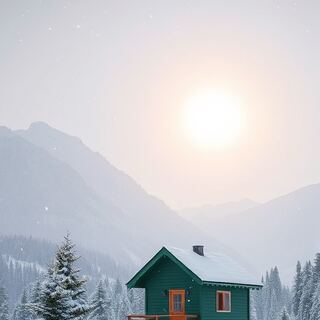 Green cabin on stilts at sunrise
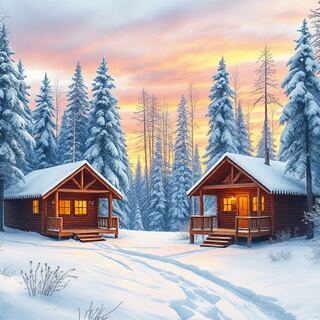 Watercolor cabins in a snowy forest
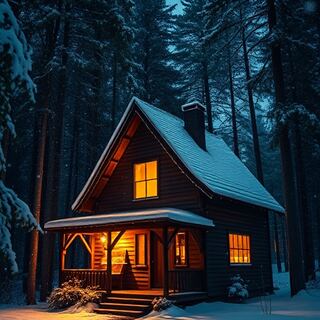 Whimsical cottage in a snowy forest at night
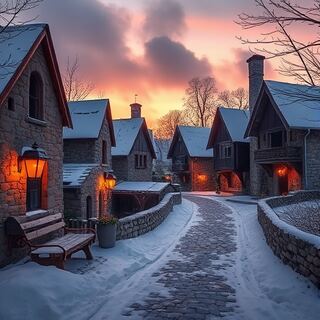 Snowy medieval village at dusk
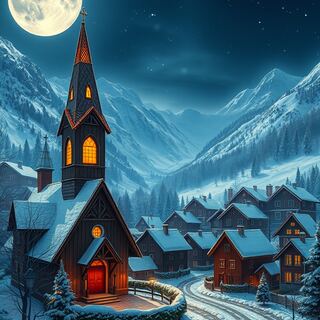 Winter village with a church under a full moon
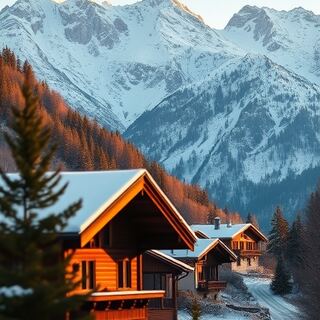 Chalets below the Dolomites in winter
Northern lights and winter night skies
Auroras, moonlight and stars over snow, lakes and ice.
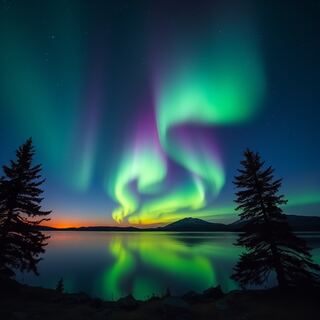 Green and purple northern lights over a lake
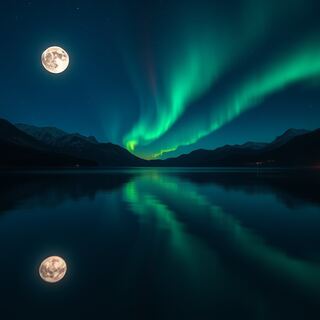 Full moon and northern lights over a lake
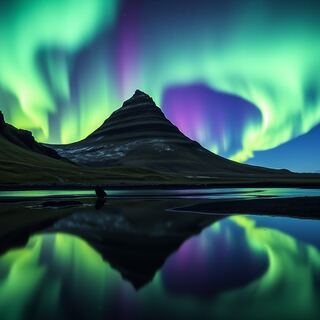 Northern lights over Kirkjufell
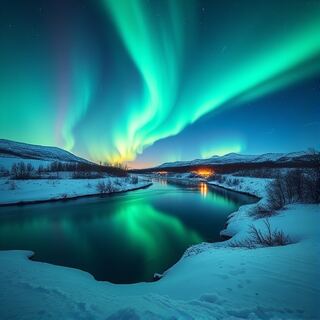 Northern lights over a snowy river
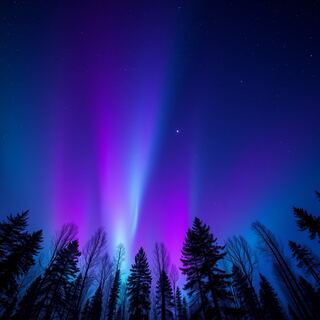 Purple and blue auroras over a tree line
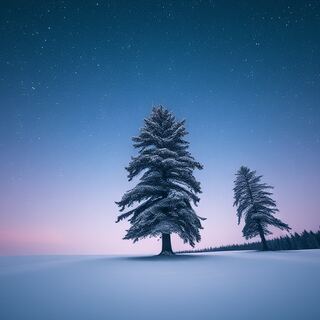 Two trees under a starry winter sky
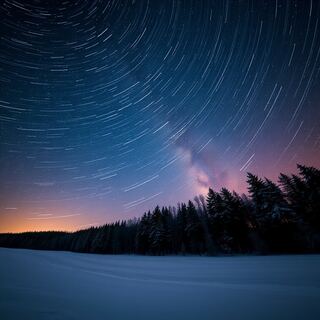 Star trails over a snowy landscape
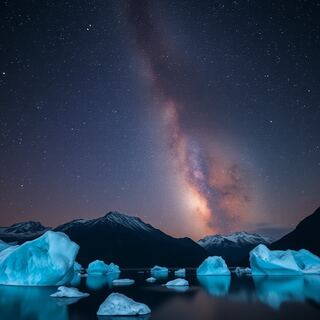 Starlit glacial lake with icebergs
Frost close-ups, snowflakes and winter wallpapers
Small details and simple backgrounds that work as phone wallpapers, slide backgrounds and card art.
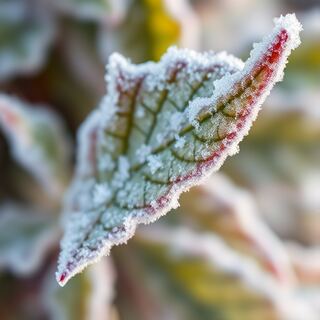 Frosted leaves with ice crystals
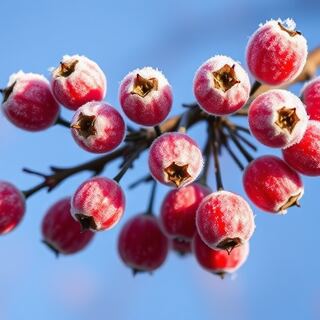 Frosted berries against a blue sky
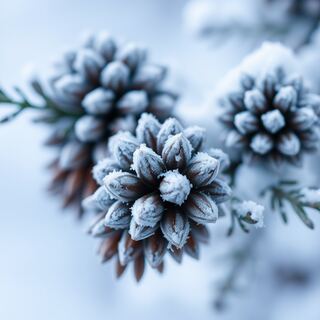 Frosted pinecones in snow
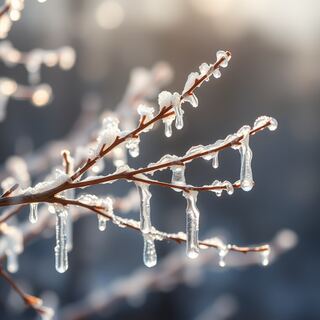 Icicles on frozen branches
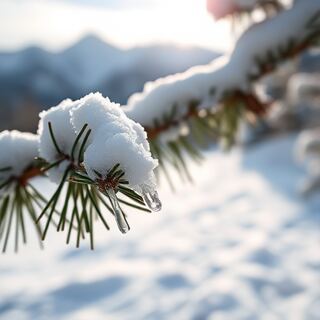 Icy pine branch with mountains behind
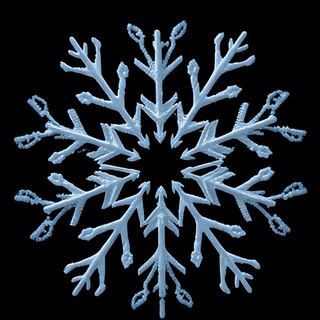 White snowflake on black
 Pastel snowflake pattern
 Falling snowflakes on blue
Want a different one? Create your own winter landscape free with the ipic.ai generator: type what you want to see and press Generate.
How do I make winter landscape images like these?
Write prompts in this order: place, weather, time of day, style, shape, exclusions. Name the scene ("frozen lake below snowy mountains", "log cabin in a pine forest"), the weather ("light snowfall", "low mist", "clear and cold"), and the light ("golden sunrise", "blue hour", "full moon"). Snow photographs best in low, warm light, so sunrise, sunset and blue hour give more texture than midday. Add "no people, no text" unless you want them.
| Goal | Starting prompt (adjust and re-run) | Tool |
|---|---|---|
| Snowy mountain wallpaper | "Snow-capped mountain range at golden sunrise, pine forest in the foreground, clear sky, photorealistic, wide landscape, no people, no text" | AI Image Generator |
| Northern lights scene | "Soft green aurora curtains over a frozen lake, snowy pines silhouetted along the shore, stars, night, long exposure, photorealistic" | AI Image Generator |
| Cabin painting for a card | "Log cabin with glowing windows in a snowy forest at dusk, smoke from the chimney, oil painting style, empty sky above for text" | AI Oil Painting |
| Printable coloring line art | "Pencil sketch of a snowy mountain village with pine trees and a frozen pond, white background" | AI Pencil Sketch |
| Cute snowy sticker or icon | "Cute 3D cartoon snow-covered cabin with a pine tree, plain pastel background" | 3D Cartoon |
| Storybook winter scene | "Snowy village at blue hour with warm lit windows, a stone bridge over a frozen river, storybook illustration" | AI Art Generator |
Two finishing tools help: widen a portrait scene into a desktop wallpaper or blog header with AI Image Outpainting, and cut out a snowflake or snowy tree for a poster or invitation with the AI Background Remover.
Which style should I choose?
Use photorealistic for wallpapers and blog headers, oil painting or watercolor for cards and prints, pencil sketch for coloring pages and 3D cartoon for stickers and icons. For a phone wallpaper, ask for a simple subject and plenty of empty sky so icons and the clock stay readable. Trying one prompt in two styles is the quickest way to find your look.
Frequently asked questions
Where can I find free winter landscape images? This page links 48 AI-generated winter landscape images on ipic.ai, grouped into snowy mountains, frozen lakes and icebergs, snowy forests and roads, cabins and winter villages, northern lights and night skies, and frost and snowflake wallpapers. Each image page shows the full picture, the prompt that made it and similar images. You can browse and generate images on ipic.ai for free.
How do I make a winter landscape image with AI? Name the place, the weather, the time of day and the style, for example "snow-covered pine forest beside a frozen lake, snowy mountains behind, soft morning mist, golden sunrise light, photorealistic, no people, no text". Generate it on the AI Image Generator, then change one detail at a time.
What size should a winter wallpaper be? Use portrait (such as 512x768) for phone lock screens and stories, and landscape (such as 768x512) for desktop backgrounds and blog headers. If a scene is almost right but too narrow, the AI Image Outpainting tool widens it. Leave empty sky at the top of a phone wallpaper so the clock does not cover the subject.
How do I get realistic northern lights in an AI image? Describe the color and shape of the aurora ("soft green aurora curtains with a hint of purple"), give it a dark foreground such as a snowy field, a lake or silhouetted pines, and add "night, long exposure, stars". Real auroras are mostly green, so prompts that ask for every color at once tend to look less natural.
What is the difference between winter landscape images and Christmas images? Winter landscape images show the season outdoors: snow, ice, mountains, forests, auroras and quiet villages, with no holiday decorations, so they work from December to March. Christmas images center on trees, ornaments, wreaths and decorated rooms. For those, see the Christmas and winter home decor collection.
How do I keep people out of an AI winter scene? Add "empty landscape, no people, no animals" to the prompt and avoid words that suggest someone, such as "ski trip" or "walk". If a figure still appears, regenerate, or crop it out and widen the scene with AI Image Outpainting.
Keep browsing
For holiday decor, see Christmas and winter home decor images; for autumn tables, see Thanksgiving images and table decor. Browse more in the winter search, the snow search, the mountains search, the lake search, the forest search, the landscape search, the sky search and the wallpaper search, or see all generated images.