

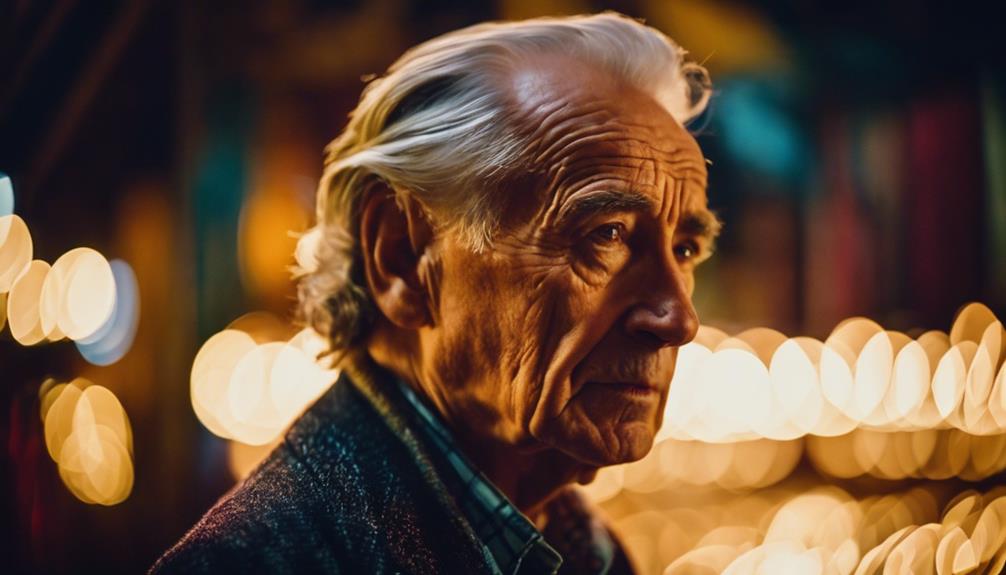
Enhancing image realism requires precise control over camera settings, thoughtful composition techniques, innovative lighting methods, and effective post-processing techniques.
ISO, aperture, and shutter speed control is crucial for adapting to various lighting conditions.
Techniques such as the rule of thirds, leading lines, and negative space create visual depth.
Employ lighting methods like natural light and backlighting to achieve a realistic effect.
Color grading, noise reduction, and sharpening enhance image realism in post-processing.
Proper lens selection and care, along with effective storytelling, contribute to a convincing narrative.
For advanced techniques, explore HDR photography and optimize color space, bit depth, and dynamic range.
Key Takeaways
Enhancing Image Realism: Top 3 Expert Tips
- Refine Facial Details: Optimize prompts for realistic faces by specifying facial features, ethnicity, age, and gender to ensure lifelike results.
- Master Lighting: Control lighting to enhance photorealism, balancing brightness, shadows, and highlights for a more realistic outcome.
- Use Post-Processing Tools: Employ editing tools like GIMP and Pixlr to enhance and correct AI-generated images, ensuring high-quality visuals.
Understanding Camera Settings
Mastering Camera Settings ensures control over the amount of light entering the camera, ensuring precise exposure and high-quality images.
The combination of ISO, aperture, and shutter speed determines the overall look and feel of the photograph.
Adjusting the ISO in low-light scenarios allows for sharper images by increasing the camera's sensitivity to available light.
Aperture Settings control the depth of field, creating a shallow or deep focus depending on the desired artistic effect.
Shutter Speed is vital for capturing motion, whether it's freezing action or introducing blur to convey movement.
Mastering these settings is vital for adapting to various Lighting Scenarios, such as direct sunlight, shade, and indoor conditions.
Each scenario requires specific adjustments to achieve the desired image resolution.
Mastering Composition
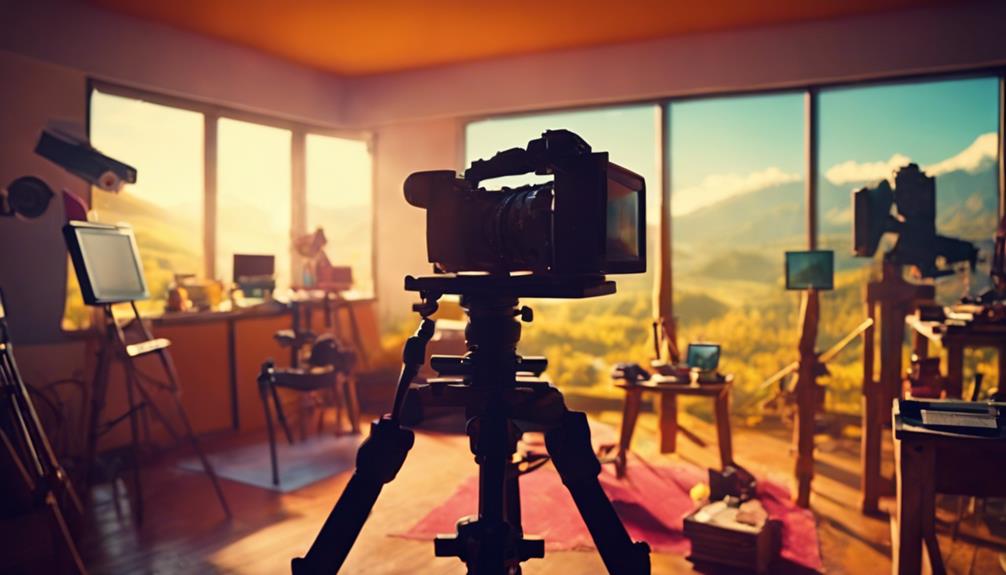
Composition is key to creating powerful and captivating images. It relies on understanding and balancing the arrangement of elements to guide the viewer's attention and convey the intended message.
Effective use of composition techniques can impart realism and a sense of harmony to an image.
The rule of thirds is a foundational technique. It involves dividing the image into thirds both horizontally and vertically and strategically placing the subject at one of the resulting intersections.
This creates a visually appealing and engaging composition.
Leading Lines and Symmetry are also crucial in guiding viewer attention and creating depth perception.
Framing subjects with natural elements, such as archways or trees, adds context and depth to the image.
Negative Space helps create simplicity and focus in a composition.
Employing these techniques can result in images that capture the viewer's attention and convey a sense of realism and narrative depth.
Working With Light
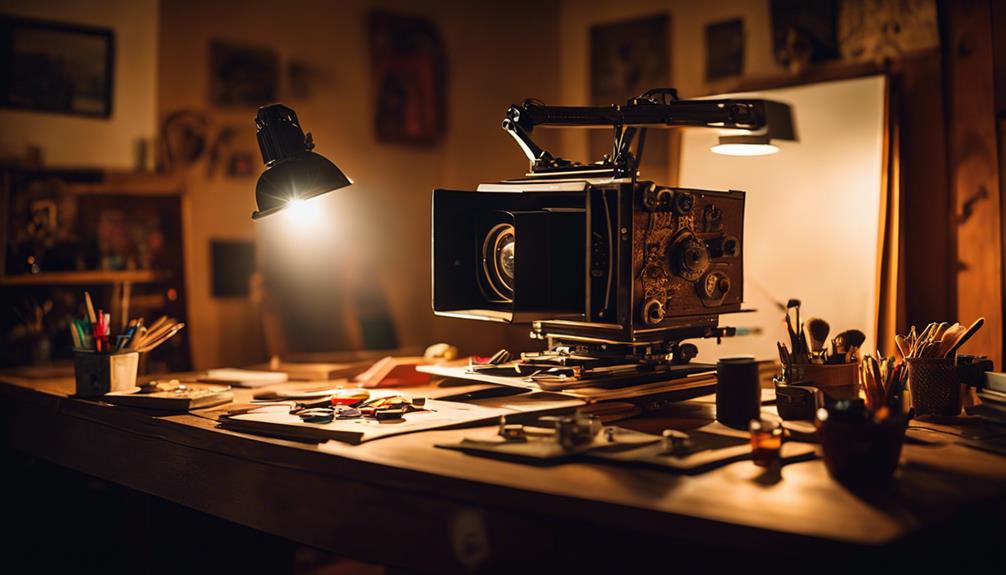
Lighting Basics
Working with light is essential in photography.
Natural Light can produce ideal conditions during Golden Hour and overcast skies, enhancing image realism with soft, warm, and gentle illumination.
Backlighting Techniques
Using backlighting can add depth and dimension to an image by creating a sense of volume and separating the subject from the background.
Light modifiers such as softboxes and umbrellas can soften harsh shadows and create a more natural, softbox-like effect.
Light Modulation and Diffusion
Experimenting with light modulation and diffusion techniques allows for further refinement, scattering and softening the light to produce a more realistic effect.
Post-Processing Essentials

Post-Processing Essentials
When refining images to achieve photorealism, effective post-processing methods play a crucial role in balancing color, managing noise, and precision-editing vital areas for a lifelike final product.
Color grading and color correction are two key techniques that harmonize the tone and mood of an image, significantly contributing to its realism.
Noise reduction and sharpening techniques, such as those in Adobe Lightroom and Photoshop, enhance image quality by removing unwanted grain and highlighting details.
Selective local adjustments like dodging and burning can add depth and dimension to an image.
Lens Selection and Care

Lens Selection and Proper Care
Understanding Lens Requirements
For a lens to meet the specific requirements of an imaging system, it is essential to consider several parameters, including focal length, sensor size, and magnification.
When choosing a fixed focal length lens, factors such as working distance and field of view must be considered.
Ensuring Image Quality
Careful evaluation of the lens is critical to ensure it meets all necessary criteria beyond just the required parameters.
This includes image quality, distortion, relative illumination, and more.
Proper Lens Care
Proper care involves not only handling but also storage, cleaning, and maintenance.
Following best practices helps prevent damage or degradation.
This includes handling lenses with clean, dry hands, storing them in a protective case, and cleaning them with appropriate solutions to remove dust and debris.
Image Stabilization
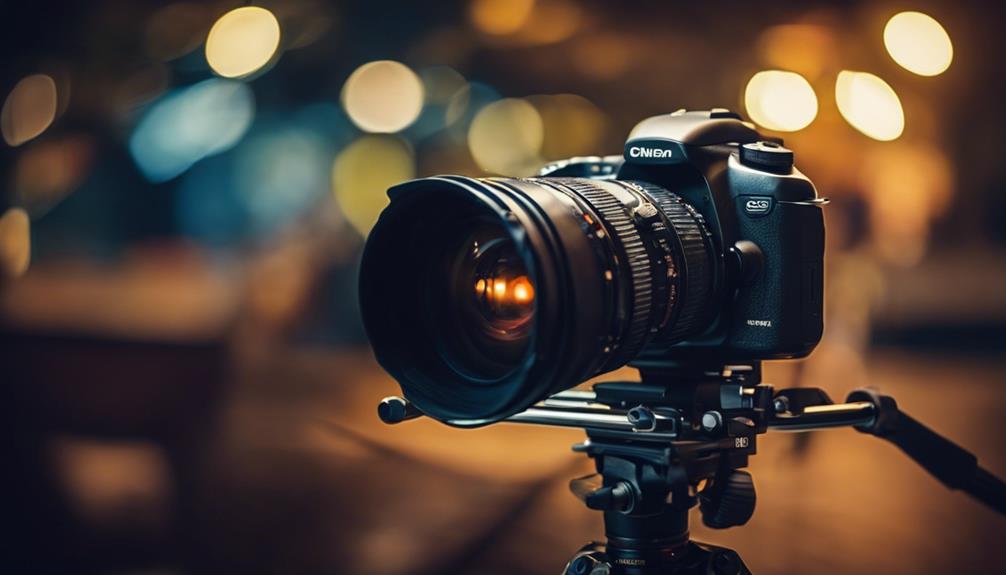
Image Stabilization
Effectively counteracts camera shake, yielding sharper images, especially in settings with compromised lighting or slower shutter speeds. Understanding the physics of camera shake, primarily caused by the photographer's hand tremble and shutter release jarring, allows for the use of techniques like tripod mounting to reduce shake.
Optical image stabilization in telephoto lenses counteracts movement using a floating lens element with sensors that detect and correct for camera motion, ensuring stability against both yaw and pitch.
Post-processing sharpening can enhance image details, refining clarity and realism. Combining these approaches, photographers can improve image sharpness and realism, resulting in more professional-looking final products.
Sharpness and Noise Reduction

Optimized camera settings and advanced post-processing techniques offer photographers various methods to minimize noise and enhance sharpness in their images, thereby refining realism.
Camera settings play a significant role in reducing noise and increasing sharpness. Using lower ISOs and faster shutter speeds allows photographers to capture cleaner and crisper images. This foundation is crucial as it sets the stage for further refinement during post-processing.
In Lightroom and Adobe Camera Raw, photographers can finely tune noise reduction settings targeting both luminance (grayscale) and chroma (color) noise. The luminance slider is particularly effective in reducing noise, balancing loss of detail with noise elimination.
Unsharp masking techniques in Photoshop and Camera Raw allow precise control over sharpening, enhancing edge definition without introducing artifacts. These tools facilitate artworks that appear highly detailed and lifelike, enhancing the perceived realism of the images.
Sharpness reduction and chroma noise refinement can be achieved through additional techniques. Balancing sharpening and noise reduction is a critical step in capturing high-quality images. Adobe Camera Raw provides a range of tools for refining image sharpness and capturing detailed photographs.
Effective Storytelling
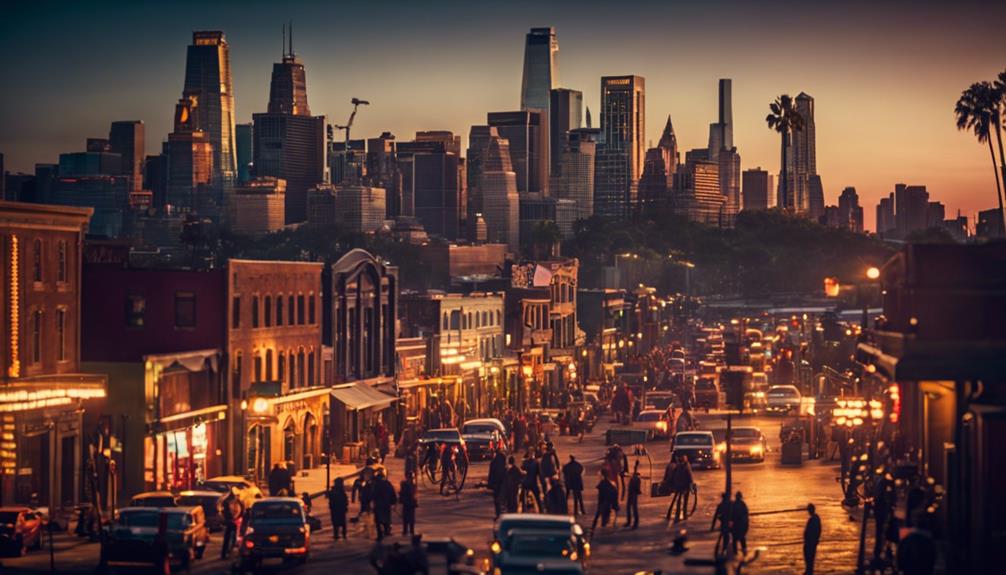
When refining image realism, effective storytelling emerges as a vital component, leveraging the provided enhancements in sharpness and noise reduction to evoke emotive connections with the viewers.
This objective is achieved through various techniques that immerse the audience in the captured moment.
Vivid sensory details bring the scene to life by incorporating evocative descriptions of surroundings, sounds, and textures that stimulate the imagination.
Relatable characters are also crucial, where their histories, personalities, and motivations form a vital foundation for believable narratives.
Realistic conflicts and resolutions enhance the believability and emotional resonance of an image.
Practice and Continuous Learning

Practice and Continuous Learning are essential components for professional photographers aiming to master the art of realism in their images.
Daily shooting and experimentation with different techniques help develop muscle memory, which significantly improves image quality.
Analyzing the work of other photographers and learning from their experiences provides valuable insights and inspiration.
Staying inspired through photography communities and online resources helps maintain motivation and keep skills up-to-date.
To enhance realism, photographers must establish a workflow that ensures consistent image quality.
This involves a deep understanding of technical aspects such as image resolution and color space.
Efficient practices like creating email templates and seeking feedback from peers and mentors are crucial in refining technique and optimizing workflow.
Engaging in online forums and communities also offers opportunities for constructive criticism and learning from others' expertise.
Managing Data and Light
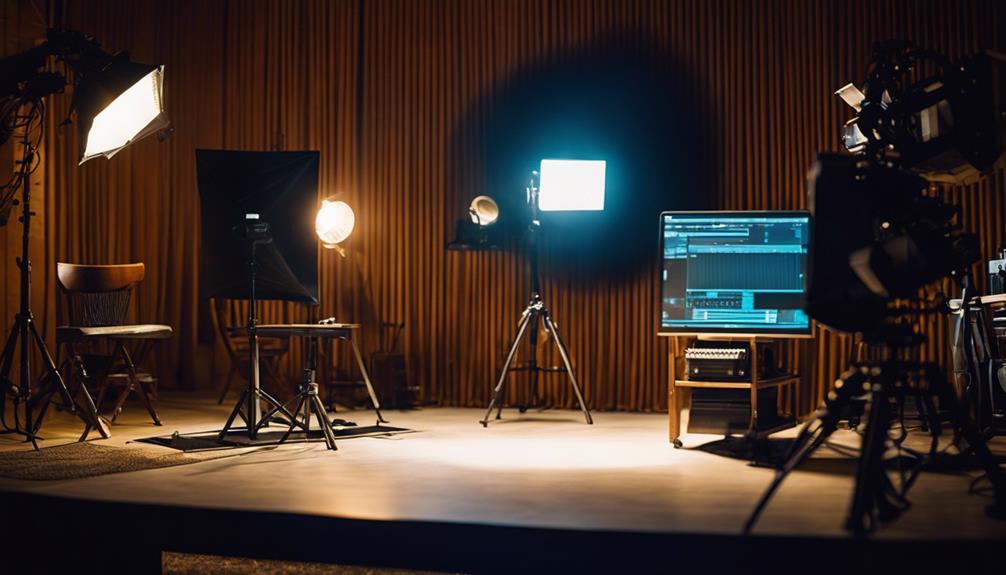
Managing Data and Light
Color Space and Bit Depth
Accurate data and light management in digital photography hinges on understanding color space and bit depth.
These technical aspects significantly impact image quality.
Bit depth determines the accuracy of color shades.
Higher bit depths result in finer color gradations, leading to more realistic images and better post-processing options.
Dynamic Range Management
Proper exposure control is key in maintaining the dynamic range of captured light, particularly in scenes with varying brightness.
Lossless compression and non-destructive editing techniques preserve metadata and safeguard original data.
Mastering Data and Light
Frequently Asked Questions
What Is the Best Image Enhancer?
The best image enhancer:
- VideoProc Converter AI excels at upscaling images to 8K/10K resolution.
- It refines aging photos and elevates video content quality while removing noise and artifacts.
- This software supports real-time super resolution and dynamically adjusts the GPU memory footprint for efficiency.
How Do You Take More Realistic Pictures?
To take more realistic pictures, master manual camera settings, adjusting ISO, aperture, and shutter speed for optimal image clarity.
Key takeaways:
- Experiment with RAW capture to preserve more image data for better post-processing.
- Optimize lens sharpness using techniques like single point autofocus and diagnosing focus issues.
- Use noise reduction techniques in low light conditions, such as using a tripod, remote shutter release, and adjusting ISO.
How to Get Hyper Realistic AI Images?
To achieve hyper-realistic AI images, use model tuning and advanced prompts to guide generation. Fine-tune models with references and modifiers like "HDR," "UHD," and "professional" to enhance realism and detail. Advanced prompting techniques include framing images to specific styles, photographers, and cameras to create nuanced images.
How Do You Make a Picture Look Realistic?
To make a picture look realistic, master camera settings by adjusting ISO for different lighting conditions. Use the Rule of Thirds for proper composition, and work with both Natural and Artificial light sources to create Depth and Dimension.
- Adjusting ISO: Master camera settings to capture reality accurately.
- Composition Rules: Apply the Rule of Thirds for visually appealing images.
- Light Management: Utilize both natural and artificial light for depth and dimension.
