

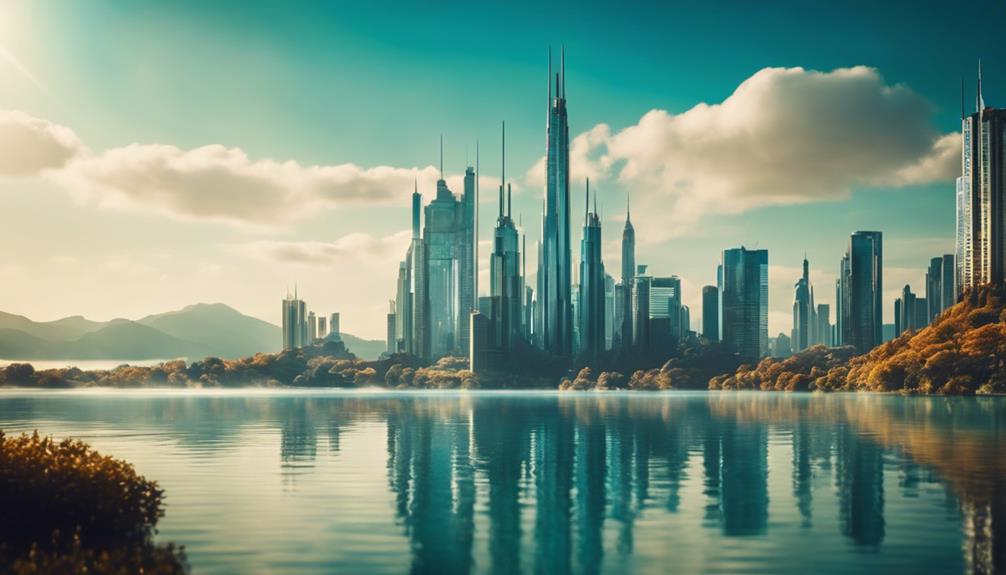
Turning AI Art into Stunning Realism in seconds demands precision.
By crafting specific prompts incorporating artistic mediums and leveraging advanced software associations like Octane Render and Unreal Engine, photorealism becomes achievable.
Fine-grained control over image dimensions guarantees that details are preserved.
Midjourney's upscale feature and commands like `–ar`, `–w`, and `–h` provide users with an exhaustive suite of tools to refine their artistic vision.
As you continue to explore these techniques, the boundaries of AI art continue to push towards breathtaking realism.
Key Takeaways
- Craft Precise Prompts: Incorporate art movements, styles, or artists for photorealism.
- Software for Realism: Use Octane Render and Unreal Engine for detailed textures.
- Unique Mediums: Add depth with artistic mediums like wet plate and Polaroid.
- Refine Detail: Use Midjourney's upscale feature for high-resolution results.
- Iterate for Nuance: Create multiple iterations for nuanced realism.
Crafting Precise Prompts
Crafting precise prompts is essential for achieving photorealism in AI-generated art. Specificity profoundly affects the final output, and a careful balance must be achieved.
To elicit precise responses from AI art generators, describe the desired image by mentioning specific art movements, styles, or artists like Pascal Blanché, Thu Berchs, or James Gurney. This unique blend of influences leads to a distinct amalgam enhancing realism.
To further enhance photorealism, incorporate cinematic tools like Octane Render and Unreal Engine.
Contextualize the artistic vision by including medium descriptors such as wet plate photography or polaroid, which adds depth to the final product. By methodically blending these cues, AI-generated art can verge on photorealism, continually nurturing artistic nuance and elevating digital expression.
Understanding Artistic Mediums
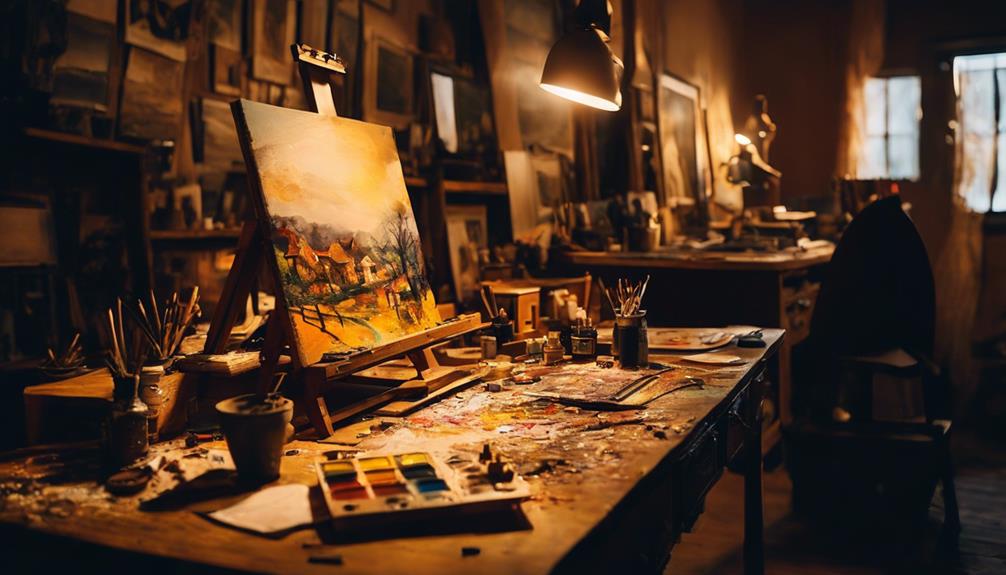
Artistic mediums, such as wet plate photography and Polaroid, serve as critical components in generating AI art by incorporating distinct textures and styles that evoke realism through their historical context.
By specifying these mediums in prompt commands, creatives can drastically alter the final output, fostering unique visual characteristics reminiscent of their traditional counterparts.
aktueller brokerage amabit such as Octane Render and Unreal Engine further enhance realism by providing a powerful and accessible authoring workflow for artists and developers.
Combining artistic mediums with specific artist styles, like those of Pascal Blanché or Thu Berchs, allows for intriguing amalgams that pay homage to their artistic predecessors.
Incorporating descriptors like cinematic or Artstation trending provides a broader context for the AI generator to draw from, leading to highly realistic and detailed images.
Through this fusion, creatives can experiment with different artistic mediums and styles, generating a diverse range of AI artwork in mere seconds.
This blend of traditional mediums and digital capabilities expands the potential of AI-generated art, offering limitless creative possibilities that engage and captivate audiences.
Integrating Software Associations
Octane Render and Unreal Engine further enhance the realism of AI-generated art by incorporating detailed textures and finely tuned rendering capabilities, offering a robust complement to the incorporation of artistic mediums.
By including these software associations in prompts, AI art can take on a more lifelike quality, mirroring the high-end visuals seen in professional visual effects and concept art.
Machine learning algorithms within these software associations empower AI image generators to deliver photographic-quality images, where even the subtlest nuances in textures, lighting, and reflection are meticulously captured.
Real-time rendering capabilities unveil a new dimension of realism in AI art, ensuring that the final output is breathtaking.
This integration of software associations and artistic mediums enables generative models to produce stunningly realistic and detailed artwork, rendering even the most intricate scenes with exceptional precision.
Controlling Image Dimensions
Precision control over image dimensions is a vital aspect of AI image generation, as exemplified by Midjourney's versatile commands and features.
One key aspect is the ability to customize the aspect ratio with the `–ar` command, guaranteeing the proportional scaling of images. Moreover, fine-grained control is achieved through the `–w` and `–h` commands, which specify the exact width and height of the output image.
Midjourney's upscale feature also plays a pivotal role in maintaining the original aspect ratio while increasing the resolution of the image. This guarantees a seamless transformation to higher detail levels without distorting the image's proportions.
Users can refine this process using options like the 'Upscale (Subtle)' and 'Upscale (Creative)' modes, which offer distinct approaches to balancing detail and style.
In this context, AI technology fosters a new level of precision in image generation, allowing users to tailor dimensions and styles with unmatched flexibility.
Upscaling for Realism
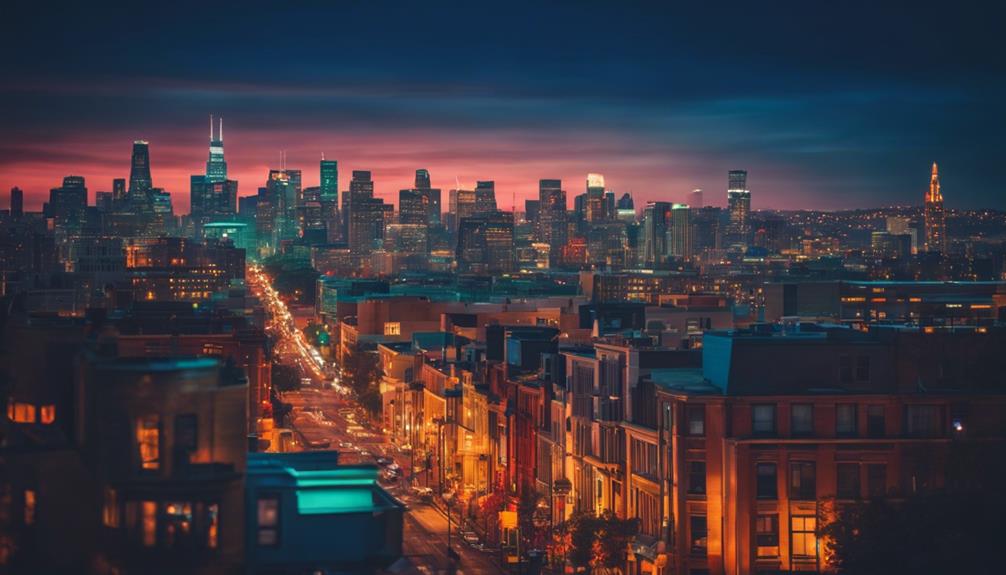
Midjourney's advanced upscaling technology significantly enhances the resolution and detail of AI-generated images, seamlessly amplifying realism in visuals, opening doors to breathtakingly realistic outputs.
The upscale command allows users to enhance their image and render it more realistic.
The 'upscale to max' feature stunningly amplifies image detail, producing highly realistic results.
The light upscale redo command helps fine-tune realism.
Midjourney's innovative capabilities showcase the transformative power of artificial intelligence in AI-generated art.
Upscaling refines image quality, transcending traditional limitations.
AI technology enhances the visual experience, rendering it more realistic.
Refining Through Variations
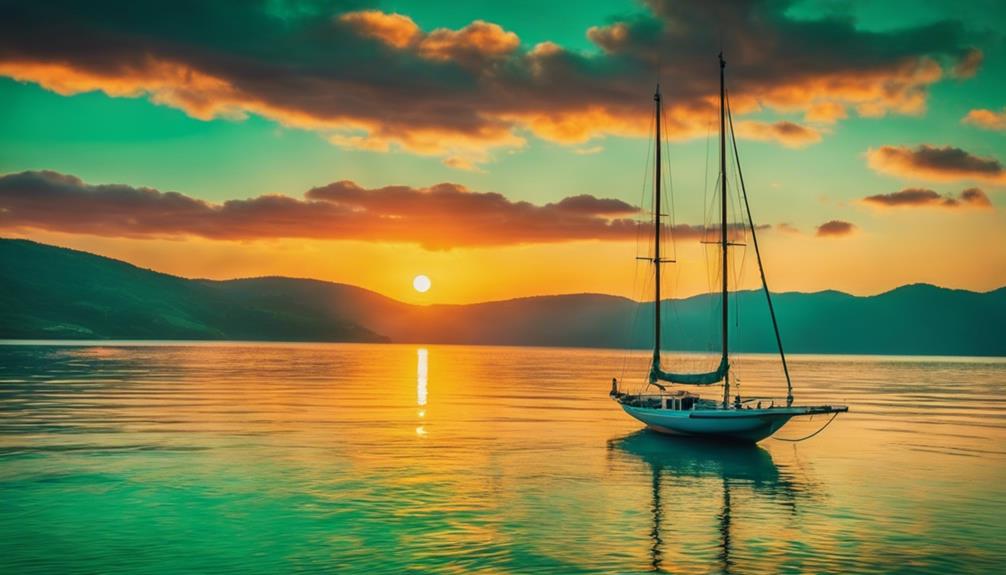
Refining Through Variations
By creating multiple iterations, users can nuance their AI-generated art, coaxing extraordinary realism.
The 'variant' button in Midjourney generates four new versions of the upscaled prompt, offering diverse options for refinement. Users can manipulate these variations, subtly shifting colors, textures, and compositions to create nuanced realism.
Upscaling reveals new creative possibilities. It frequently uncovers exciting details, allowing artists to experiment and hone their vision.
The 'Upscale to Max' command amplifies refinement, and the 'Light Upscale Redo' command subtly retrains details, offering nuanced control over the image's aesthetic.
Iterative exploration transforms AI art into masterpieces.
Mastering, Upscaling and Iterative Refinement are essential to achieving breathtaking realism.
Mastering Midjourney Commands
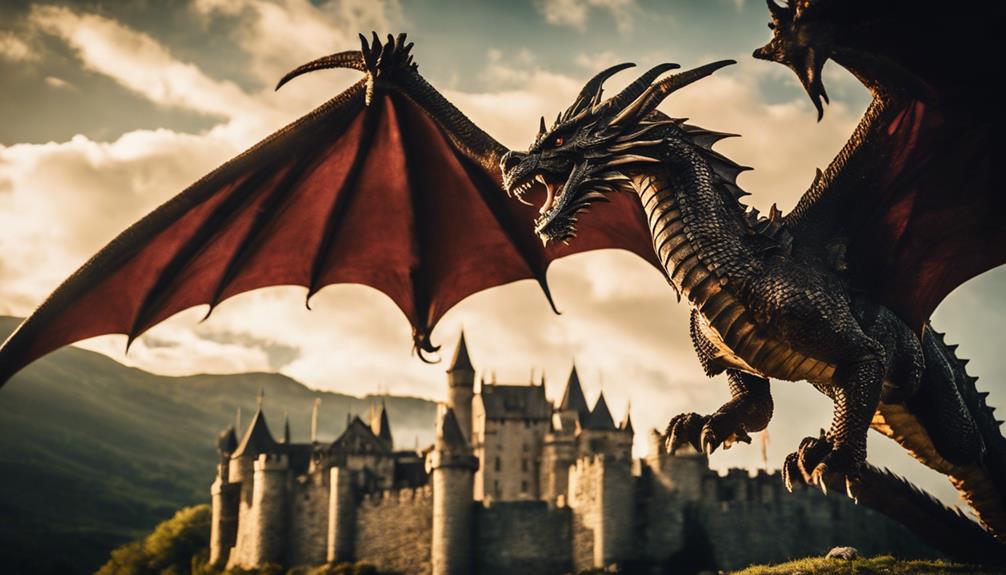
Mastering Midjourney's extensive range of commands empowers users to precision-craft their desired artistic visions.
Commands like `/imagine` generate images, `/help` access essential arguments, and `/describe` derive prompts from uploaded images, allowing users to efficiently explore different creative avenues.
The ability to create custom preferences, truncate processes, and control aspect ratios and image quality guarantees that artists can tailor their output to meet exacting standards.
Specific commands like `–ar`, `–w`, and `–h` refine images, enabling users to plunge into the nuances of composition and stylistic expression.
Midjourney offers an exhaustive suite of tools to transform AI-generated art into breathtaking realism in seconds.
The `/blend` feature combines the essence of multiple images, ensuring artists can tailor their output to meet exacting standards.
Frequently Asked Questions
How Do I Make AI Art More Realistic?
To achieve realistic AI art, incorporate texturing and style transfer with advanced tools for lifelike creations.
- Realism algorithms can enhance AI-generated portraits.
- LightningFAST workflows boost efficiency in art generation.
- Cinematic styles can add realism to AI art.
Can AI Generate Realistic Images?
- Yes, AI can generate realistic images, though photorealism limits can vary.
- Human touch and creativity can work together to achieve more realistic results.
- Technological advancements continue to enhance AI's capabilities in image generation.
What Is the AI That Makes Your Drawing Realistic?
Artificial Intelligence for Realistic Art
AI algorithms, including Stable Diffusion and ControlNet, transform drawings into detailed masterpieces using advanced neural networks and machine learning techniques.
How Long Does Ai-Generated Art Take?
- Instantaneous Generation:
- AI-generated art can be produced in seconds, leveraging high-quality rendering.
- Customization Flexibility:
- Tweaking prompts for perfection can take days, depending on specific details.
- Efficiency Variance:
- Traditional artists can often complete certain tasks faster and more effectively.
